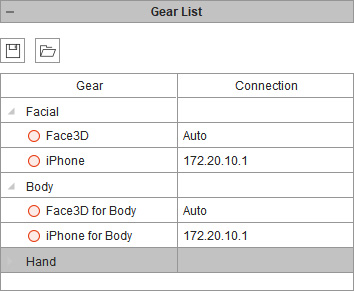
Saving and Loading Gear List
Since the Motion LIVE 2D is able to connect multiple motion capturing devices, aka gears, you can save the completed gear list to prevent from manually re-adding gears each time this panel is launched.
The benefit is when the gears are installed on an intranet for sharing the captured data, sharing the saved gear list file to a group of computer on which the Motion LIVE 2D is installed can save a lot of time from setting gear list one by one.
The Gear List data includes the following:
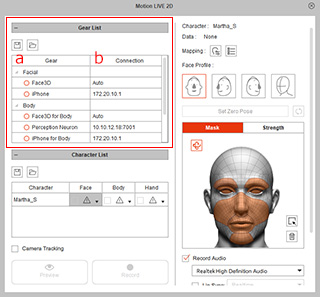 |
|
 Saving Gear List
-
Launch the Motion LIVE 2D panel.
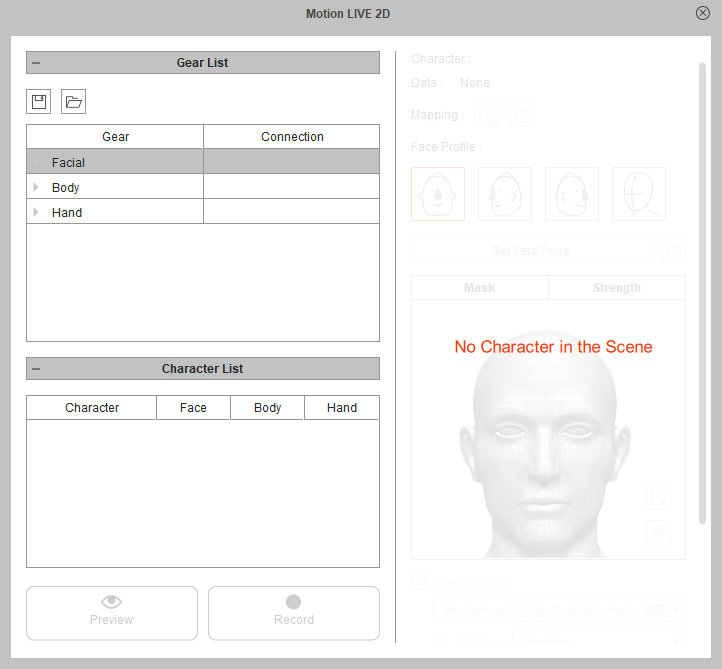
- In the Gear List section, manually connect to the desired mocap devices (gears).
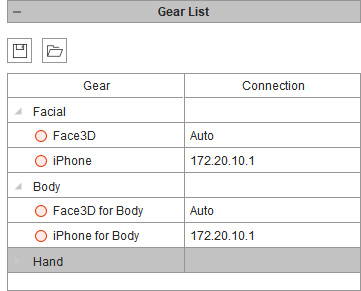
* Notice that you must install the mocap gear profiles before the gears can be shown in the list. -
Click the Save Gear List button.
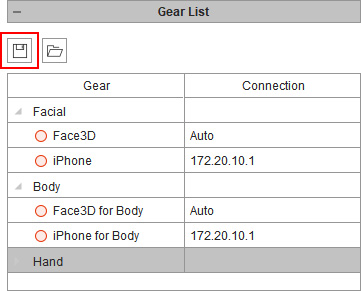
- Browse to a target directory to save the gear list in a file (in *.json format).

Loading Gear List
-
Launch the Motion LIVE 2D panel.
- Click the Load Gear List button in the Gear List section.
Load a json file (*.json) saved by the method in previous section.
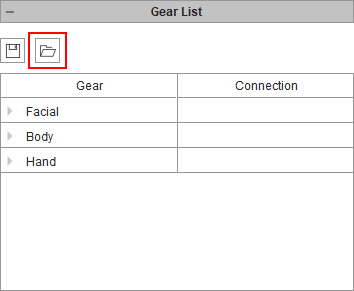
- You will see the device is now all added, which saves time from adding them one after one.