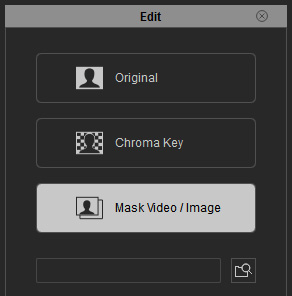
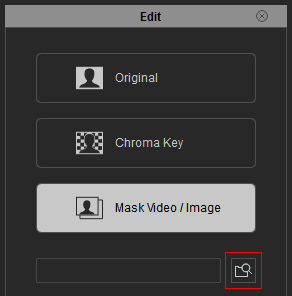
 | |
A greyscale image being loaded | A mask video being loaded |
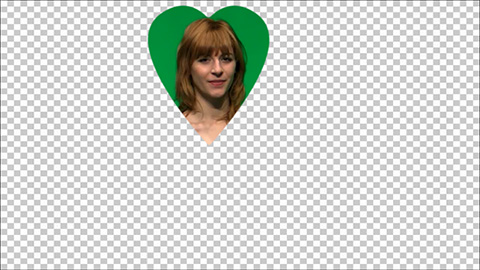 | 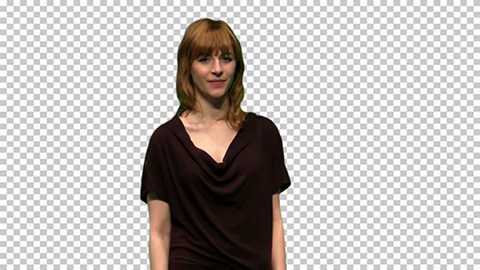 |
The source video is masked by the image | The source video is masked by the mask video |
With a mask media image or video, you may filter out unnecessary parts of the source image or video and create a masked popVideo file for further use in iClone.
| |
A greyscale image being loaded | A mask video being loaded |
| |
The source video is masked by the image | The source video is masked by the mask video |
|
|
|||
|
Source Media |
|||
|
Video |
Single Image |
Sequence Images |
|
|
Single Mask Image |
Mask Image will be auto-resized to fit the resolution of the source file. |
Mask Image will be auto-resized to fit the resolution of the source file. |
Mask Image will be auto-resized to fit the resolution of the source file. |
|
Mask Video |
The Length, Resolution, and Format of the source and the mask videos must be identical. |
N/A |
N/A |
|
Note |
|