 button.
(New for v3.0)
button.
After the file is loaded, you will see the relevant information in the Source Information section of the Info Panel.
|
Note |
|
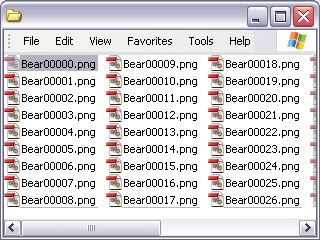
If you prepare sequenced images using external software, then you may import them into popVideo to generate transparent videos as well.
button.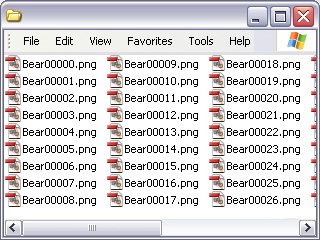
The files in special video format such as *.MP4, *.MTS, *.M2V, *.M2T, *.AVC and *.M2TS can not be dragged in, but they are still compatible with popVideo.
button.|
Note |
|