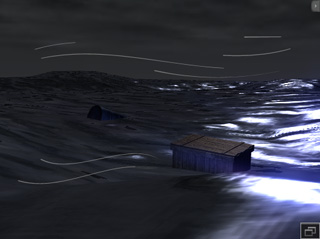
Creating Puppet-ready Props Using Character Dummies
In iClone, a prop could only be puppeteered via its
transformation data (rotation, translation and scale) as
an entity in itself. You previously needed to use the Key-framing method to
animate it (if any bone structure exists), which
is very time consuming, and often inefficient.
By using the Builder, Controller
and Dummy Character provided in the Avatar Toolkit Vol. 2,
you are able to treat a puppeteer-ready accessory the same way as you would normally use the Prop Puppet tool on a prop.
-
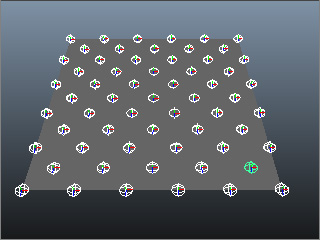
Prepare a custom bone-skinned model in another 3D tool (in this example,
a simple plane with bones created in Maya).
-
Convert the model into iClone as an iProp. Please
refer to the
Preparing Custom Accessory section for more information.
-
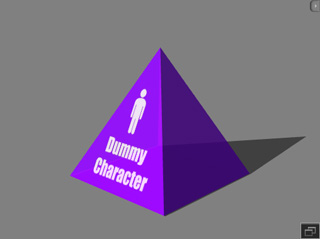
In iClone, apply the Dummy Character provided in
the Avatar Toolkit Vol. 2.
-
Attach the prop to the dummy character to turn the prop into an accessory.
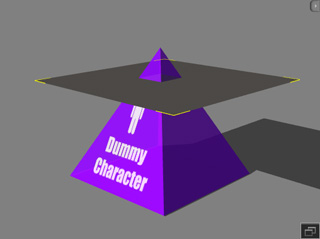
* Please note that the positions of the dummy character and the accessory can be
randomly determined.
-
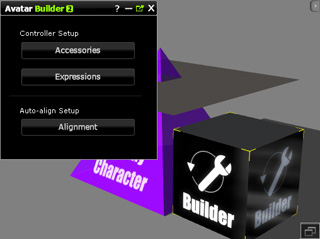
Apply the Builder to the scene.
-
Click the Accessories button and click on the accessory.
-
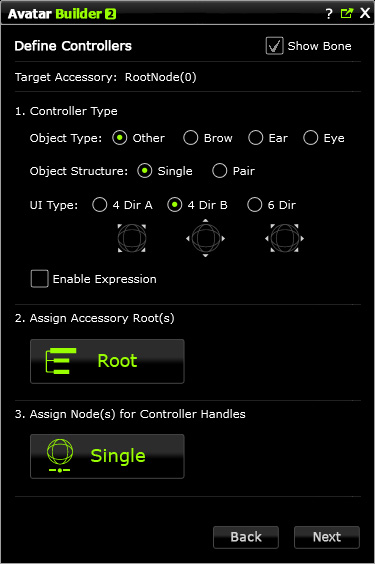
Correctly set the settings in the Define Controllers page. Please refer to the
Define Controllers page section for more information.
-
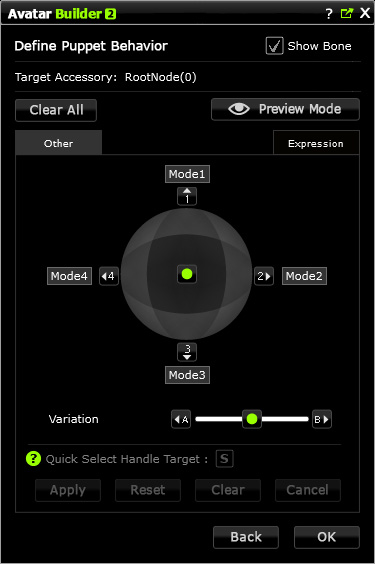
Move to the Define Puppet Behavior page.
-
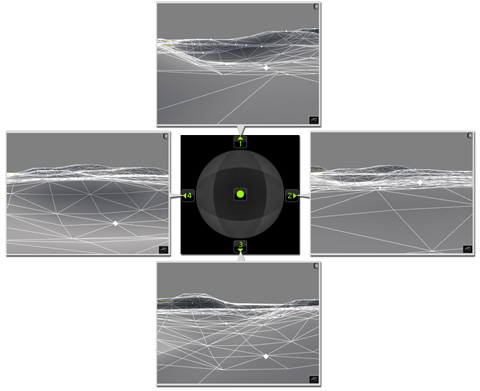
Set different postures of the accessory to the axes around the compass. Please refer to the
Define Puppet Behavior page section for more information.
-
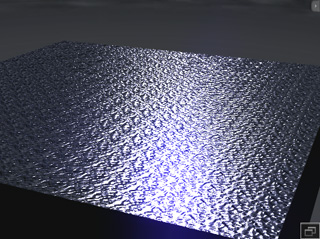
Apply materials to the accessory (in this case, water diffuse and bump videos are used).
-
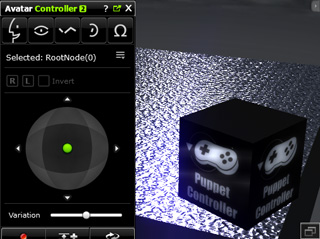
Apply the Avatar ToolKit Controller to the scene.
-
Puppeteer the accessory to generate custom animations.