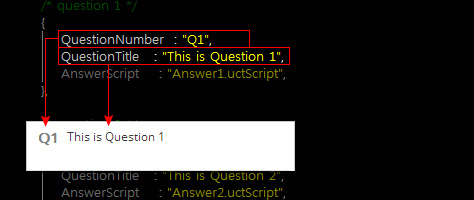
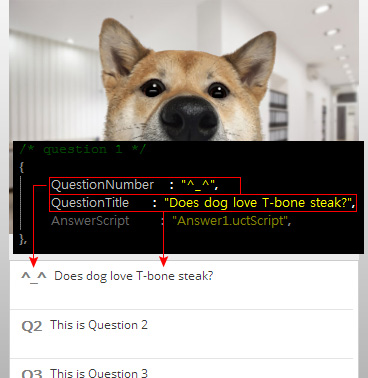
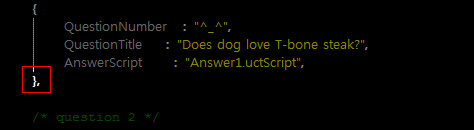
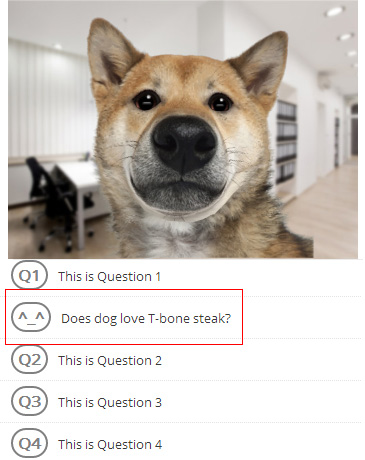
The FAQ template helps you interact with your audience to answer the
most frequently asked questions with the help of a voice and expressions. The audience thus can
click on the pre-made questions and the actor in the web player will instantly
and respond; which is a much easier way for audiences to understand and remember inquiries.
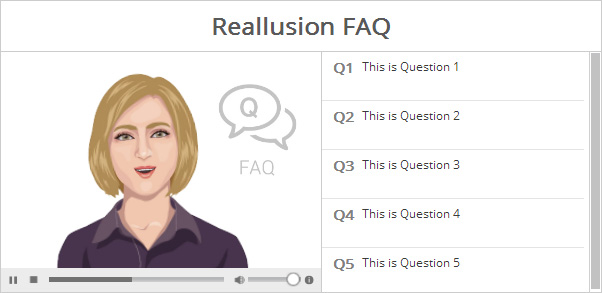
Please refer to the Basic Workflow section to create and build interactive assets before proceeding to the next steps below.
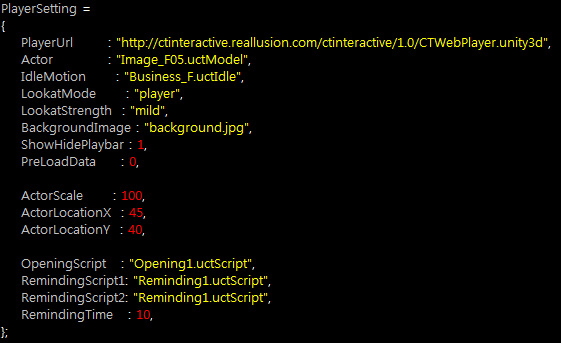
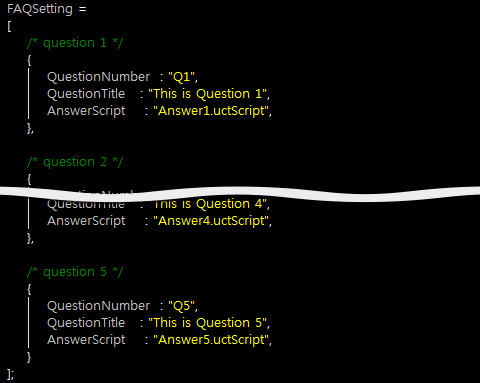
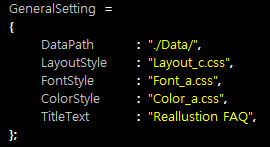
Once the assets are properly stored in the folder mentioned in the Basic Workflow section, Open the UserSetting.js file with a text editing tool in order to replace the embedded assets with custom ones.
The settings in the General Setting section of
the UserSetting.js are listed below. You need to adjust the
text within the quotation marks following the names of each setting:
| Note: |
|
Please refer to the General Settings section for more information. |