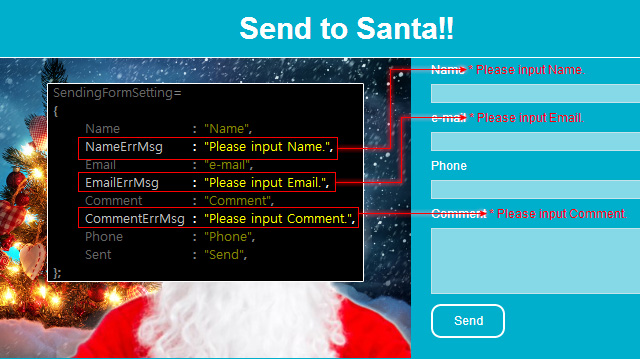
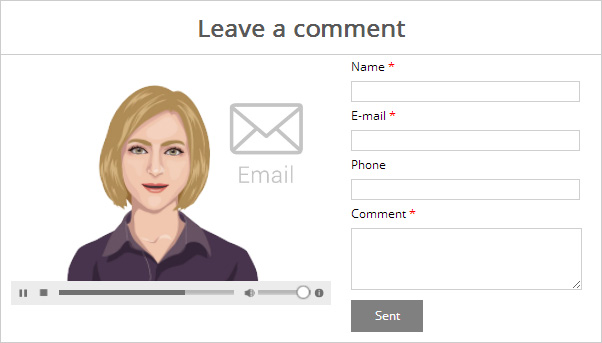
The E-Mail template helps you to embed an
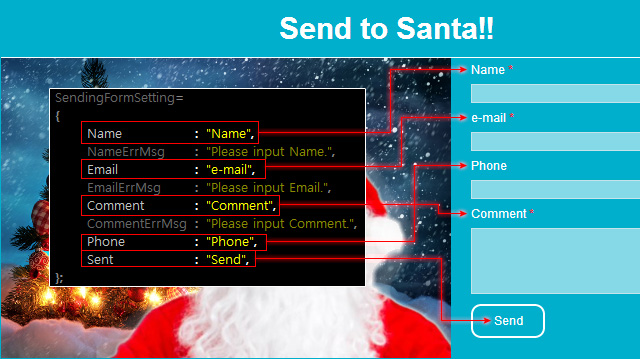
interactive avatar on the web pages for audiences to send
feedback e-mail to your target mail box. The actors are able to provide real-human guidance on how
to use the field to successfully send the information.
*Please note that you need to manually integrate this template with an e-mail service in order to
send these information.
Please refer to the Basic Workflow section on how to create and build desired interactive assets before proceeding with the steps below.
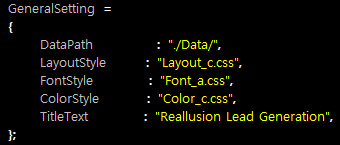
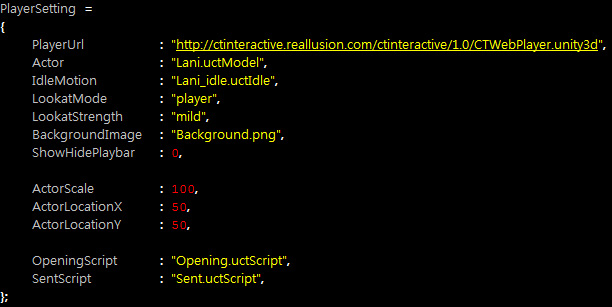
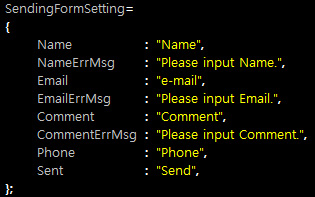
Once the assets are properly stored in the folder mentioned in the Basic Workflow section, then Open the UserSetting.js file with a text editing tool in order to replace the embedded assets with custom ones.