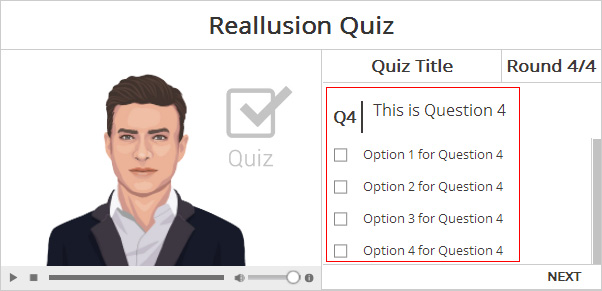
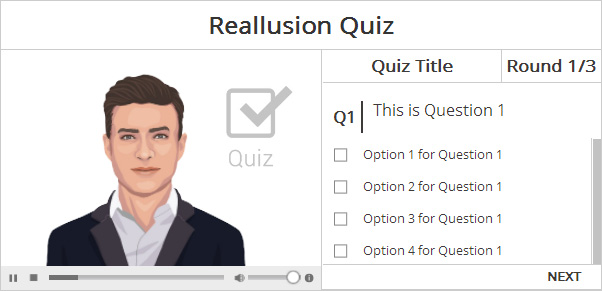
The Quiz template helps you create interactive quizes for audiences. The number of questions in the quiz can be changed
and the total number will be auto-calculated at the end of the quiz.
The actor can also give a default or customized comment according
to the score.
Please refer to the Basic Workflow section to create and build desired interactive assets before proceeding with the steps below.
Once the assets are properly stored in the folder mentioned in the Basic Workflow section, then open the UserSetting.js file with a text editing tool in order to replace the embedded assets with custom ones.
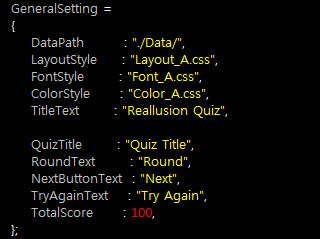
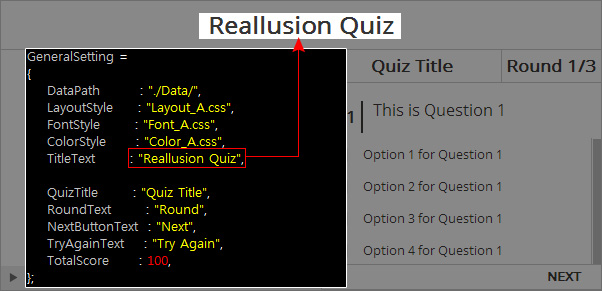
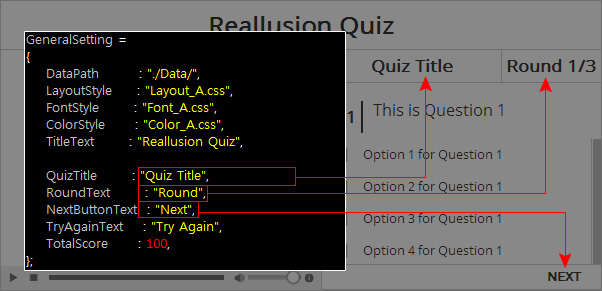
The settings in the General Setting section of
the UserSetting.js are listed below. You need to adjust the
text within the quotation marks following the names of each setting:
| Note: |
|
Please refer to the General Settings section for more information. |
Additional General Settings for User Interface Texts |
||
|
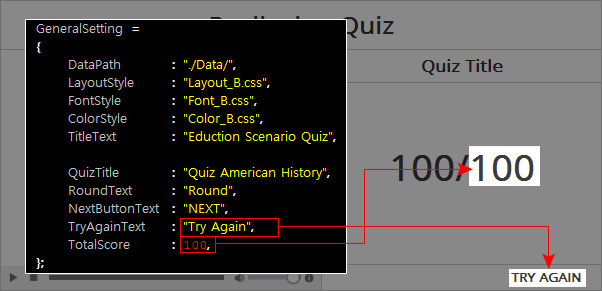
There are certain texts on the user interface. You are allowed to change these texts to customize your quiz page.
|
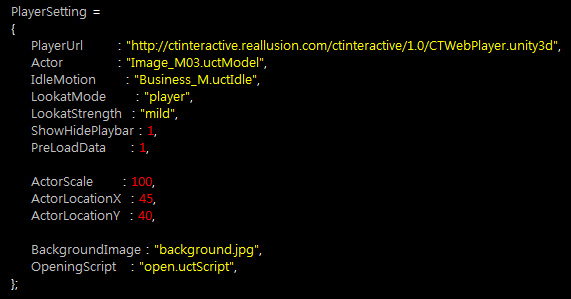
The settings in the Player Setting section of the UserSetting.js are used for introducing desired assets into the web player. Therefore, please make sure that each and every asset you are about to use are already put into the path as described in the General Setting Section as describe above.
The Player Setting section are as shown below:
| Note: |
|
Please refer to the Web Player Settings section for more information. |
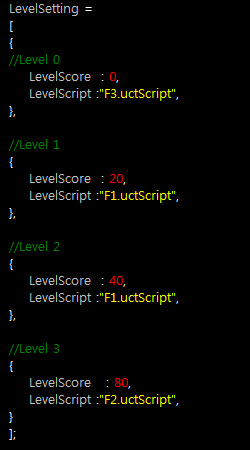
In this section, you are able to set the scoring and
level-setting regulations for
the quiz.
Modifying Levels |
||
|
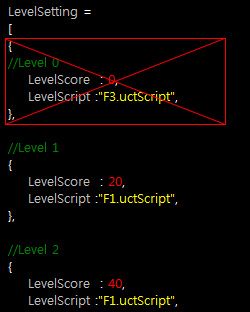
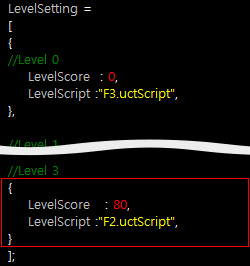
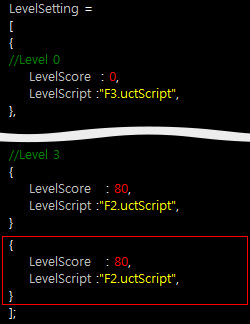
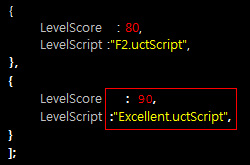
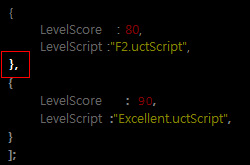
The LevelSetting section is actually an array, in where you list the scoring levels you plan to have. In each level, you can set the threshold for the score the audience gets and the responses of the actor when reaching the corresponding levels.
|
||
Removing or Adding Levels |
||
|
You are free to change the number of the levels.
Removing a Level
|
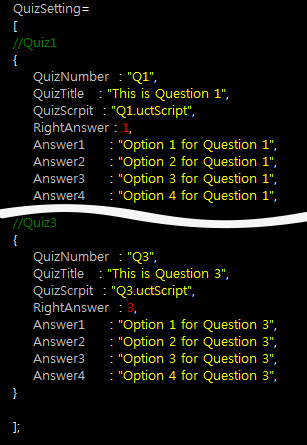
In this section, you are able to design different questions for
the quiz, including the text, answers and the scripts for the
actor to speak.
Modifying Questions in Quiz |
||
|
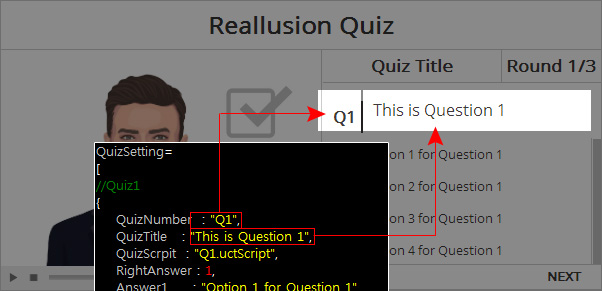
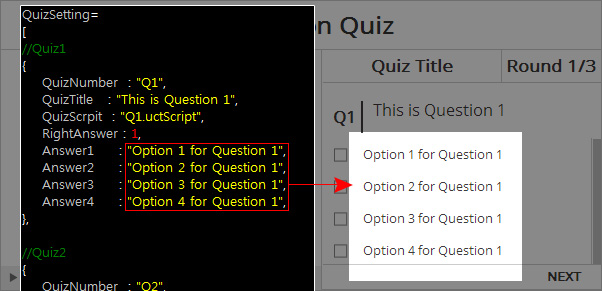
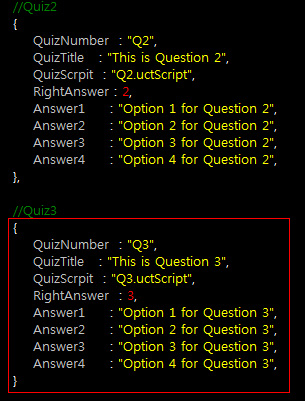
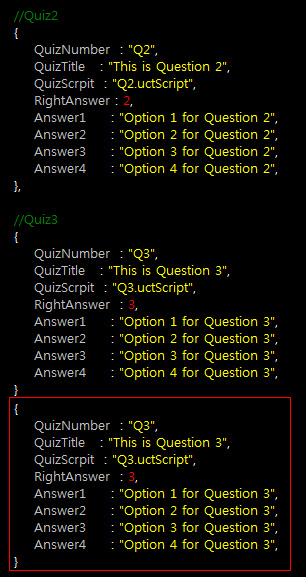
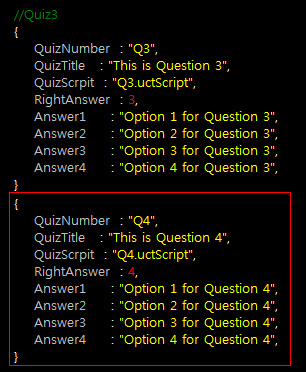
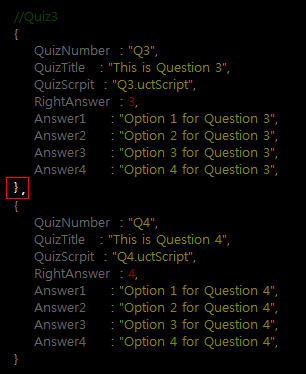
The QuizSetting section is actually an array, in which you list the questions you have prepared for the audiences. In each question, you can set the number and the title of it; you can have the actor to read the questions for the audience; furthermore, you can determine the options and the correct answers for the questions.
|
||
Removing or Adding Questions |
||
|
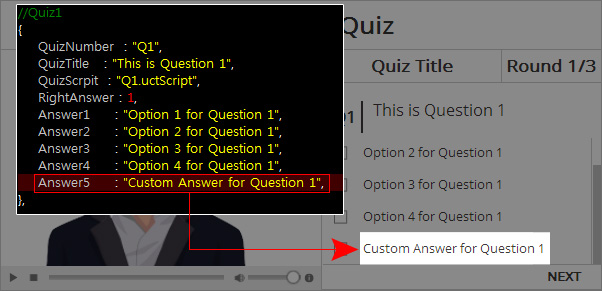
You are free to change the number of the options.
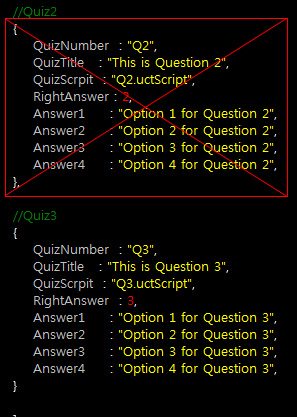
Removing a Question
|