Scattering Objects with Move Offset Keys
In addition to shifting the entire route on the Motion Path, you can set different offset keys in different timeframes to generate specific offset animations.
- Create a scene with an object and a Motion Path.
- Have the object move along the path.
- Create another object.
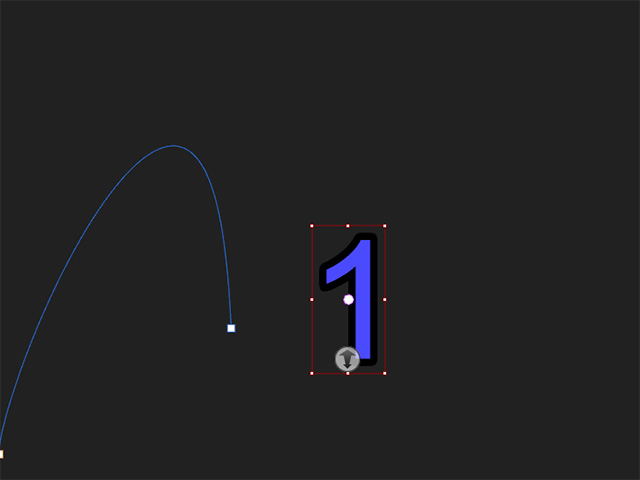
- Have it moving along the same path as well by sharing the existing keys stored on the path.
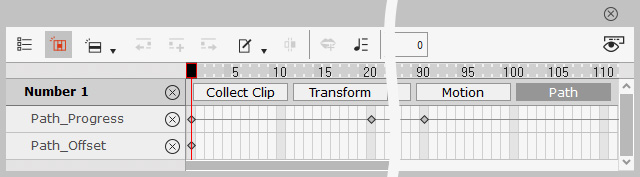
- Select the new object and open the timeline. Press down the Path button to show the sub-tracks, Path_Progress and Path Offset.
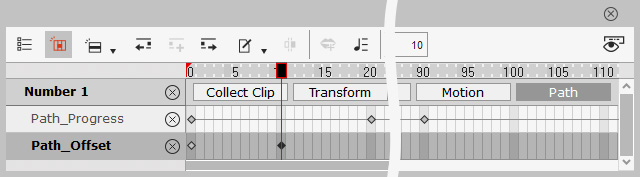
- Go to the specific timeframe and open the Path Properties panel.

- Adjust the Move settings (X, Y, Z) to add a new offset key in the timeframe.
The object will be offset from the first object.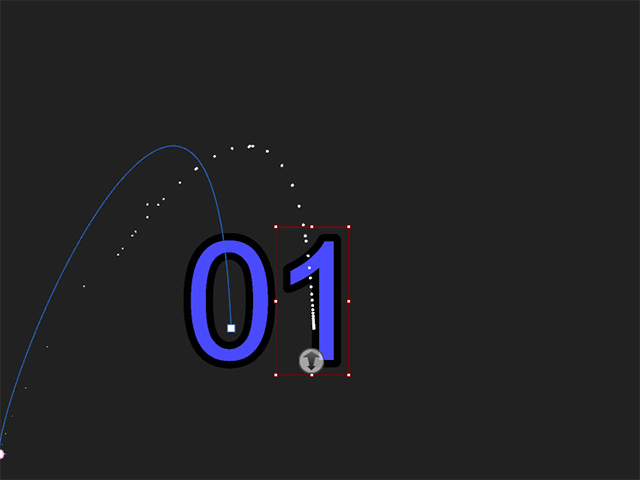
- Playback to view the result.
- Repeat the same steps for other objects.
- Move the offset keys of these objects to have them start perspective animations in different timeframes.
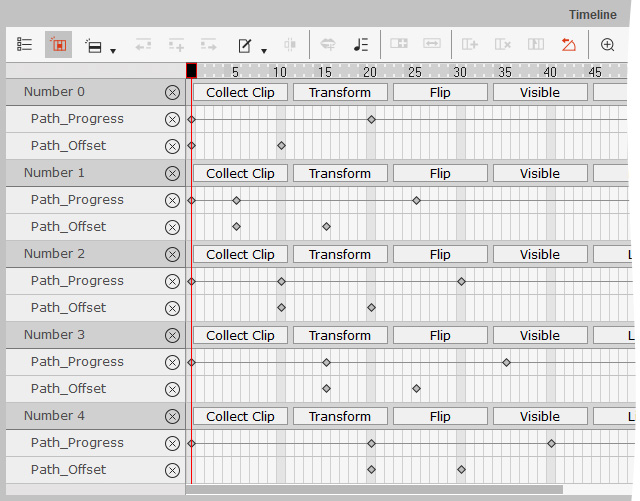
- Playback to view the result.
