Main Menu - File
The File menu on the main menu bar contains all the commands that are
relevant to the management of projects.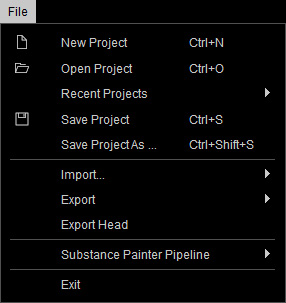
|
New Project (Ctrl + N) |
Creates a new project. |
|
Open Project (Ctrl + O) |
Opens a saved project. |
|
Recent Projects |
Recently opened projects are listed under this menu for your convenience. |
|
Save Project (Ctrl + S) |
To save the current project to a target directory. |
|
Save Project as... (Ctrl + Shift + S) |
To save the current project as another file to a target directory. |
|
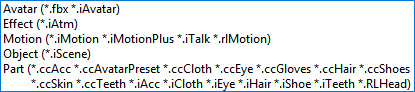
Import (Ctrl + I) |
Imports various assets into Character Creator. |
|
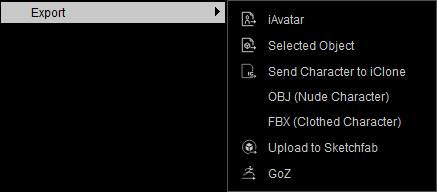
Export |
To export currently selected object into iClone
compatible files.
|
|
Export Head |
Export the currently character's head mesh in FBX format for creating head models of Unreal Meta Humans. |
|
Exit |
To exit Character Creator. |