Material Tools
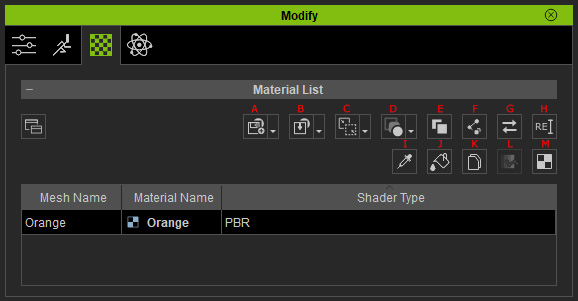
|
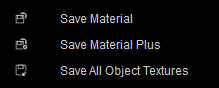
A |
Save Material |
|
|
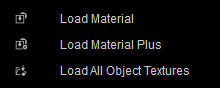
B |
Load Material |
|
|
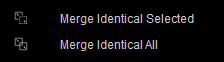
C |
|
|
|
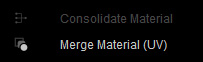
D |
Merge Material / Consolidate Material |
|
|
E |
Make Unique |
Make the Selected material Unique. |
|
F |
Link identical texture across the materials of the object and materials in the scene. |
|
|
G |
Click to change the Shader Type of the Object |
|
|
H |
Rename |
Click to Rename the Material |
|
I |
Pick and copy the entire material, use click to activate and select the desired material you want to pick on the viewport. |
|
|
J |
Paint the material you previously picked on to the selected region by clicking on the viewport. |
|
|
K |
Copy the Shader Material Parameter For Digital Human Shader materials. |
|
|
L |
Paste the Shader Material Parameter For Digital Human Shader materials. |
|
|
M |
Launch the UV Reference map to External image editor |