Brush Settings
|
A |
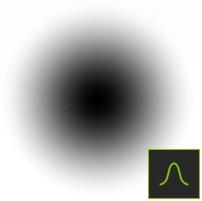
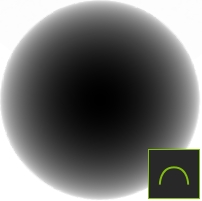
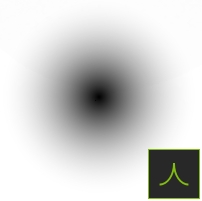
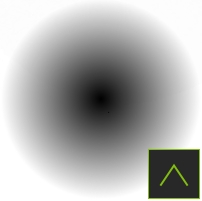
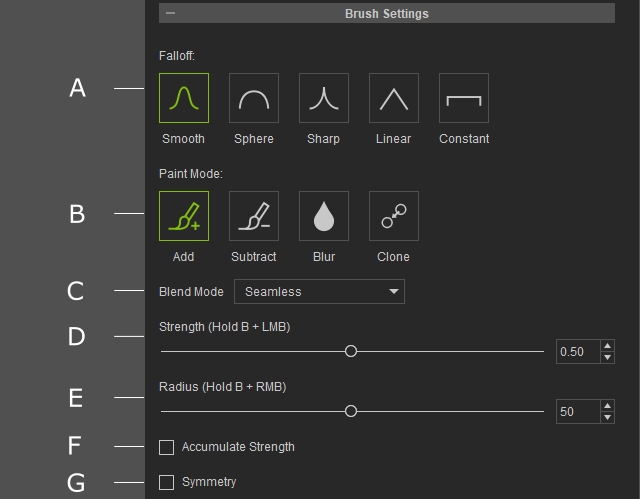
The Brush Falloff is a curve that determines how the strength of the brush decreases with increasing distance from the center.
|
|||||||||||||
|
B |
Brush Paint Mode |
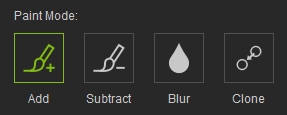
There are 3 Paint Mode in Mask mode and 4 Paint Mode in Stencil & Clone mode.
|
||||||||||||
|
C |
Blend Mode |
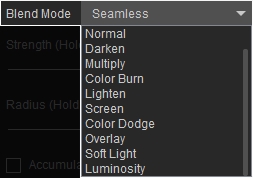
Determines how the painted texture blends with the existing texture beneath it. More details are shown in this page. |
||||||||||||
|
D |
Strength |
Adjust the strength of the brush effect. |
||||||||||||
|
E |
Radius |
Adjust the size of the brush. |
||||||||||||
|
F |
Accumulate Strength |
Activate Accumulate Strength to allow multiple brush strokes to build up the effect intensity over the same area. |
||||||||||||
|
G |
Symmetry |
Activate Symmetry to mirror brush strokes horizontally across the face, allowing edits to be applied to both sides simultaneously. |