Balancing between Prompts and Reference Images
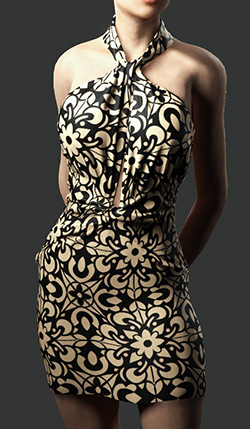
Pair motifs with distribution logic for a natural, cohesive finish, adjusting their individual strengths to achieve the desired clothing theme. Iteratively refine both prompts and reference images to balance their influence. In practice, influence strength generally follows: Motif, Distribution, then Prompt.
Balancing between Prompts and Reference images
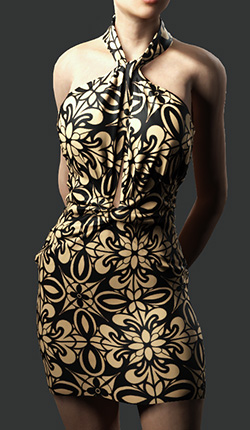
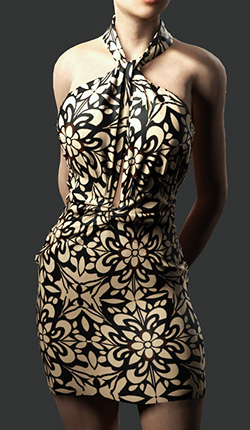
When either Distribution or Motif contains an image, the prompt’s influence is significantly reduced compared to the reference image. The reference images should not conflict with the prompt. If a conflict occurs, the AI will prioritize the reference image.
| |||
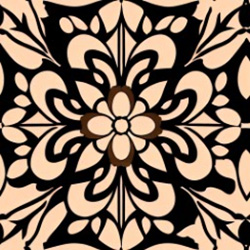
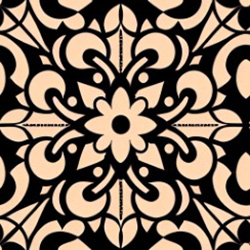
Distribution: |  | Motif: | 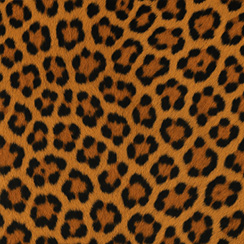 |
AI Output | |||
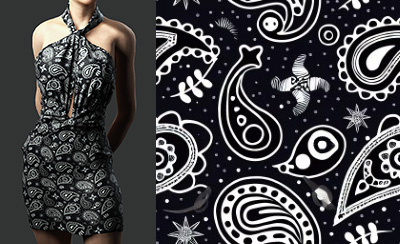 | 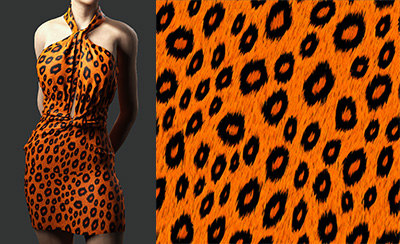 | ||
Balancing between Reference images (Distribution and Motif)
The value ranges of Distribution and Motif are not equivalent. When both are set to 1, the Motif generally has a stronger influence than Distribution.
- When the Distribution value is fixed: Smaller Motif values cause the output to align more closely with the Distribution, while larger Motif values increase the Motif's influence on coloring, direction, and saturation.
- Positive Prompt: "flower print textile pattern, flat seamless design, fabric style"
- Negative Prompt: "watermark, text, error, blurry, jpeg artifacts, cropped, worst quality, low quality, normal quality, jpeg artifacts, signature, watermark, username"


Distribution Strength = 0.4
Motif Strength = 0.3
Distribution Strength = 0.4
Motif Strength = 0.7
Distribution Strength = 0.4
Motif Strength =
1AI Output
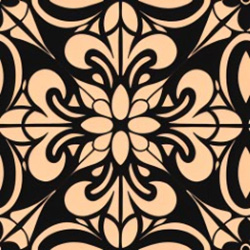
- When the Motif is fixed: Smaller Distribution values cause the output to align more closely with the Motif, while larger Distribution values increase the Distribution's influence on coloring, direction, and saturation.
- Positive Prompt: "flower print textile pattern, flat seamless design, fabric style"
- Negative Prompt: "watermark, text, error, blurry, jpeg artifacts, cropped, worst quality, low quality, normal quality, jpeg artifacts, signature, watermark, username"
Motif Strength = 0.4
Distribution Strength = 0.1
Motif Strength = 0.4
Distribution Strength = 0.4
Motif Strength = 0.4
Distribution Strength =
1AI Output
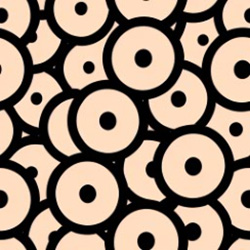
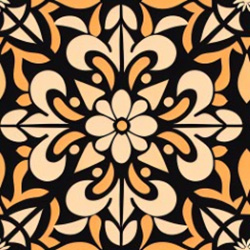
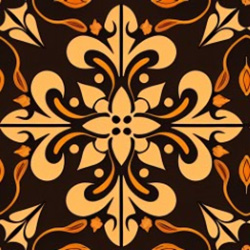
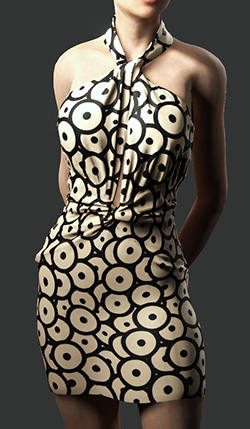
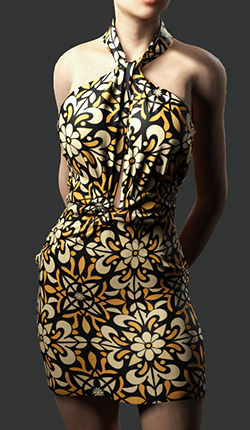
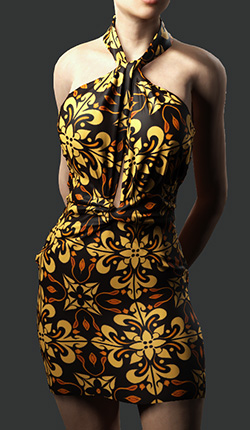
If the Distribution value is set to 1.3, the generated image is theoretically more influenced by the reference’s shape and color, increasing the chance that the output follows the same color scheme. In extreme cases, such as a nearly black-and-white Motif reference where Distribution cannot be increased further, adding color descriptions in the prompt is recommended to improve the likelihood of achieving the desired colors.
See also:
