Using Reference Images - Distribution and Motif
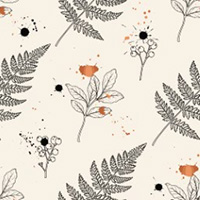
You can load both Distribution and Motif reference images simultaneously to create a custom theme with a precise texture layout.
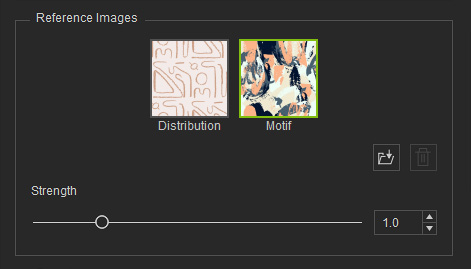
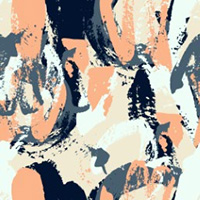
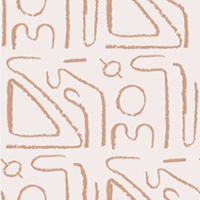
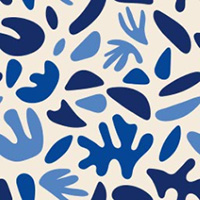
Using the same Motif image, you can generate varied patterns by applying different texture layouts via the Distribution reference, allowing changes in flow and arrangement while keeping the theme consistent.
| |||||
Motif | Distribution | Motif | Distribution | Motif | Distribution |
 |  | |  | |  |
AI Output | |||||
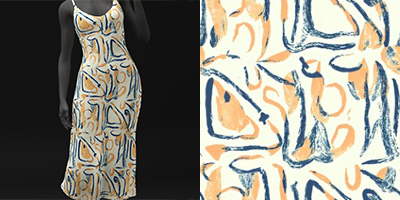 | 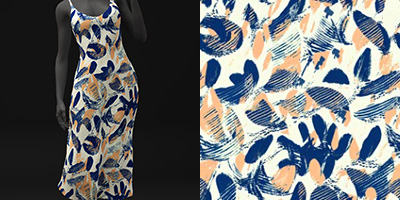 | 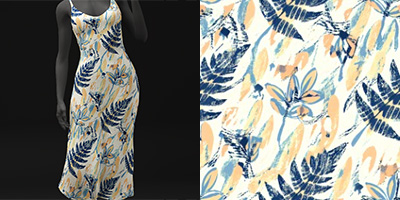 | |||
Using the same Distribution image, you can create different patterns with varied themes via the Motif reference while keeping the texture layout fixed.
|
| ||
Distribution | Motif | Distribution | Motif |
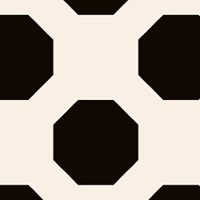 |  | |  |
AI Output | |||
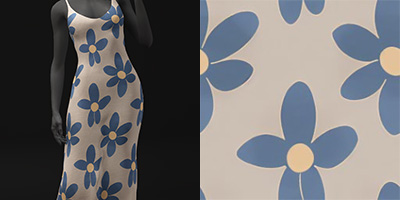 | 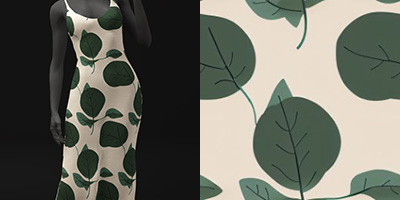 | ||
See also:
