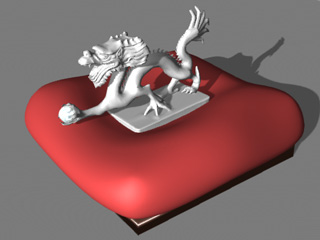

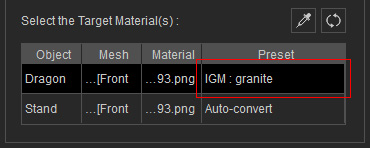
In this case, there are several objects that require specific materials:
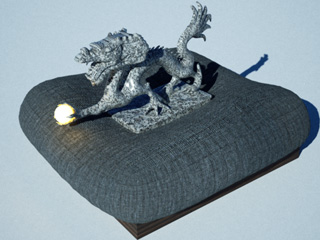
- The Sculpture.
- The Dragon Ball.
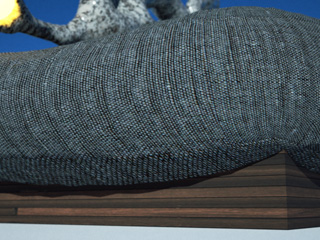
- The Cushion.
- The Wood Box.
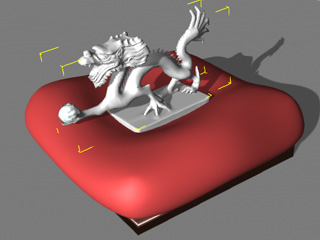
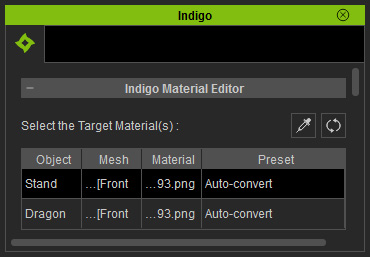
|
Note: |
|
You may use the Pick |
 tool to quickly pick the material you want.
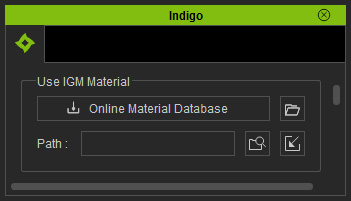
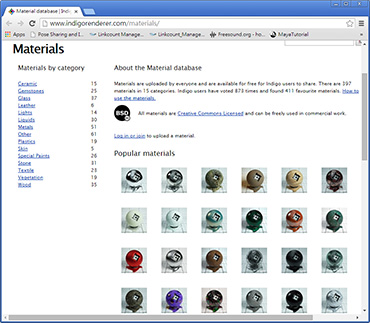
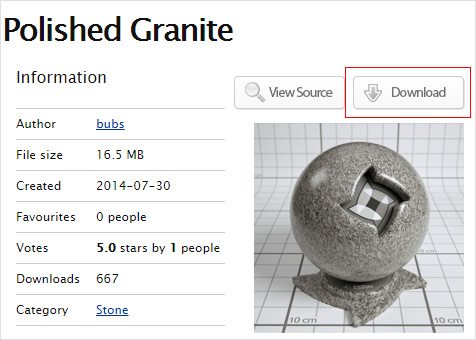
You will be directed to the online official material library hosted by Indigo.
|
Note: |
|
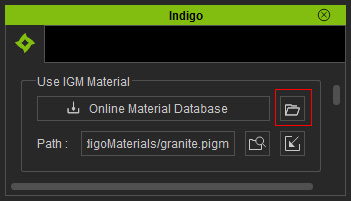
The Path displays the location of the applied material. Click the
|
 button to browse the location of the Indigo material file
(New for 1.03).
button to browse the location of the Indigo material file
(New for 1.03).
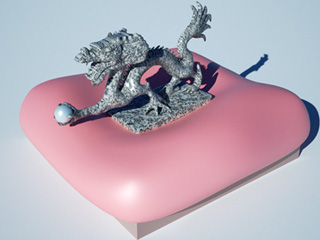
-
The Dragon Ball.
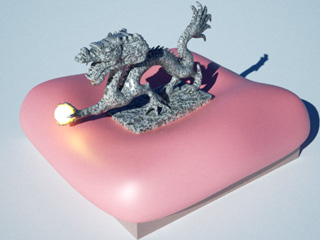
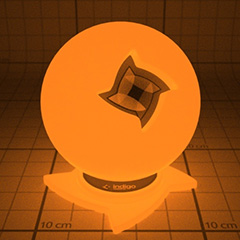
-
The Cushion.
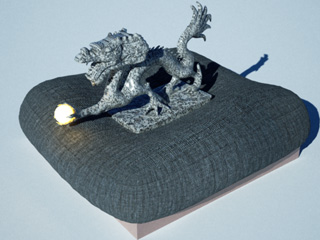
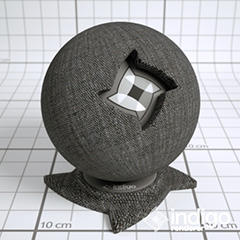
-
The Wood Box.
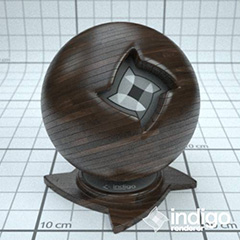
Note:
Please note that if you have created any material animation for specific objects, after they are applied with the Indigo materials (*.igm, *.pigm), the animations will NOT be kept.