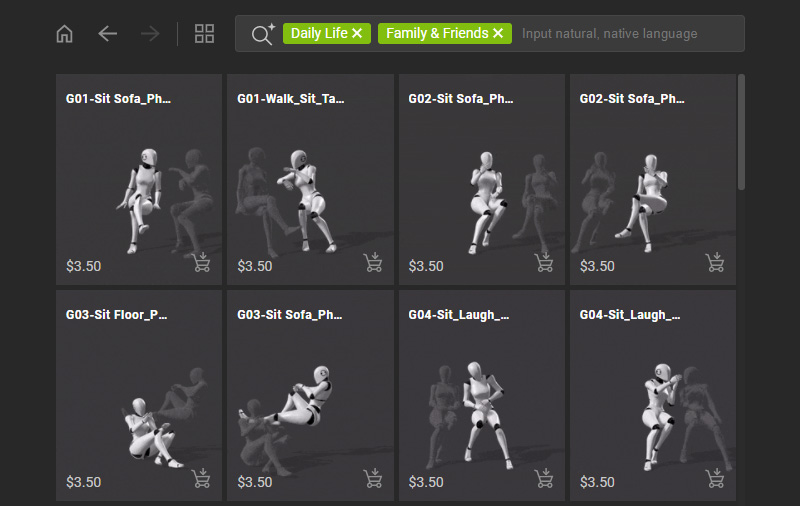
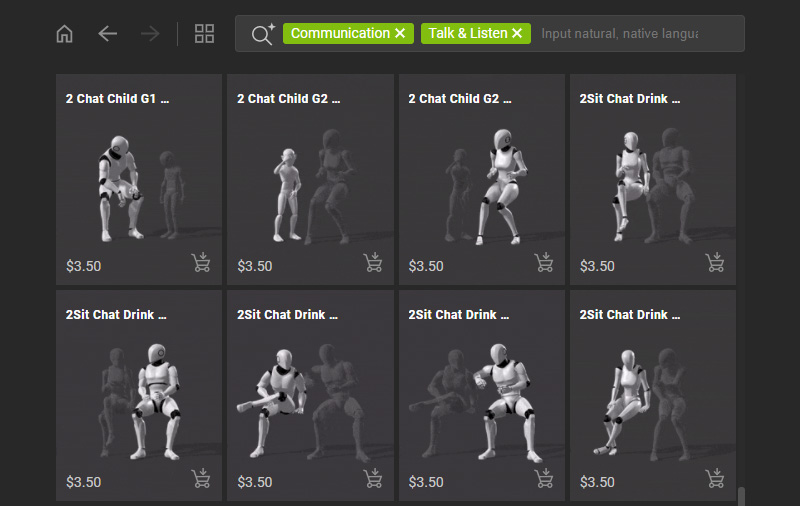
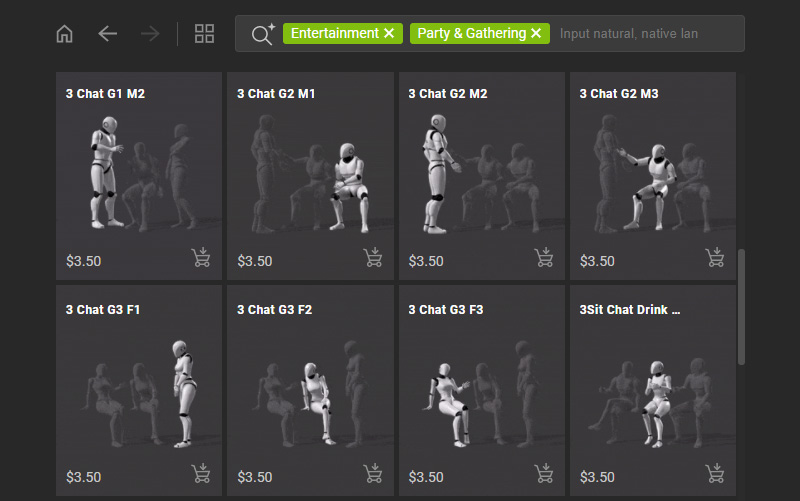
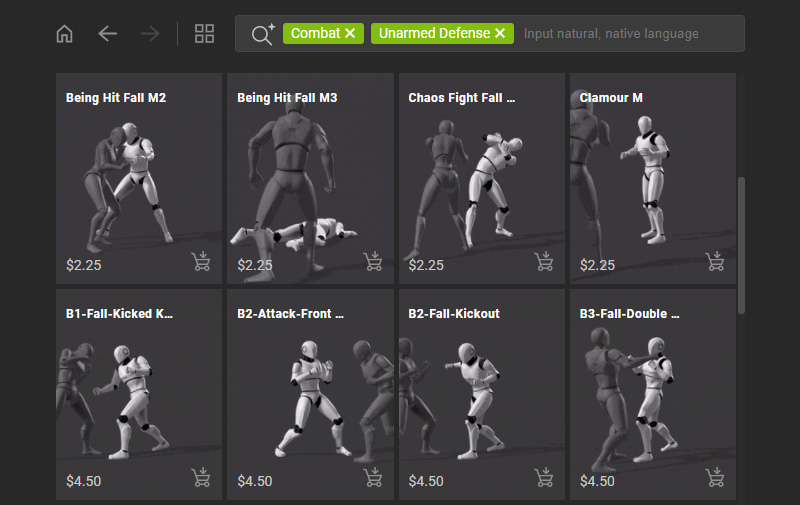
Finding Group Motions
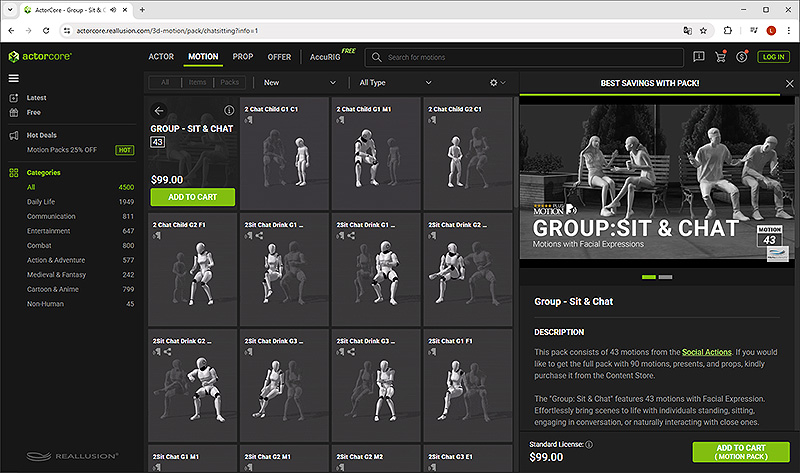
ActorCore does not only provide solo motions performed by a single character, but also the sophisticated group interaction motions presented by multiple actors. It helps to produce natural and reasonable inter-personal interactions.
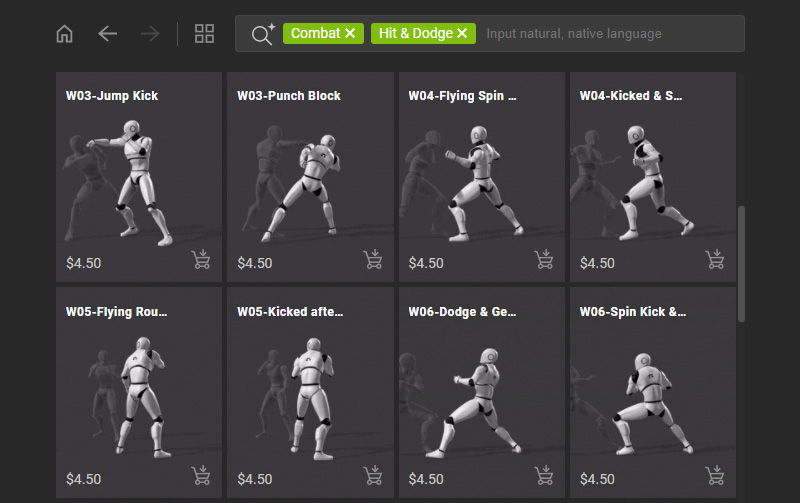
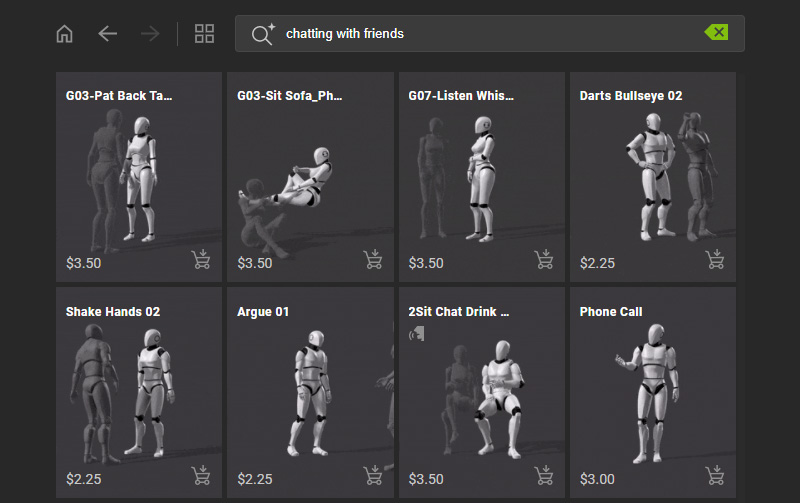
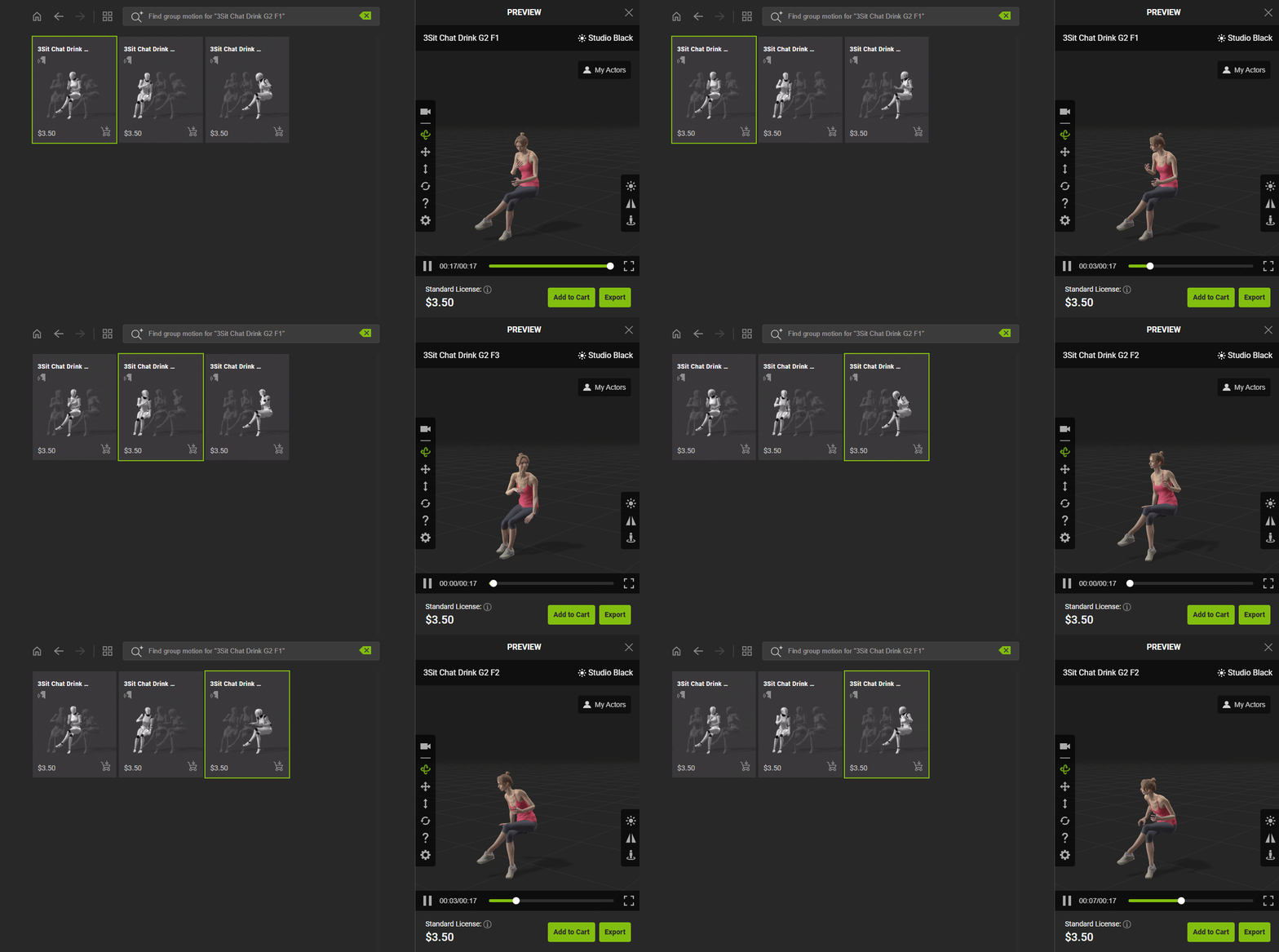
- Browse by category or search by text involved in group interaction like talking and listening, friend gathering, or close fighting. You can distinguish group motions via the animated thumbnails with multiple actors.
- If an item relates to group motion, you can hover over the item and select Group Motion below its thumbnail.
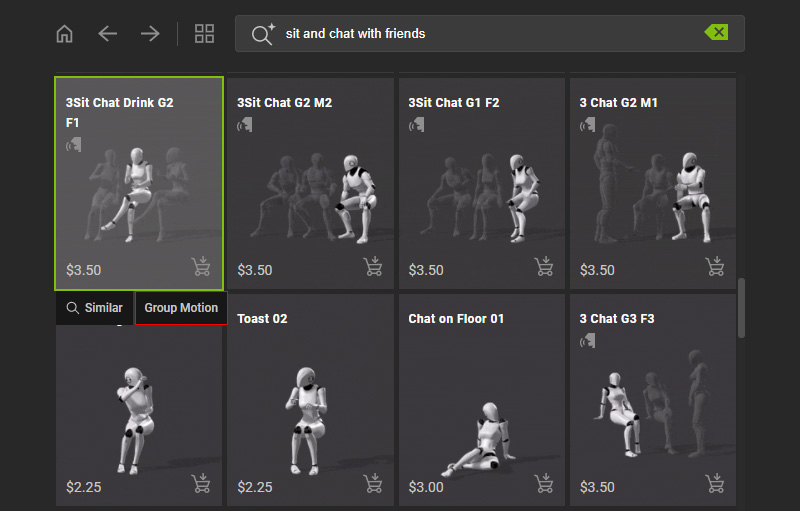
- The page will refresh automatically to display all related group motions.
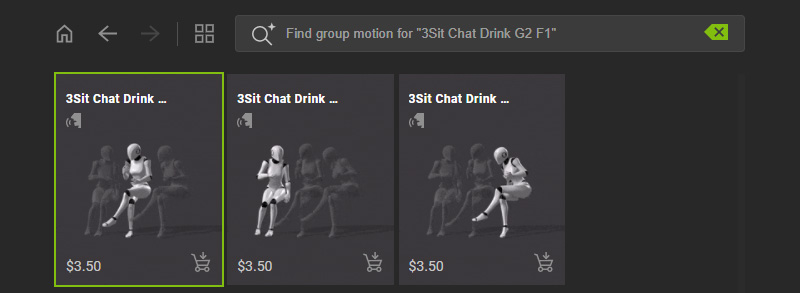
- Click on the thumbnail to apply the motion onto your character.
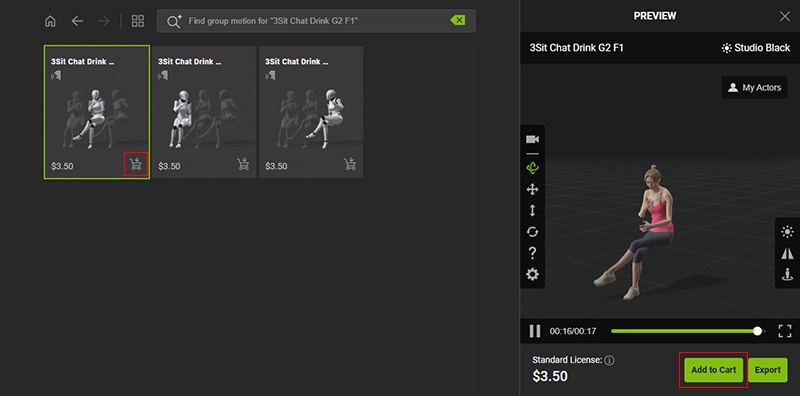
- If you wish to export your character with additional motion, add the item to your shopping cart by clicking on the cart icon on the bottom-right corner of the thumbnail.
Or, click the Add to Cart button below the preview window.
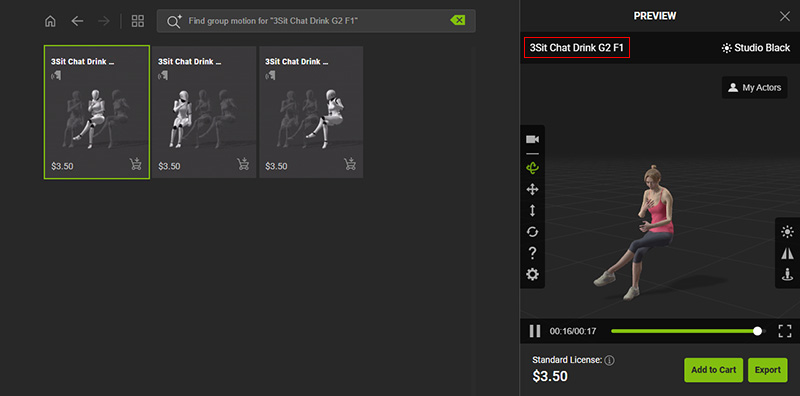
- You can also click on any one of the motion name shown on the preview window to visit the product page on ActorCore.
- The motion will be demonstrated by a default dummy.
Switch to the Info tab to view the item details and pack information.
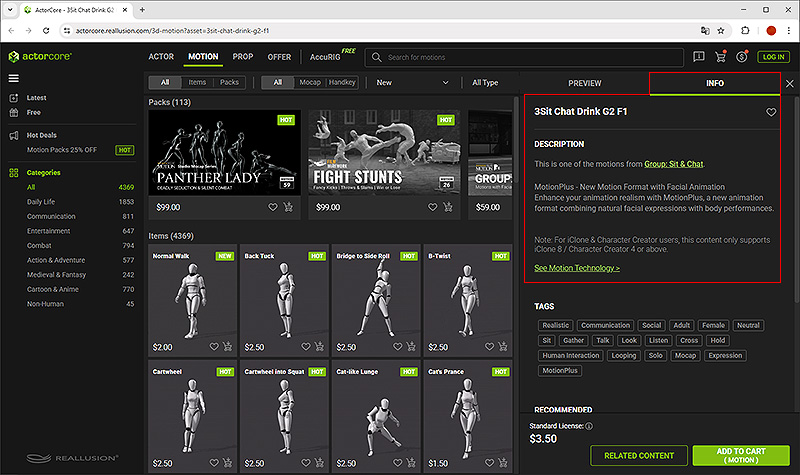
- Click on the pack name to explore more items in this pack, or click the Add to Cart button below the preview window to purchase the pack.
 Daily Life > Family &; Friends