Searching by Text
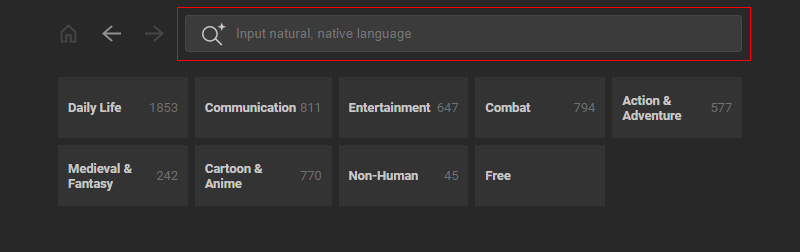
AccuRIG now supports natural language search for the extensive ActorCore motion library.
Unlike basic keyword matching, the AI-powered semantic search understands phrases and multiple descriptors, delivering more relevant results.
It also supports input in over 100 languages, including German, Spanish, and Japanese.
 What is Semantic Text Search?
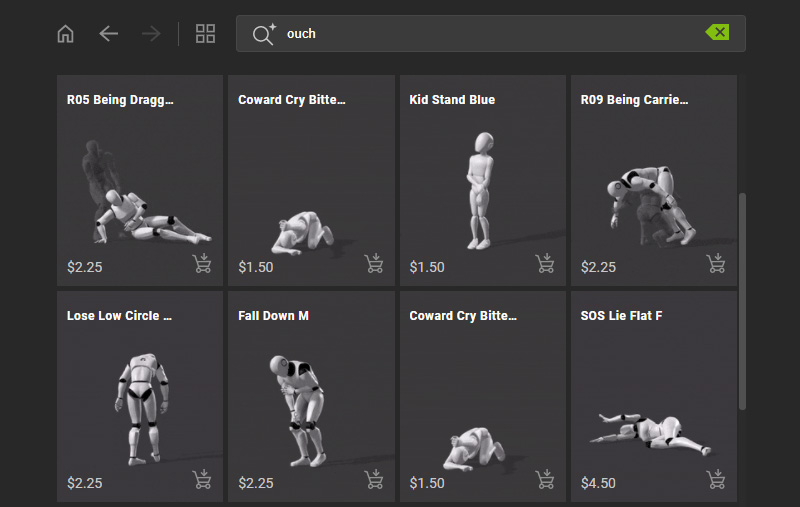
- Recognition of query intention: Semantic Text Search is able to grasp context, even for vague queries.
For instance, typing "ouch" brings up results associated with pain.
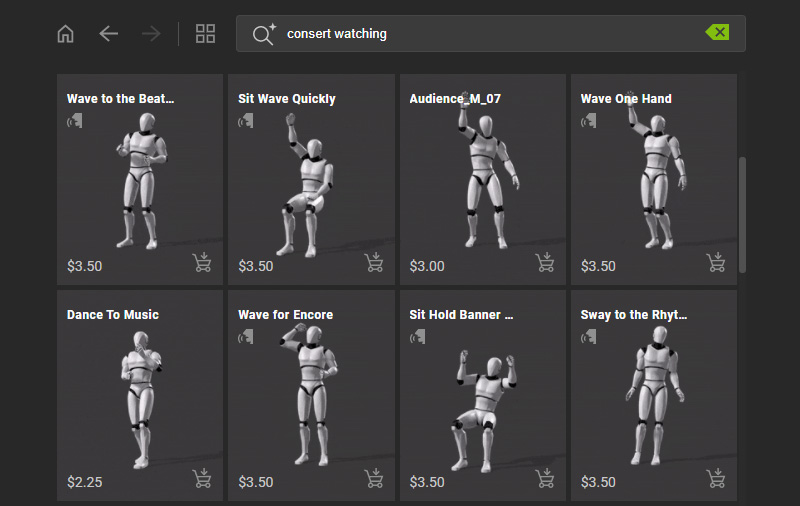
- Awareness of synonyms and typos: Semantic Text Search can work around imprecise phrases, keywords, and even typos.
For example, typing "consert watching" will still return the results for "concert" watching.
- Multi-lingual support: Semantic Text Search supports inputs in various languages and their dialects.
For example, entering the German phrase "Abendessen mit Ihren Freunden" returns search results for "dining with friends".
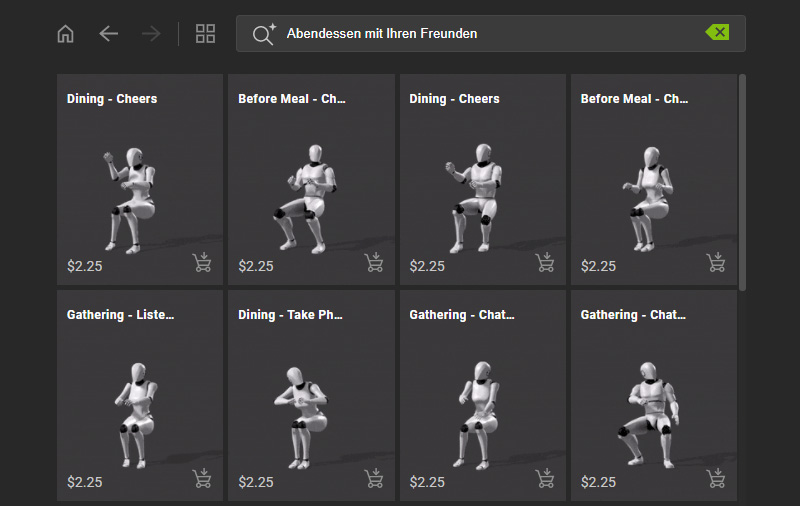
You can generate a seamless animation sequence with the help of Semantic Text Search to quickly create a visual narrative.
- Start the process to rig your model.
After calibration, enter the final step, Add Motions by clicking on the namesake button.
An idle motion will be applied to the character.
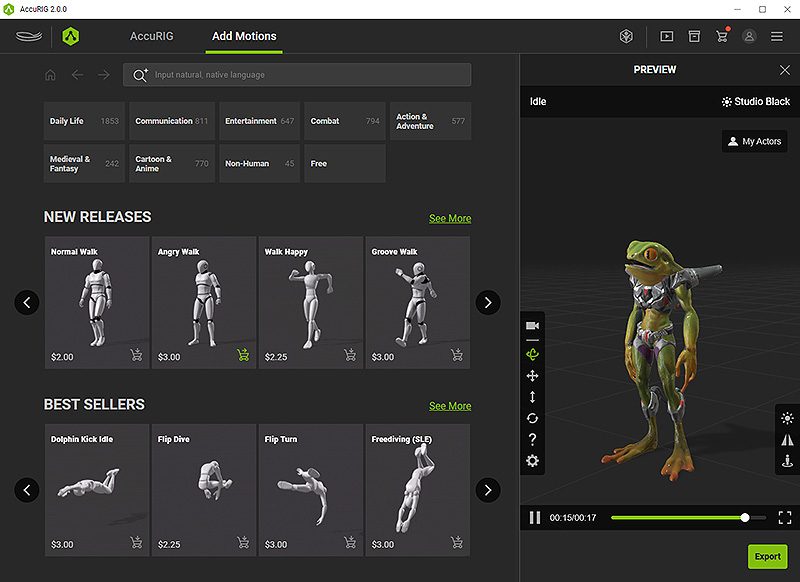
- Type in the description of a desired motion in the search field and press Enter.
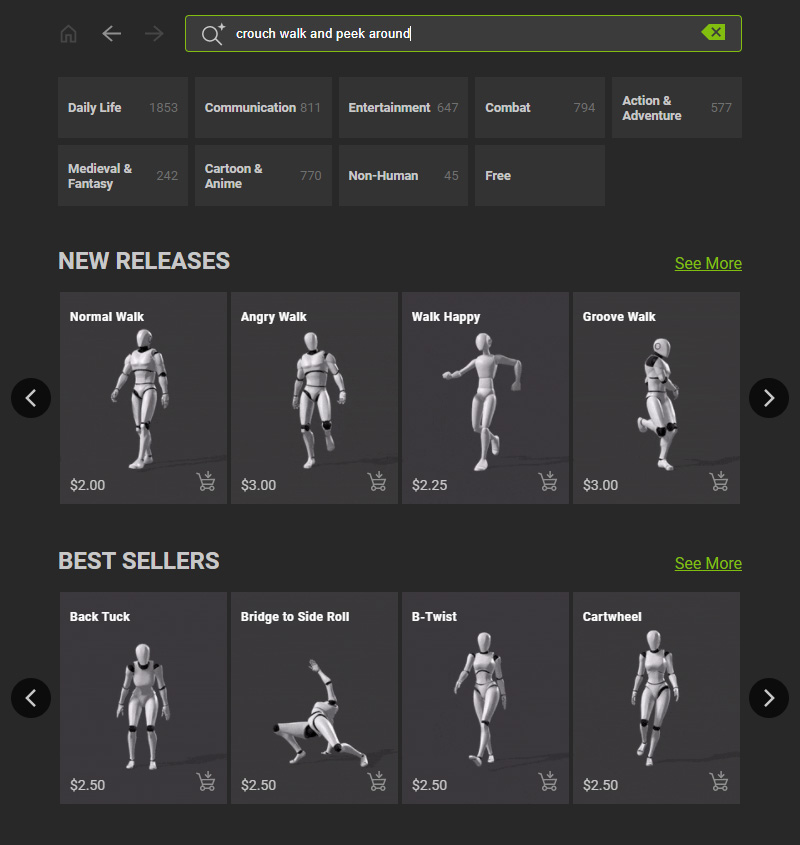
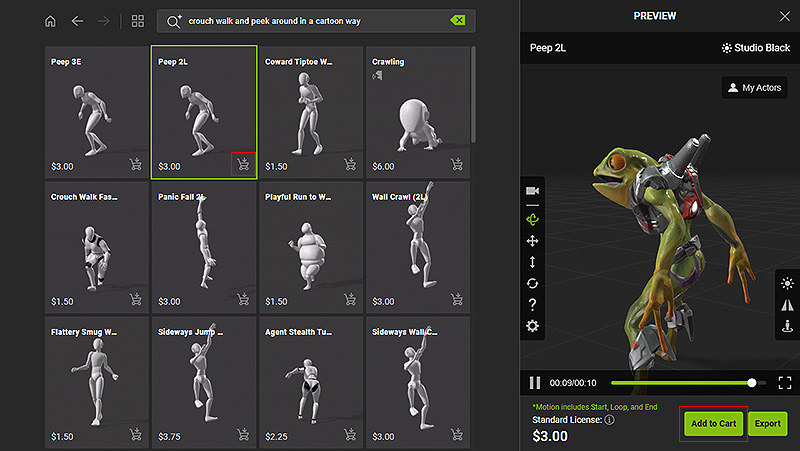
- The page will refresh automatically to display motions corresponding to your search, "crouch walk and peek around" in this case.
AccuRIG actually comprehends the words and lists the content matches the description.
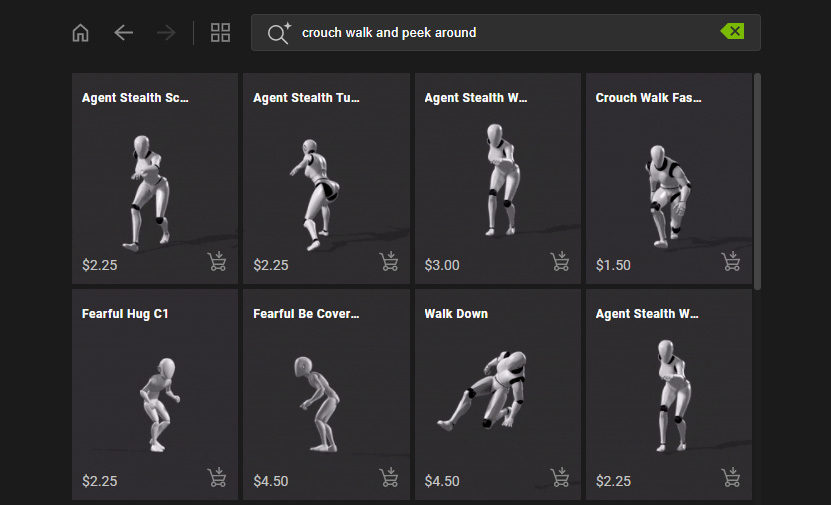
- Add extra words to limit the search scenario, "in a cartoon way" in this case.
Press Enter again.
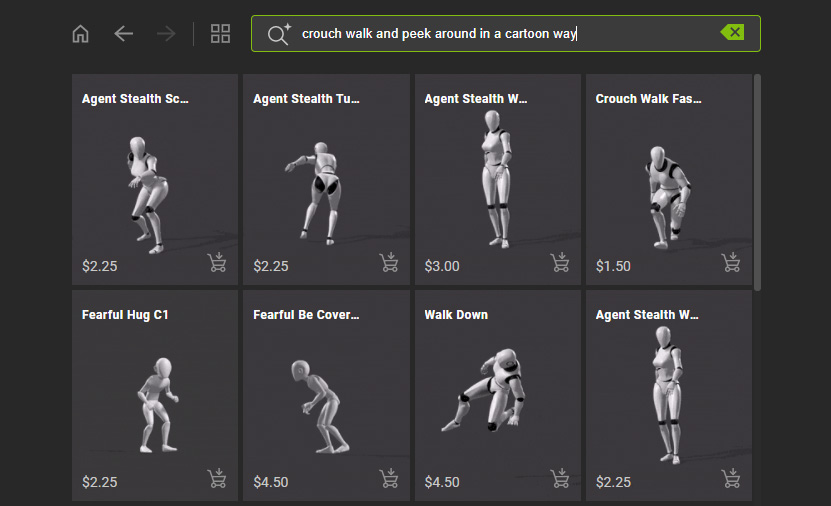
- The page refreshes to show motions matching to your search, "crouch walk and peek around in a cartoon way".
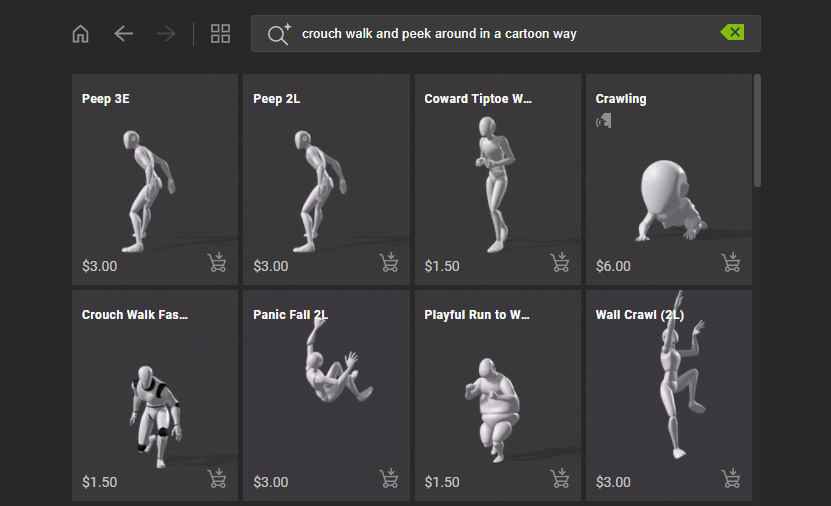
- Click on the desired item to preview your character in motion.
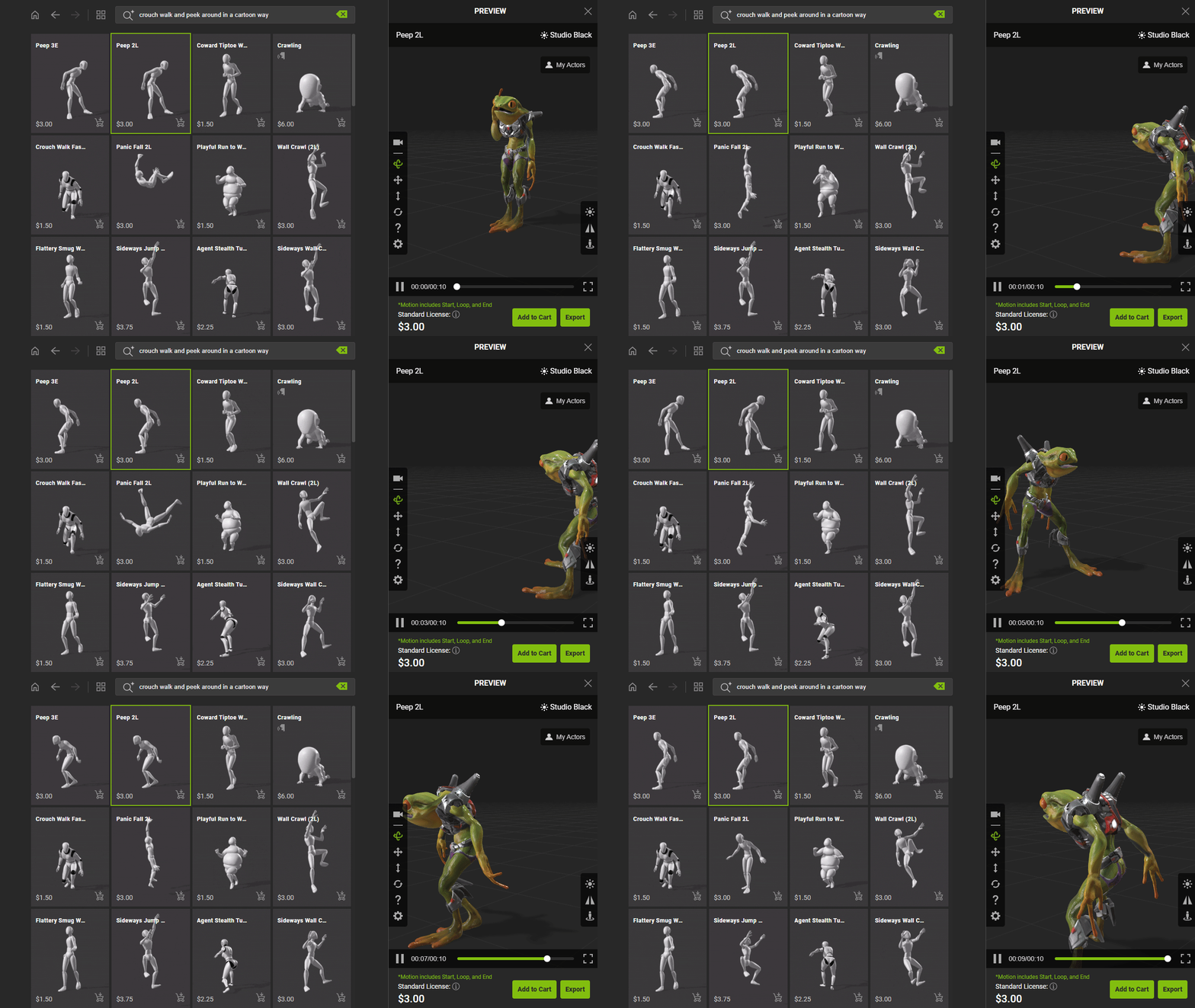
- Alternatively, you can type in the description to find similar motions or group motions via the thumbnail buttons.
- If you wish to export your character with additional motions, add the item to your shopping cart by clicking on the cart icon on the bottom-right corner of the thumbnail.
Or, click the Add to Cart button below the preview window.