Finding Similar Motions
AccuRIG is able to find motions that match a specific style. This is especially useful when you’ve already found a motion that fits your creative direction and want to explore additional options in the same vein.
- Browse by category or search by text.
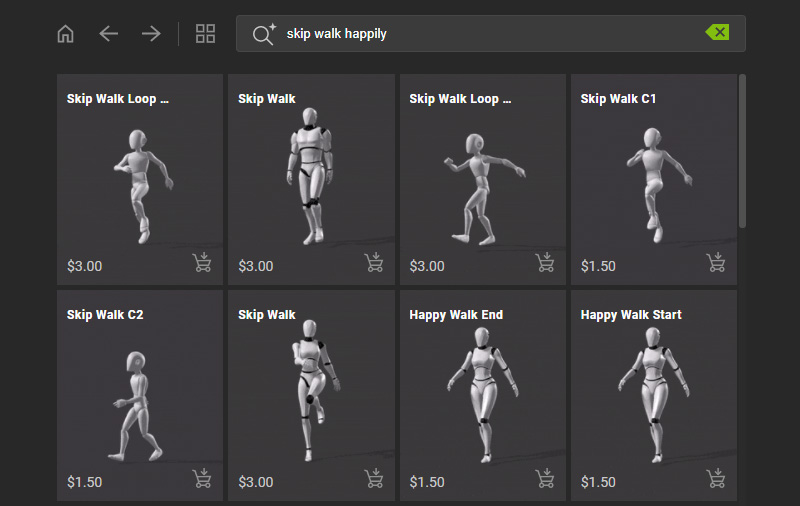
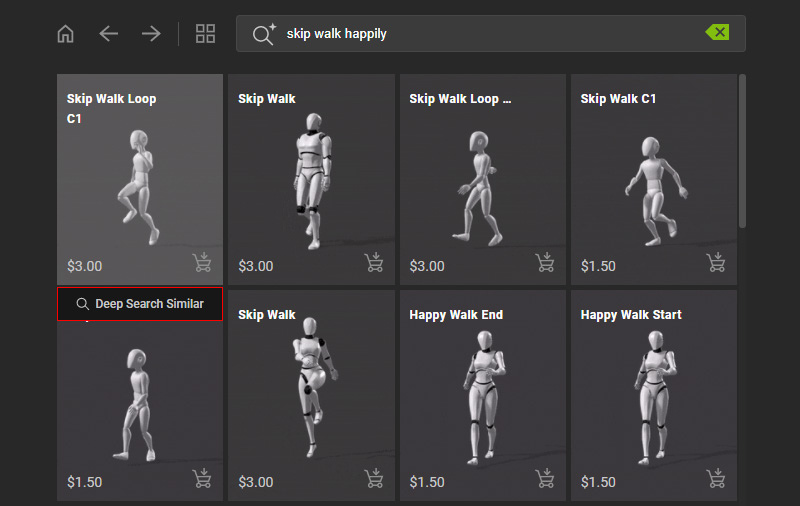
- Hover over a motion in a desired style and select Deep Search Similar below the thumbnail.
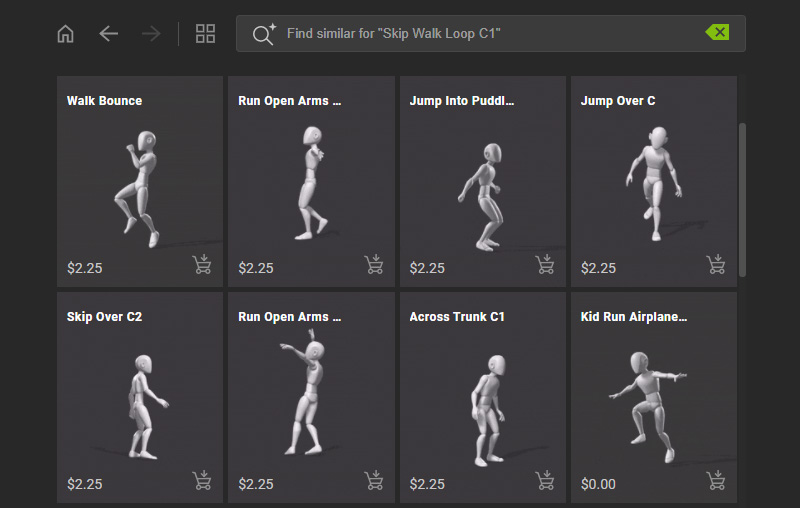
- The page refreshes automatically to display a list of animations that align with the same style.
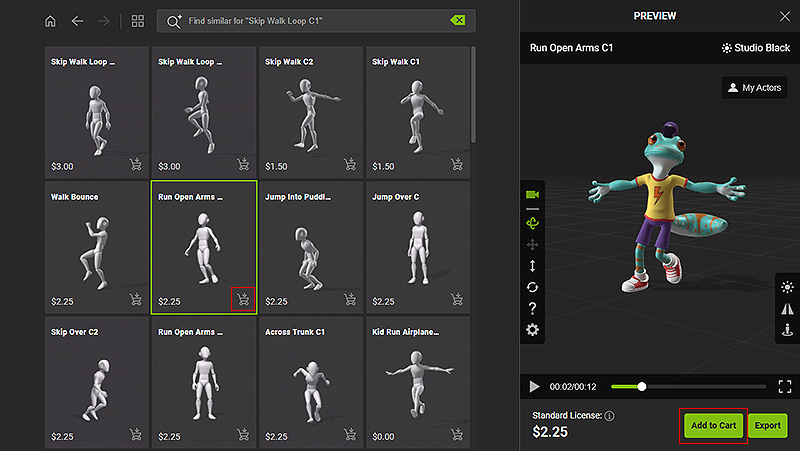
- Hover over My Actors in the preview window to select an actor to perform the motion.
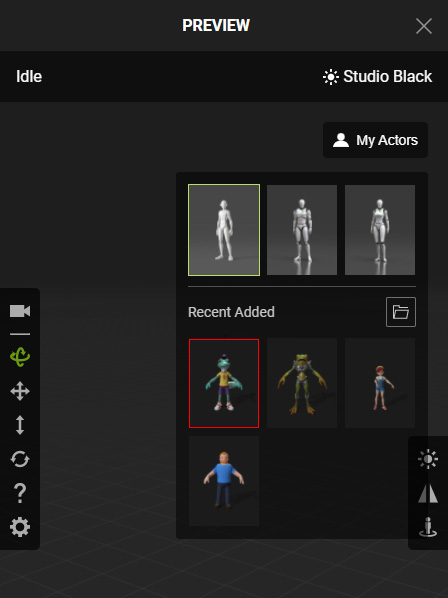
- Click on the desired motion.
If the character is beyond the preview, select Follow Camera to track the actor's movement.
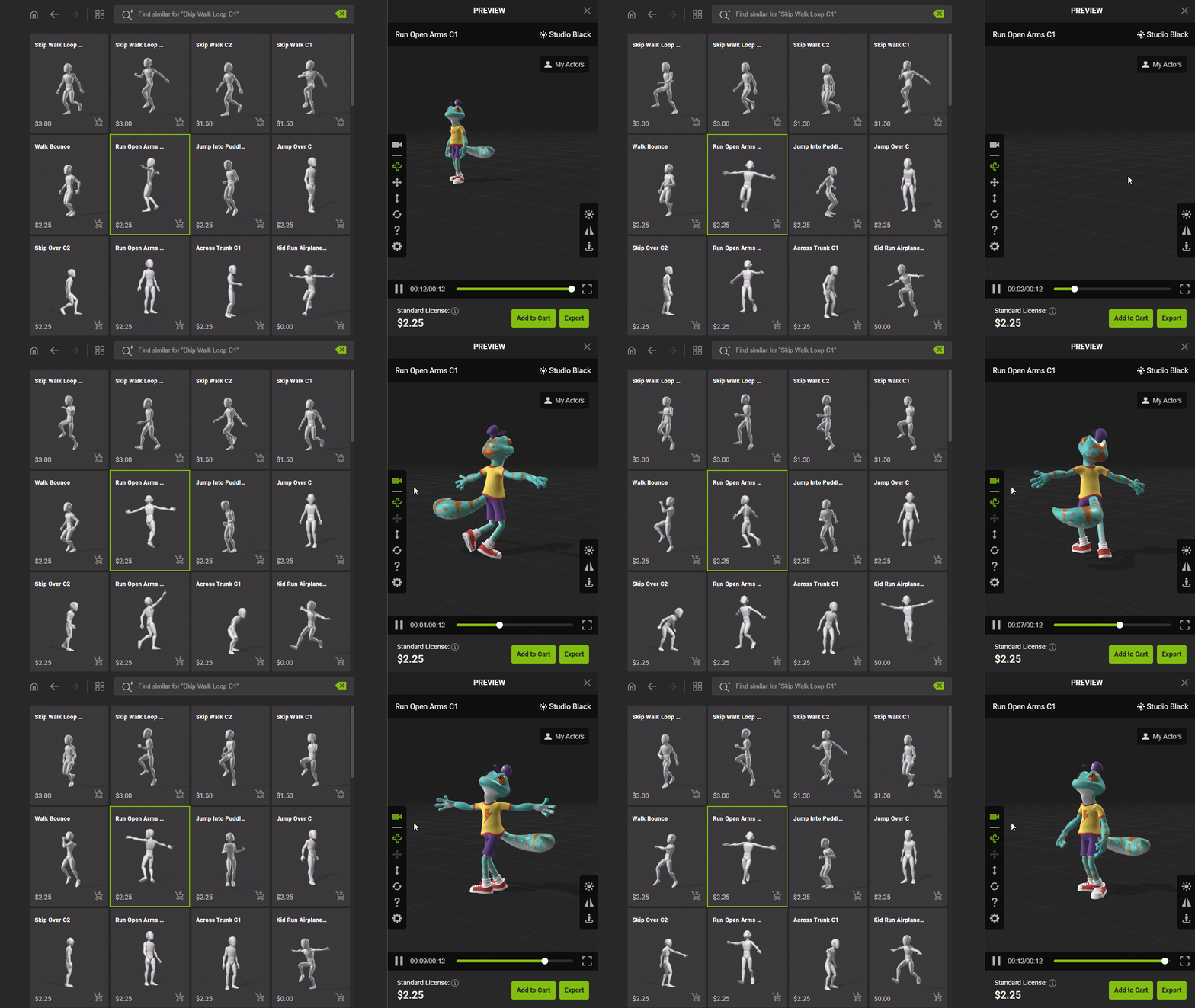
- If you wish to export your character with additional motion, add the item to your shopping cart by clicking on the cart icon on the bottom-right corner of the thumbnail.
Or, click the Add to Cart button below the preview window..