Getting Started
Character Creator provides the new ActorMIXER feature, which allows nondestructive deformation of the full body, entire face, specific limbs, or individual facial features by simply dragging the mouse. Users can also quickly switch to the skin library to apply various skin templates and generate different character appearances.
- Open ActorMIXER with or without a character.
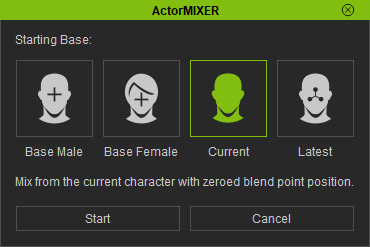
- Choose one of the base character before ActorMIXER panel appears.
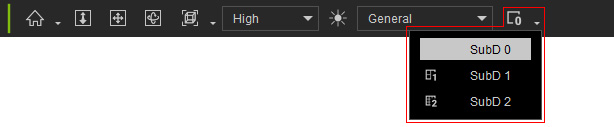
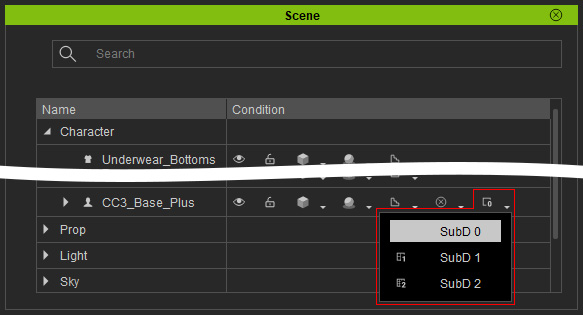
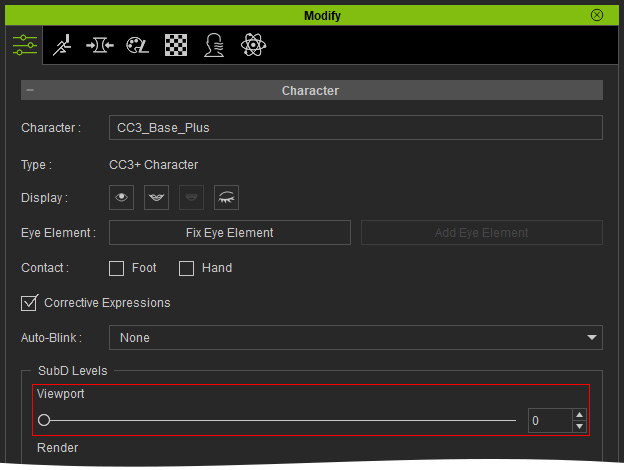
- For better operation, set the character's subdivision level to 0 (depending on the system performance of your computer).
- Toolbar:
- Scene Manager:
- Modify Panel:
- Toolbar:
- Also use 2K skin texture for previewing.
- Choose either category for morphing.

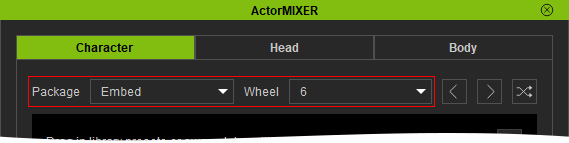
- Determine the desired package and ideal wheel formation.
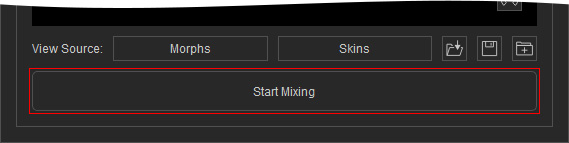
- Press down the Start Mixing button at the bottom of the panel.
- Drag the central green blend point toward any target to deform the model. You can stop at any position within the wheel without having to align exactly with a specific target.
- Optionally switch to other categories to perform deformations on different facial features or body parts (refer to the Blending Head and Head Shapes section for more information).
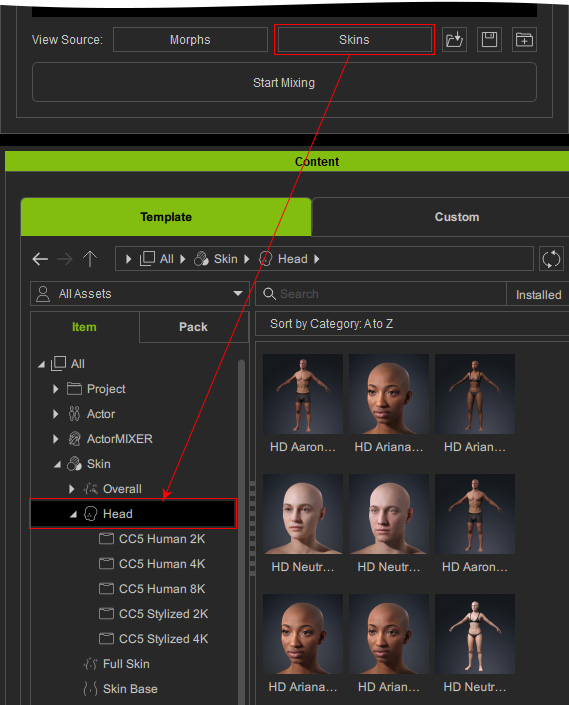
- To view morph or skin resources, click the Morphs or Skins buttons below. The system will immediately switch the Content Manager to the corresponding library for you to apply the assets.
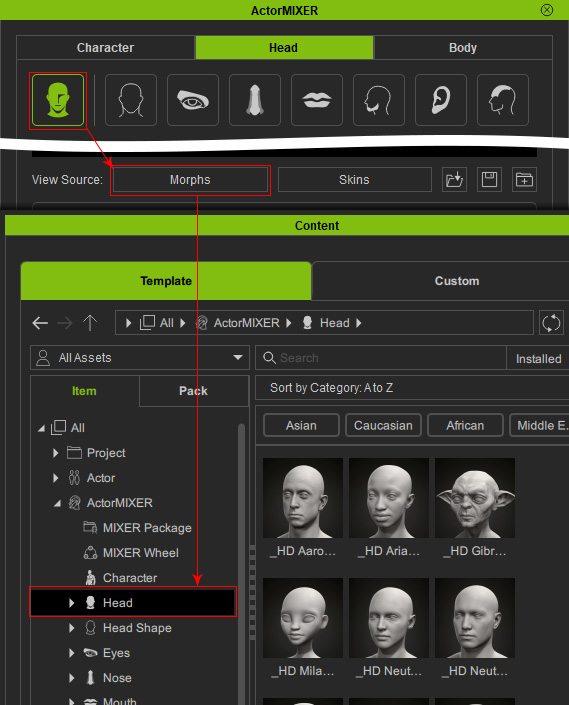
Morphs: Switches Content Manager to ActorMIXER > [current category].
Skin: Switches Content Manager to Skin > Head library.
You can then drag and drop the template to change the target in the Wheel or apply the skin to the character.Drag and drop preset to the wheel for target replacement
Skin: Switches Content Manager to Skin > Overall or Head library.
- If you are satisfied with the morphing results, you can close the ActorMIXER panel.
In the Morphs tab under the Modify panel, select Currently Used to view all sliders whose values were modified through ActorMIXER adjustments.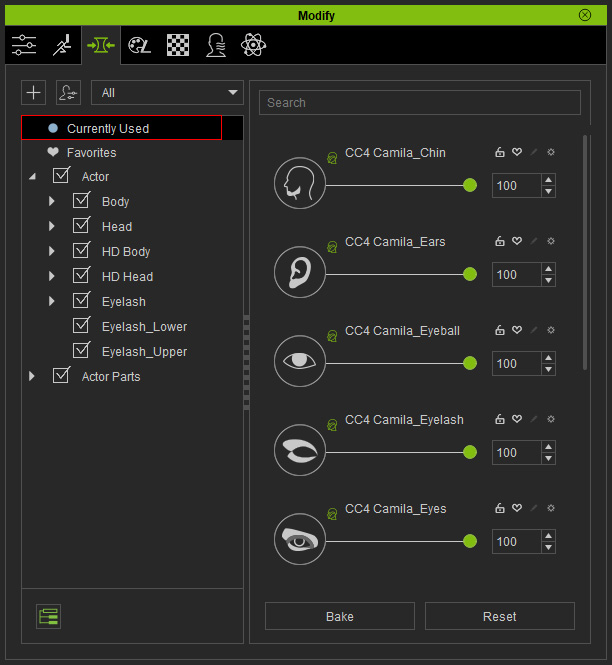
- You can then increase the subdivision level to 2 or 3 for further editing or animate the character.
- Apply 4K skin texture for final visual quality of the character.
