Concept Design - Single View (New for v5.2)
The controls in the Concept Design - Single View tab allow AI to generate front view image based on reference images or text prompts. The generated design image in the Single View mode can then be sent to the Mesh Generation tab, where AI uses it to generate a 3D mesh object.
Choose the Single View first to start this mode: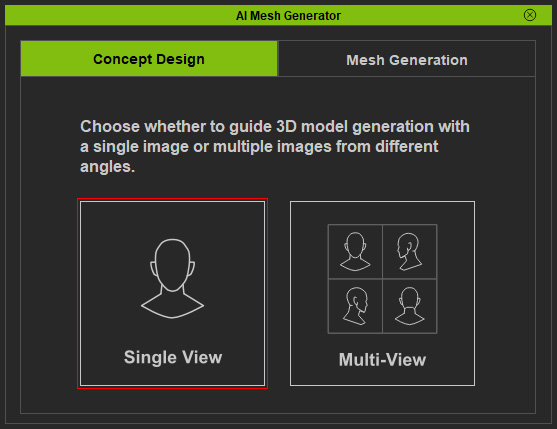
User Interface Introduction for the Single View mode
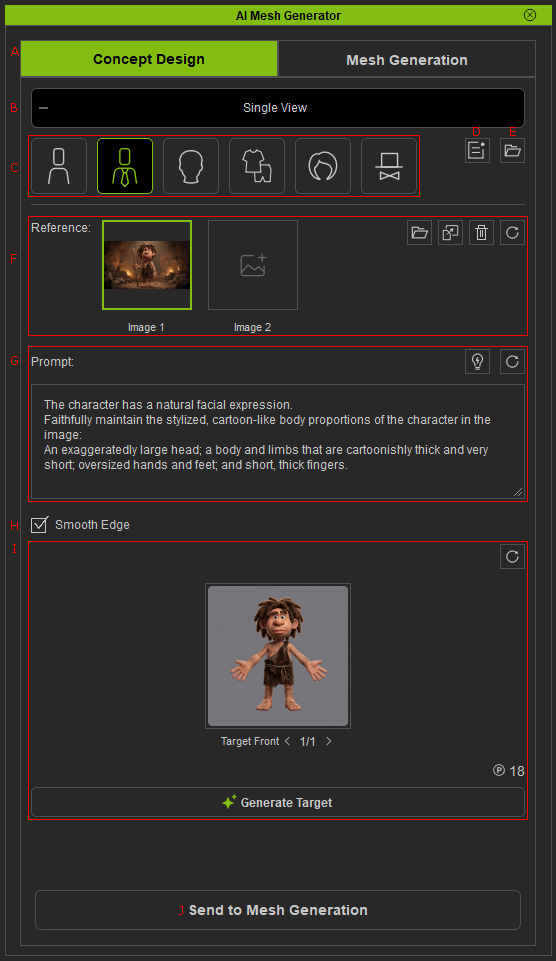
|
A |
Mode Tabs |
Switches between Concept Design and Mesh Generation modes.
|
|
B |
Single View switch |
Exits the Single View mode. |
|
C |
|
|
|
D |
Open Task Queue Panel |
Opens the Task Queue panel, where you can view the AI processing history, retry or rework tasks, cancel or delete tasks, and locate the source files and view set. |
|
E |
Loads concept design task previously completed. |
|
|
F |
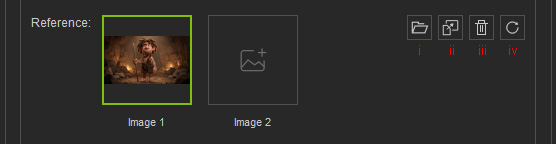
Ref Image |
|
|
G |
|
|
|
H |
Smooth Edge |
Removes visible seams from AI-generated images, especially for stylized characters. |
|
I |
In this section, you can:
|
|
|
J |
Send to Mesh Generation |
Send the generated front image to the Mesh Generation tab. |