Using Concept Design Tools in AI Studio (New for v5.2)
AI Studio brings together four specialized concept design tools to help 3D artists prepare the visual references needed for character and outfit generation. Whether you're developing a fully dressed character, separating modular accessories, refining individual items, or designing clothing for a specific body shape, each tool addresses a critical stage of the image-guided 3D workflow. Create, refine, and organize your designs before moving into 3D model generation.
Access Concept Design Tools in AI Studio
- Launch AI Mesh Generator panel.
- Run the AI Studio pipeline by:
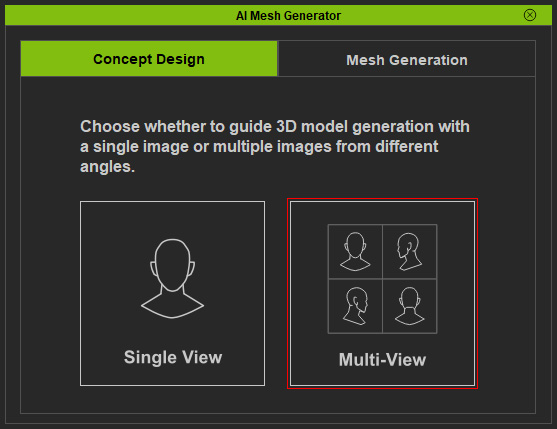
- Click the Multi-View button in the Concept Design page.
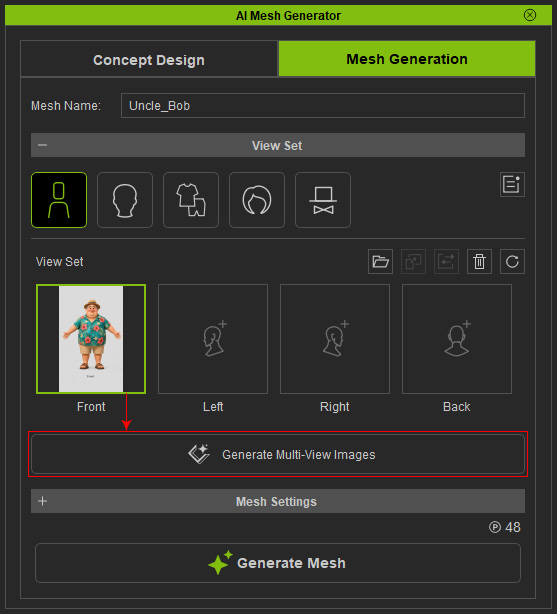
- On the Mesh Generation page, make sure the Front view slot is filled, then click the Generate Multi-View Images button.
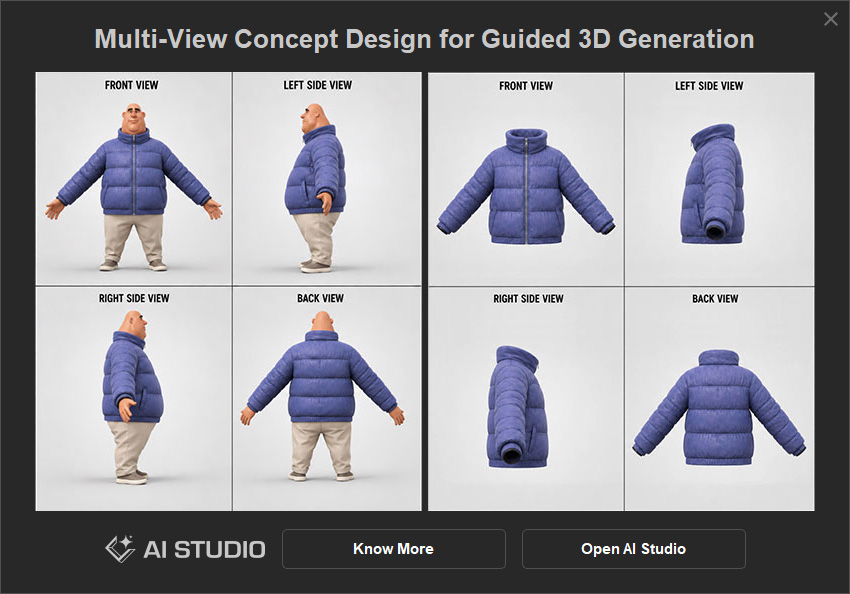
- Click the Multi-View button in the Concept Design page.
- In the information panel, click Open AI Studio.
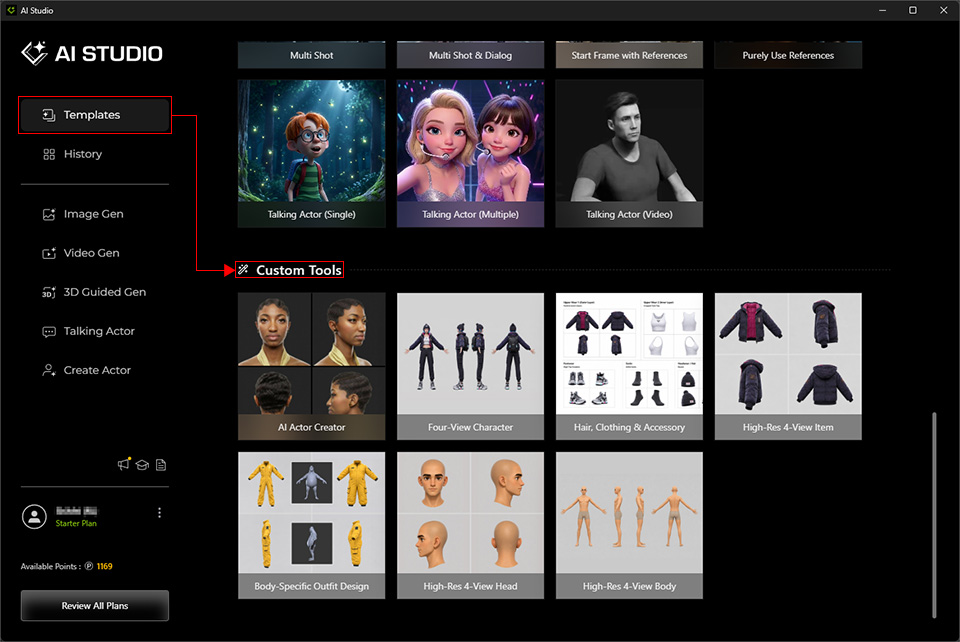
- AI Studio will go to Templates > Custom Tools automatically.
Open Specific Concept Design Tool
- You will see six Concept Design tools in the section.
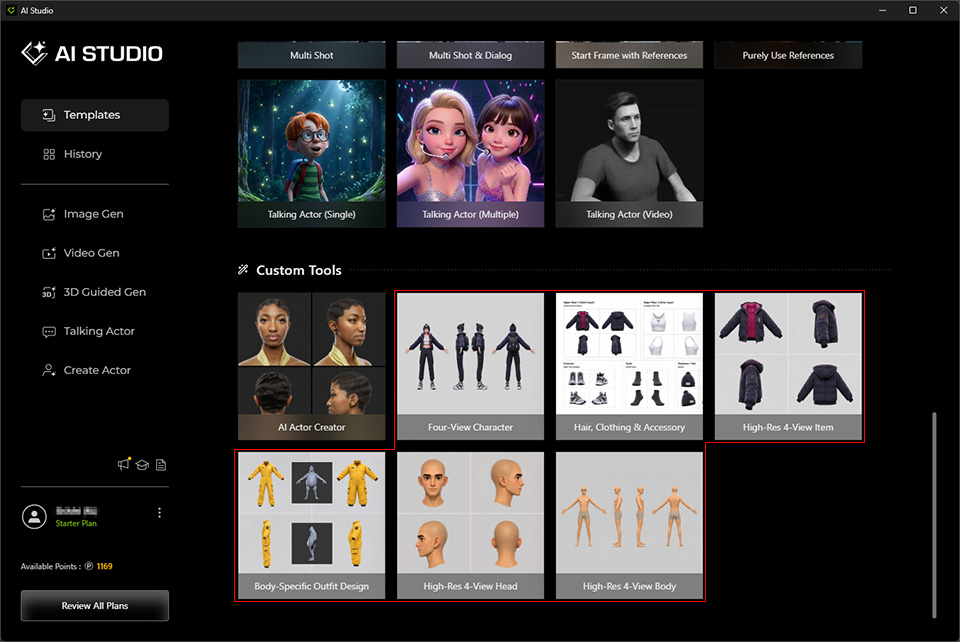
- Click to open either one of the templates, AI Studio automatically goes to Image Gen > Edit > Custom (under the Operation section).
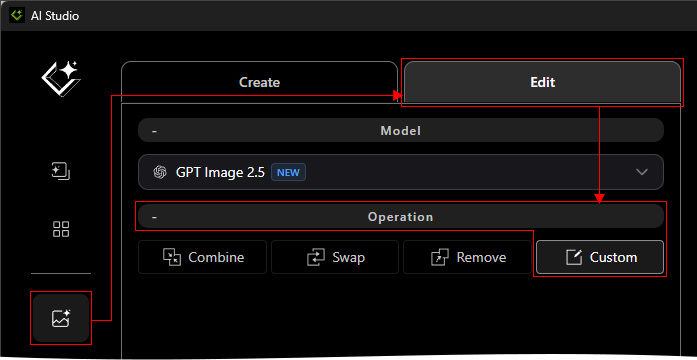
- Configure the reference images and prompt on the Custom page before generating multi-view images.:
