Manually Editing Skin Weight
After you use the Transfer Skin Weight panel to automatically assign skin weights to the vertices of an object, you can also manually edit the skin-weight for each vertex when it moves inappropriately by using the Skin Weight Editor.
Select the clothing item whose skin weights you want to edit, then click the Skin Weights button in the Modify panel to begin editing its skin weights manually.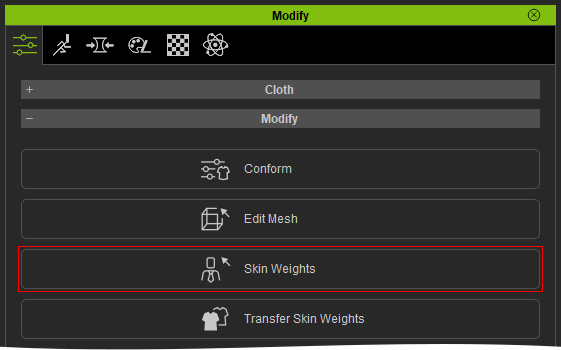
The Modify panel displays all the tools for manually editing skin weights.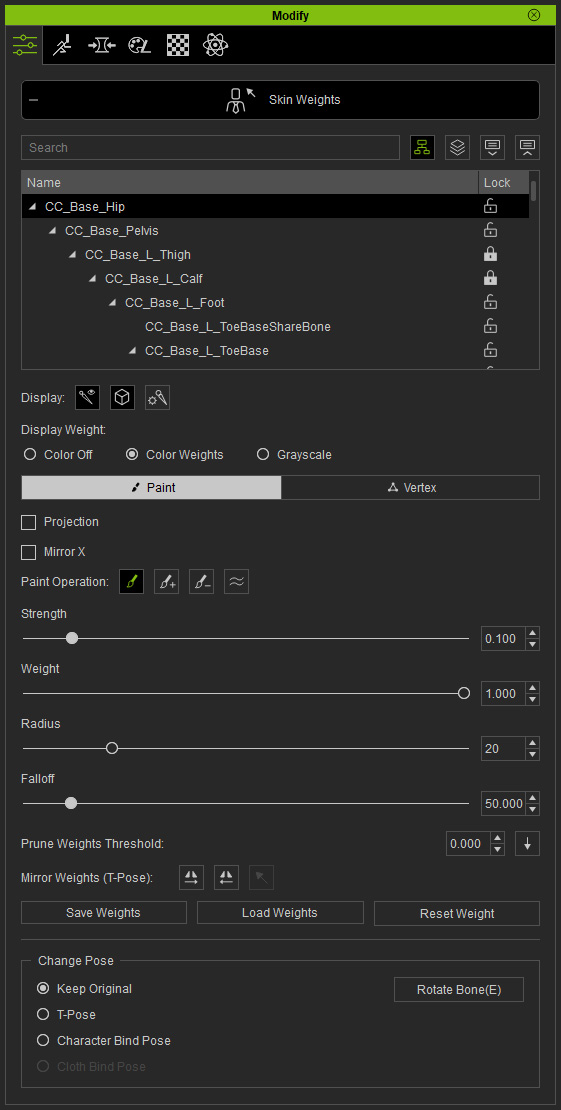
Refer to the sections below for more information:
