Using 3D Assets — Poses
With an AI Service subscription, AI Studio will offer a wide range of poses that can be easily applied. You can then pose your 3D characters as the start or end frame to guide AI image or video generation.
Accessing Content
Open the Smart Search panel and select the AI Studio tab.
Pose content can be found under  Animation > Pose Library, with tabs to switch between Item View and Pack View.
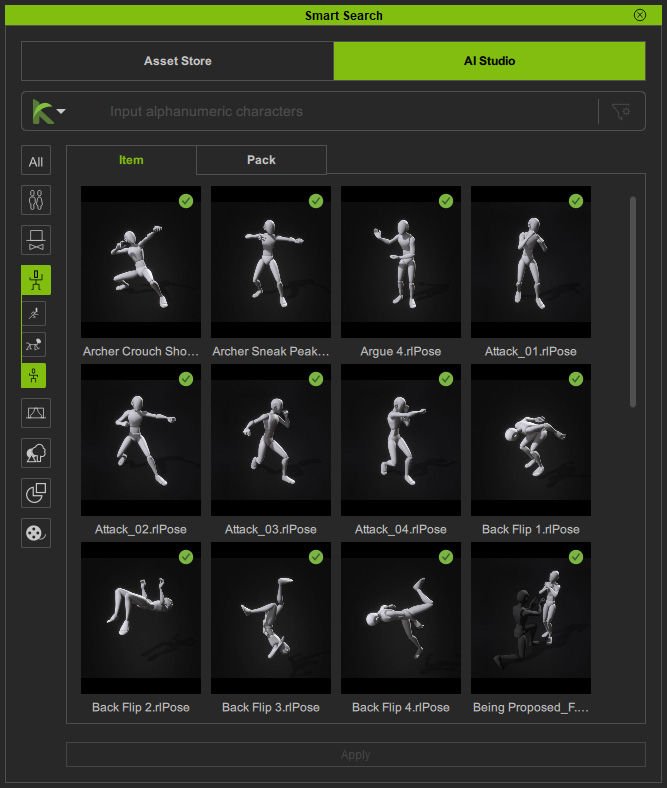 | 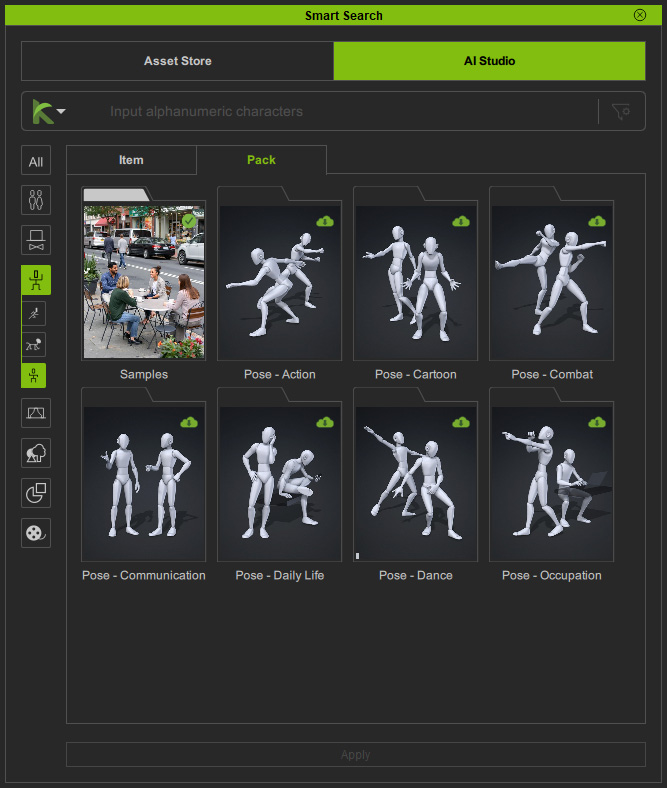 |
| Item View | Pack View |
 Free Samples
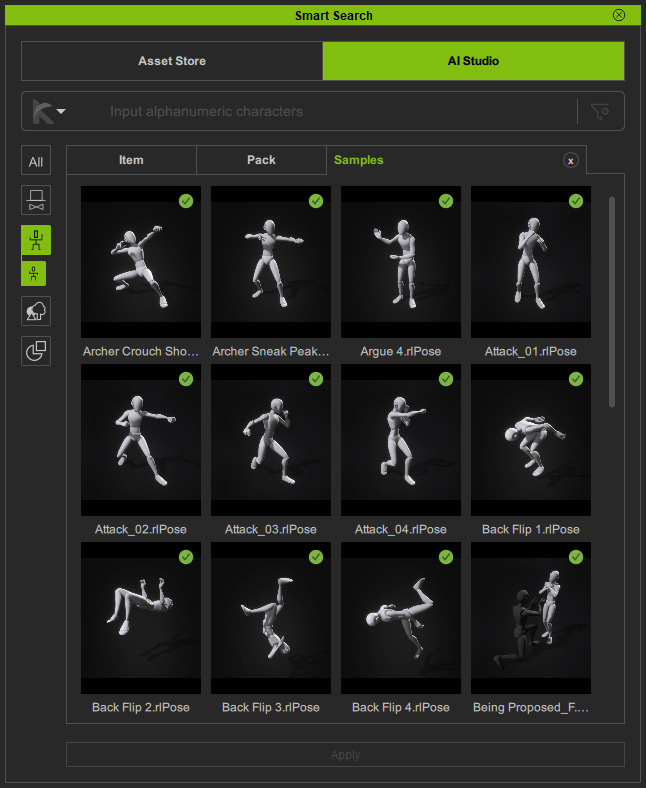
If you are not subscribed to an AI service, you can still access free poses in the Samples content pack.
Searching Content
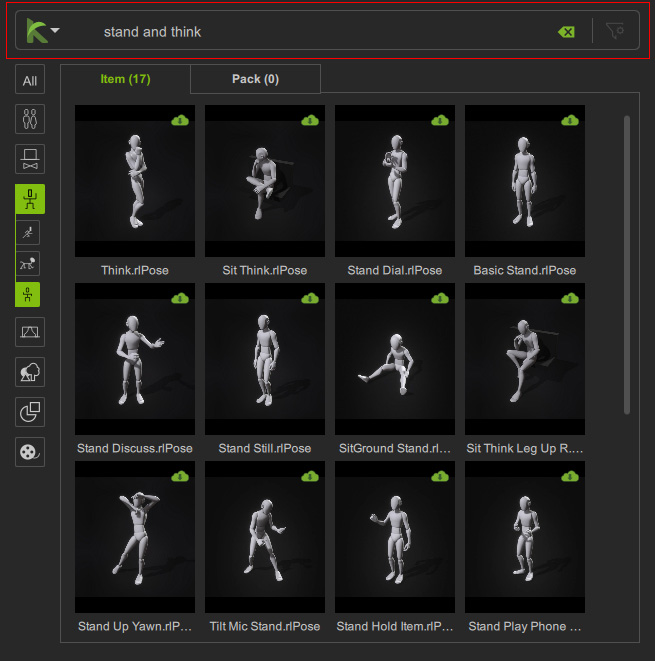
Use Deep Search or Keyword Search to locate the desired pose for your character.
Downloading Content
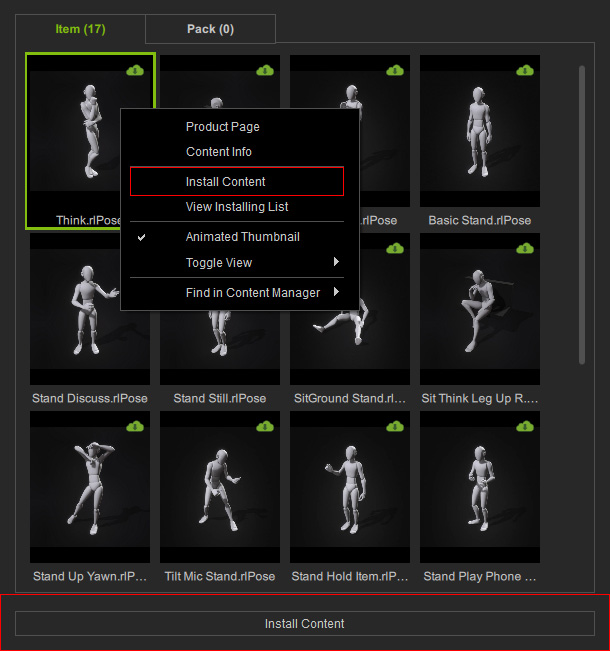
Packs or items available for download are marked with a Cloud  icon in the top-right corner.
Double-click the content, right-click and choose Install Content, or click the Install Content button at the bottom to download and install it.
icon in the top-right corner.
Double-click the content, right-click and choose Install Content, or click the Install Content button at the bottom to download and install it.
Applying Content
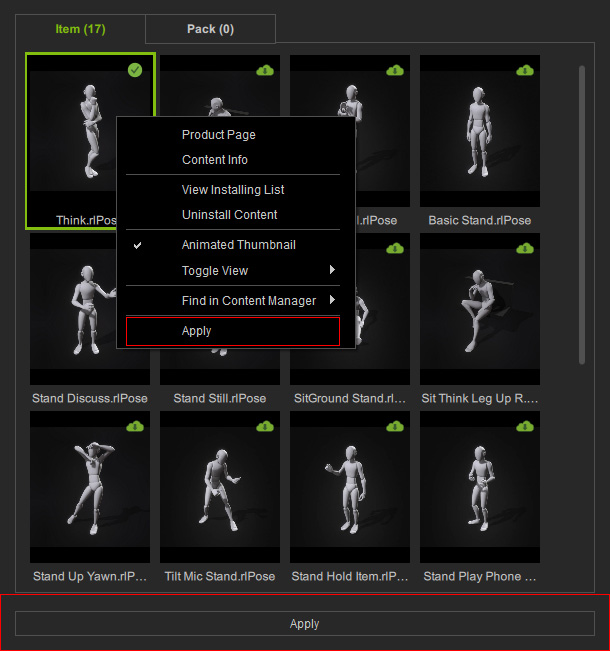
Installed packs or items are marked with a Checkmark  icon in the top-right corner.
Double-click the content, right-click and choose Apply, click the Apply button at the bottom, or drag it directly onto the selected character to apply it.
icon in the top-right corner.
Double-click the content, right-click and choose Apply, click the Apply button at the bottom, or drag it directly onto the selected character to apply it.
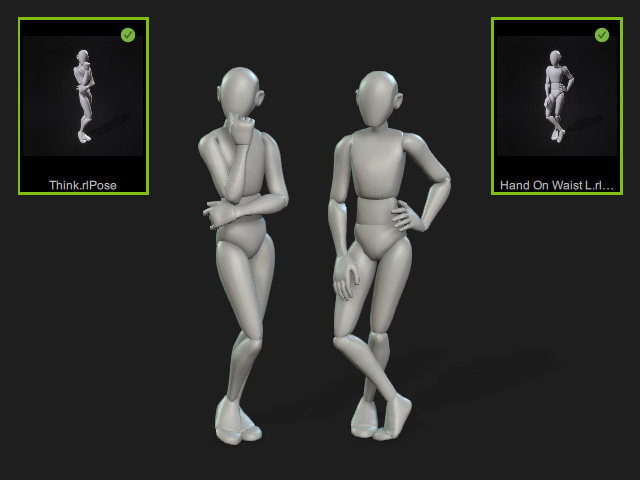
If no character is selected in the 3D viewport, the pose will be applied to a preset dummy character.
Editing Content
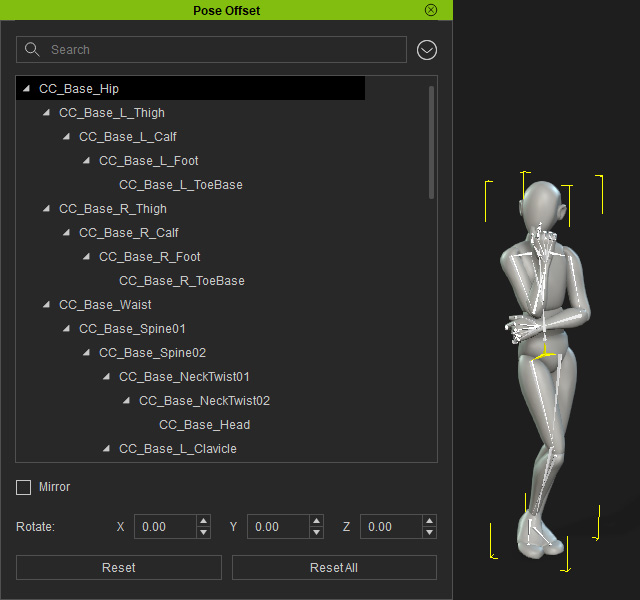
Use the Pose Offset tool to adjust the pose if needed.
Sending to AI Studio
After assigning poses to the characters, click Capture Image from 3D Viewport in the AI Studio Tools toolbar to capture the current viewport and send it to the 3D to Image tool in AI Studio.

3D Guided Gen
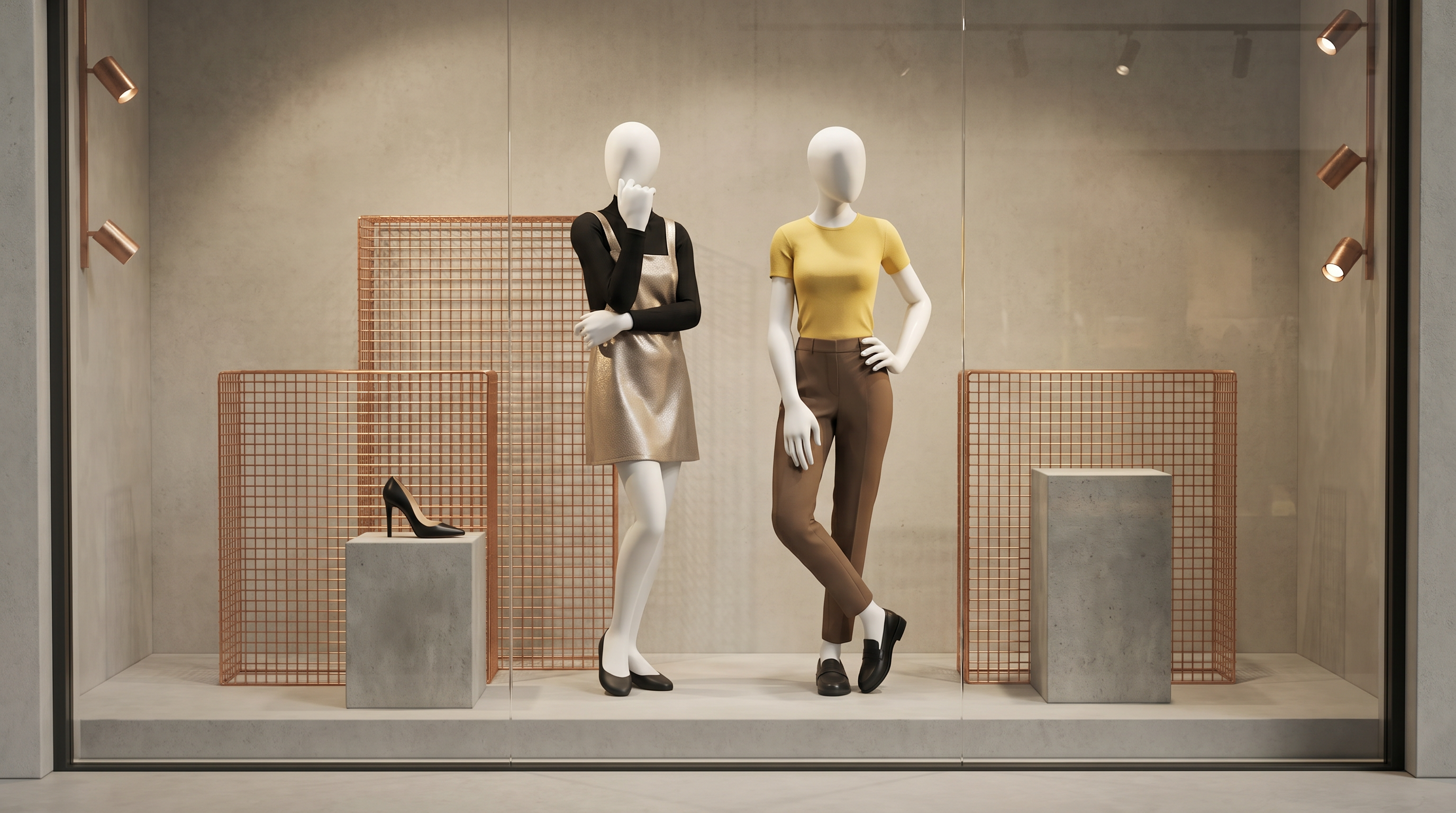
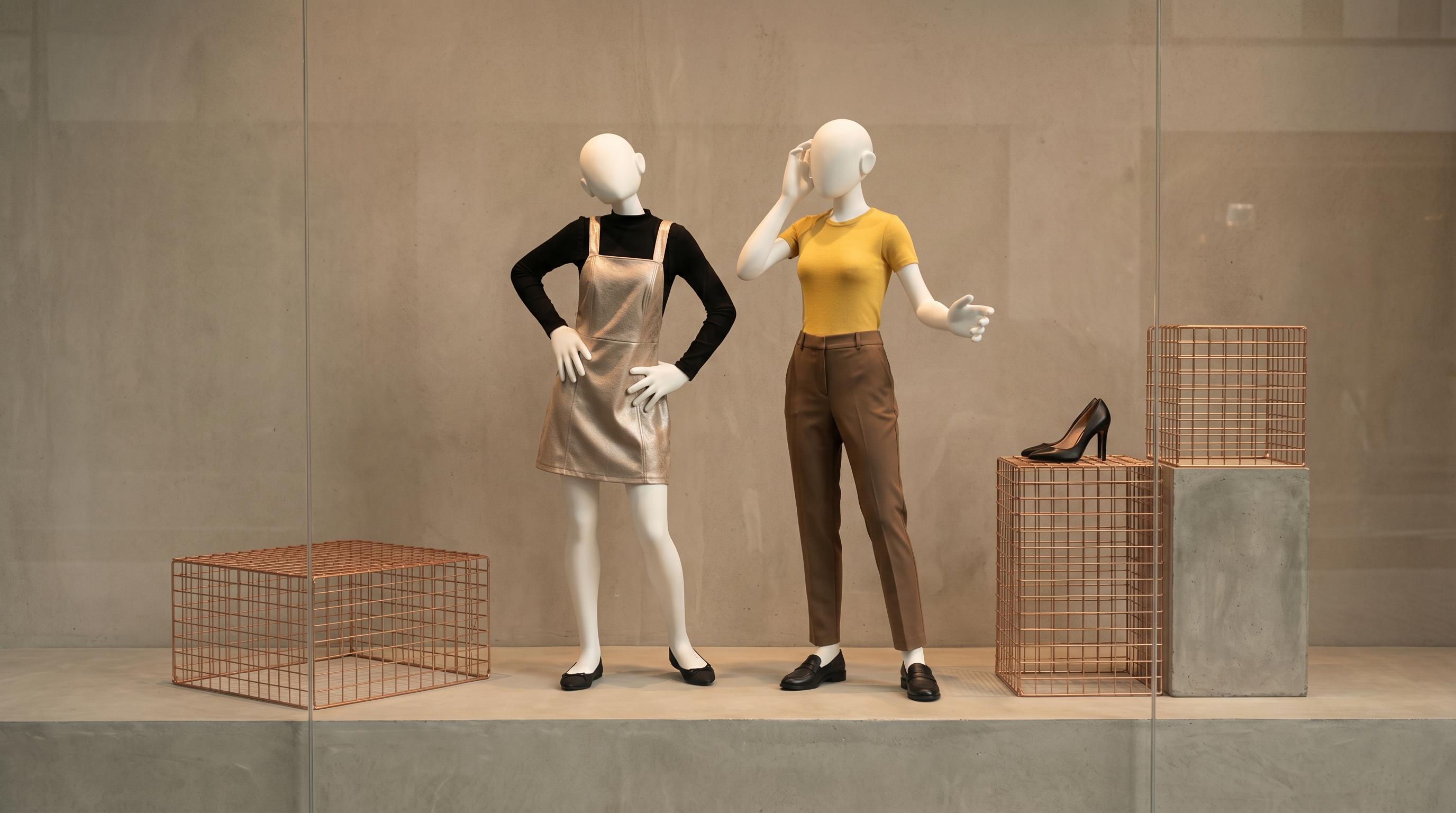
Finish the 3D to Image workflow to generate images in the preferred render style.
| Prompt | AI Output |
Completely maintain the camera angle, composition, and the proportions and appearances of the characters from Reference Image.
|  |
 | |
 |
Video Gen
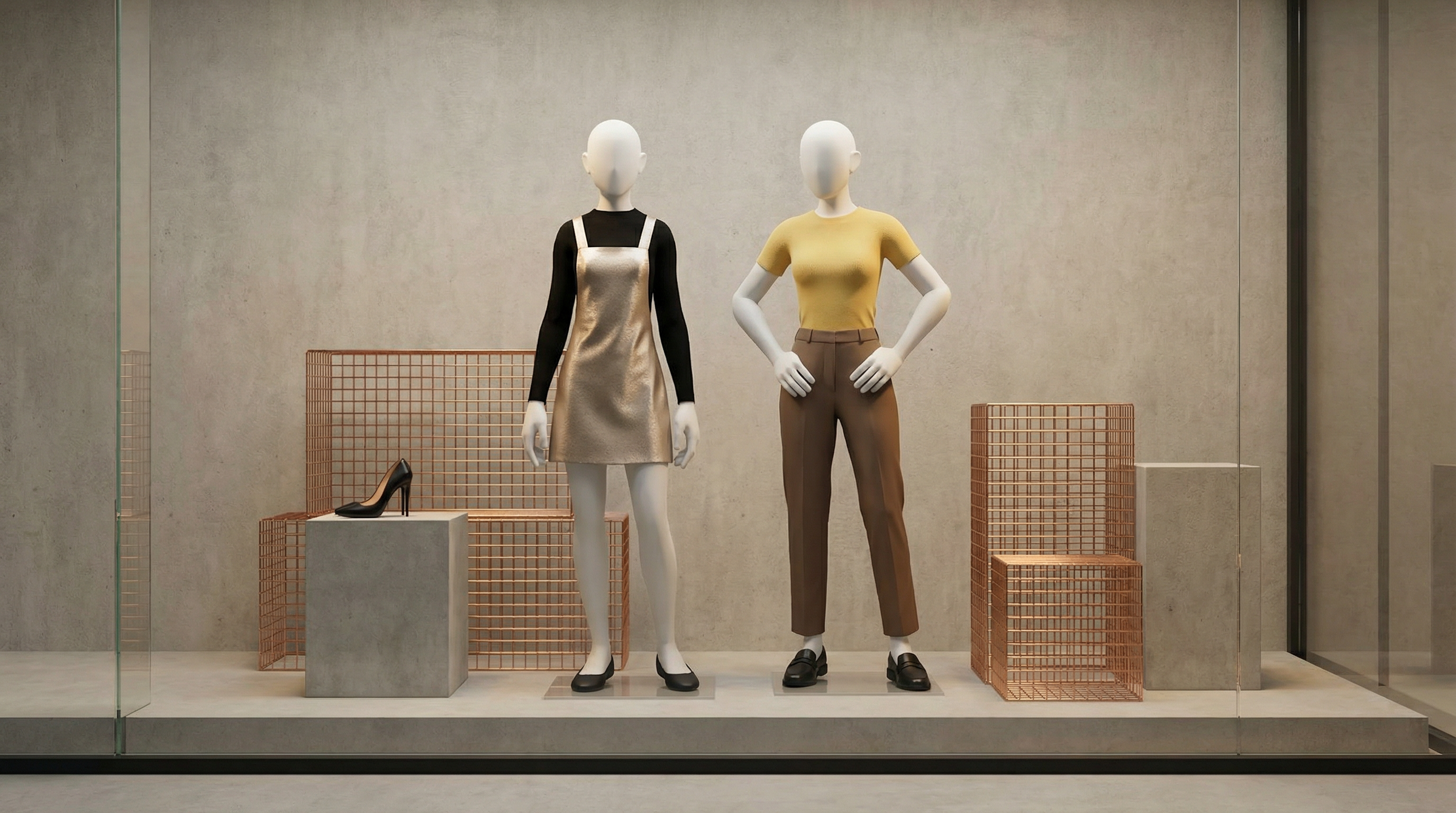
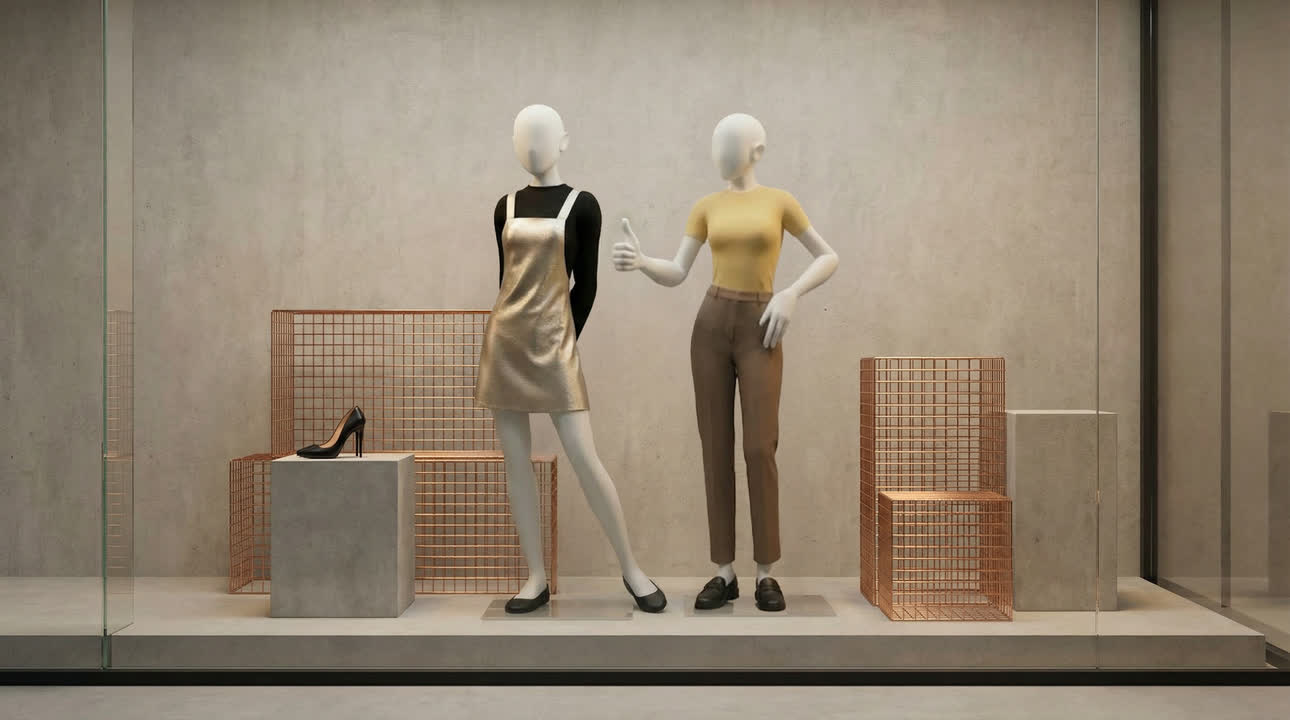
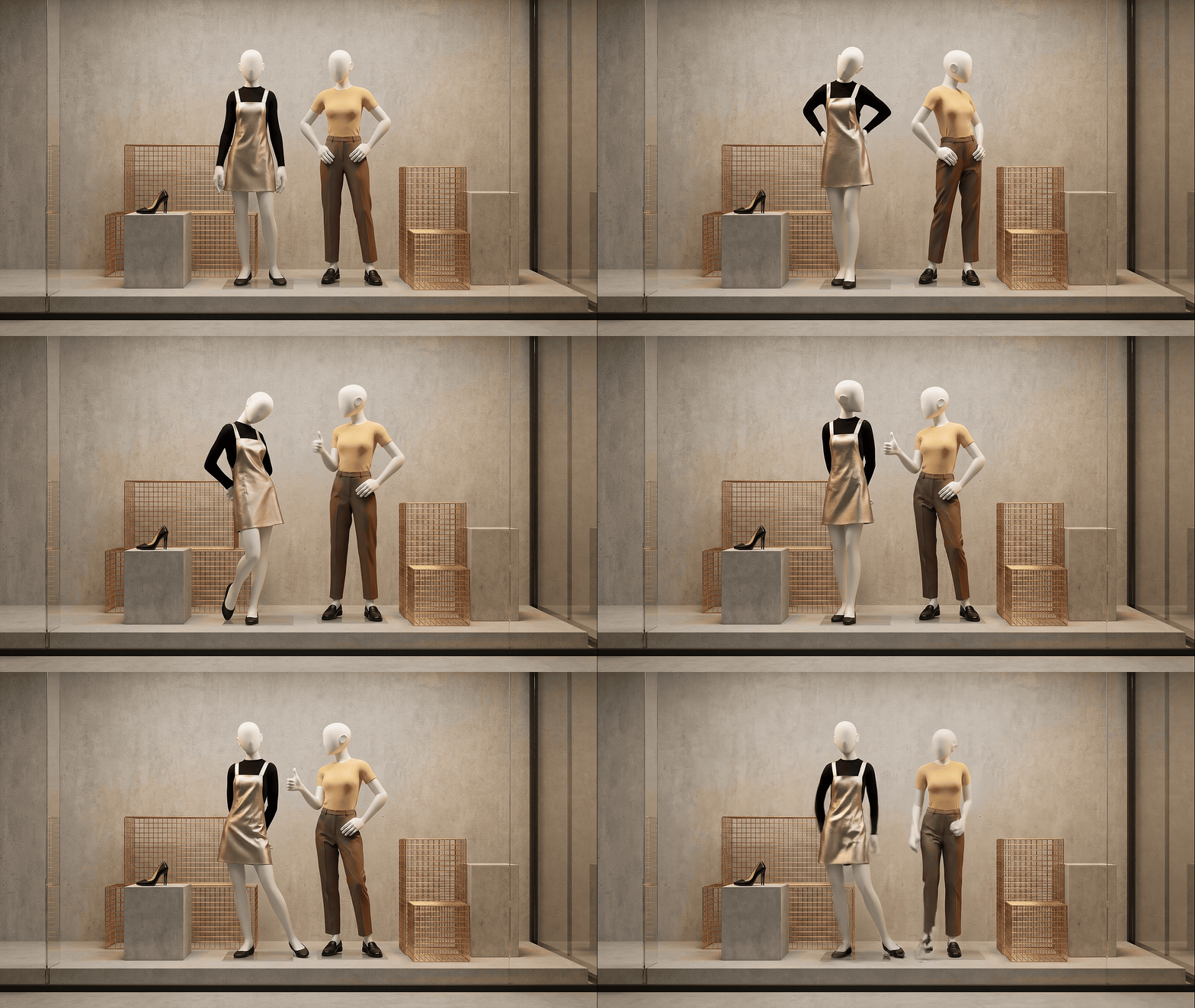
Use the images generated by 3D to Image as the Start and End Frame references, then proceed to the Video Gen workflow to generate a video.
| Prompt | Start Frame |
The Left Mannequin: The mannequin in the metallic gold dress is gracefully shifting its weight onto its left leg while sweeping its hands from its hips to its back. It is clasping its hands behind its waist and tilting its head slightly toward the right mannequin with a coy, shy expression before settling into the final pose. The gold pinafore skirt is exhibiting realistic soft-body physics, rippling and swaying naturally in response to the hip and leg movement.
| |
| End Frame | |
 | |
| AI Output | |
 |
