Using 3D Previz Assets
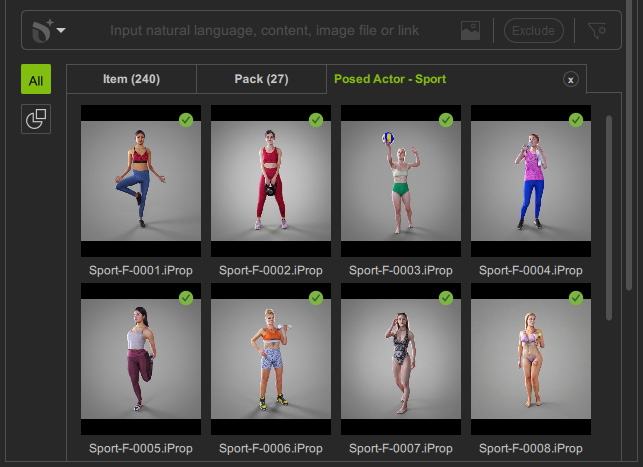
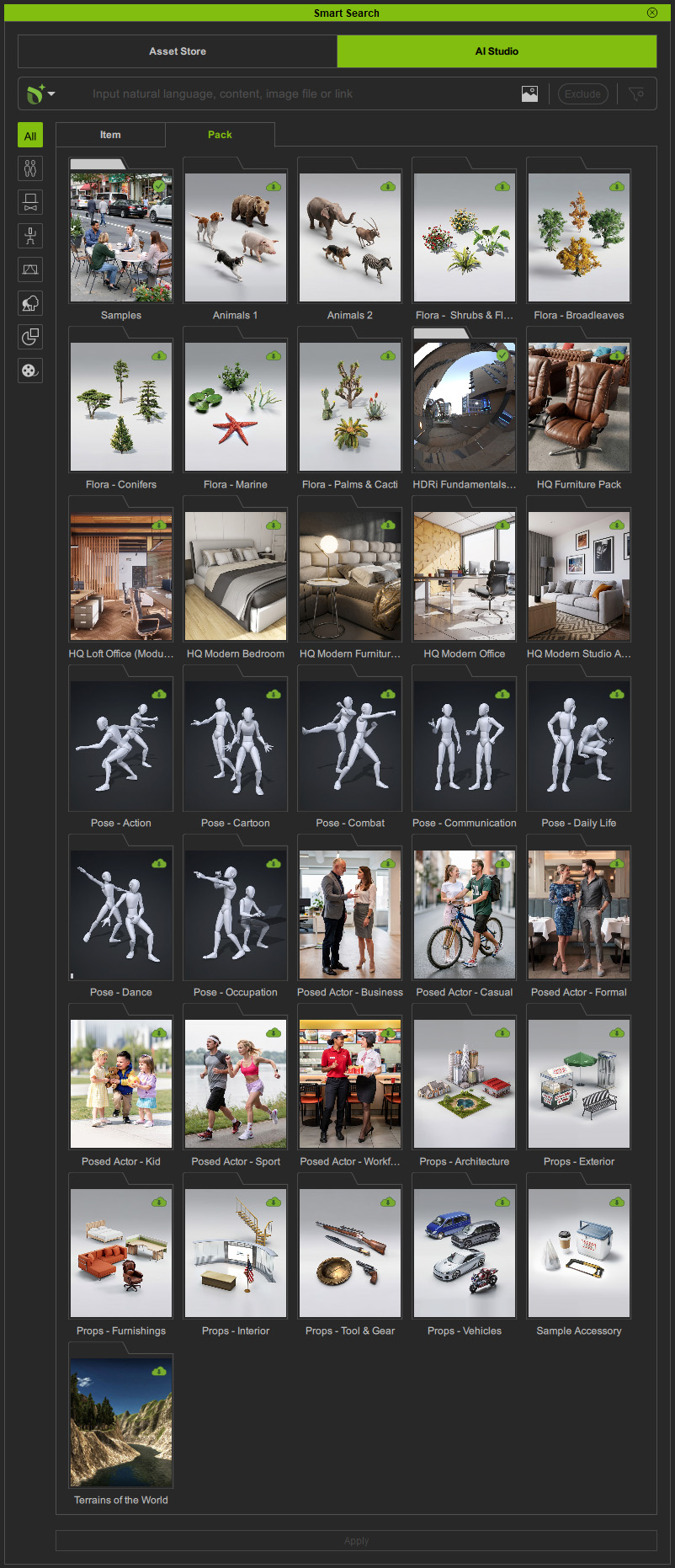
With an AI Service subscription, you can access over 5,000 AI assets, including actors, accessories, animations, stages, sets, props, and media, from the AI Studio tab in the Smart Search panel within the 3D Workspace.
This enables you to quickly build 3D previz scenes with precise character interactions and camera control for 3D to Image and 3D to Video generation.
See also: Tutorial - Using 5000 Previz Contents with AI Studio, Tutorial - Directing AI with iClone 3D Guidance
 | Content Type | Category | File Extension |
| CC Character |
| |
iClone Crowd | |||
iClone Humanoid | |||
| Head |
| |
Arm | |||
Others | |||
| iClone Humanoid |
| |
| |||
| Atmosphere |
| |
Image (for CC) |
| ||
|
| ||
Terrain |
| ||
|
| ||
Architecture & Environment | |||
Tools & Equipment | |||
Combat & Weapons | |||
| Image |
|


Searching Content
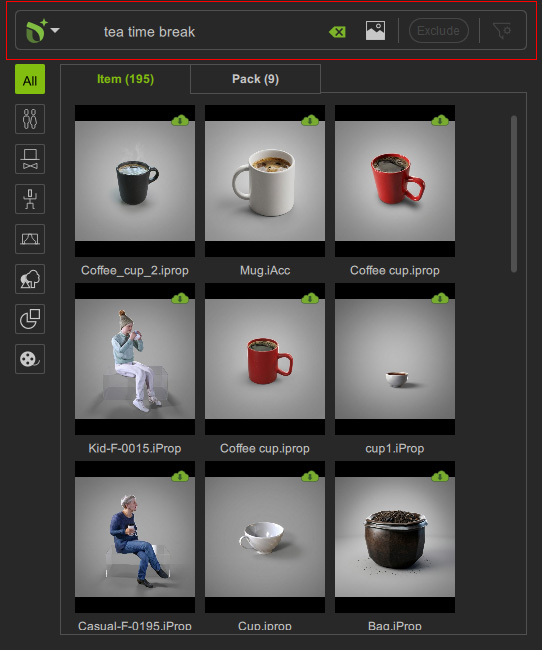
Smart Search supports both semantic search and text search. Refer to the table below to see the differences between the two search methods.
Search Method |  Deep Search Deep Search |  Keyword Search Keyword Search |
Semantic Search recognizes natural language, phrases, and multiple descriptors in user queries, returning more relevant results.
| Text Search is designed for users who already know the content, allowing them to find packs or items by exact titles, tags, or author names that match the keywords.
| |
Image Support | Able to use an image or content input to fulfill a search query. | Not supported. |
Language Support | Built-in ability to recognize more than a hundred languages. | English only, as the content information (titles, tags or authors) are all recorded in English. |
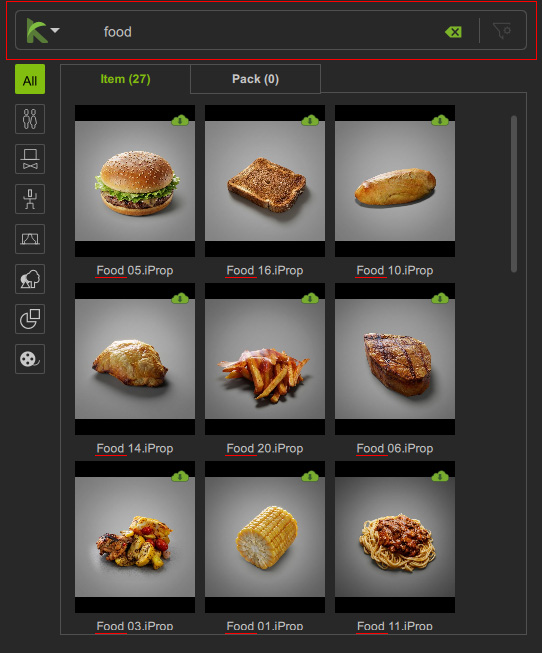
Downloading Content
After Smart Search displays packs or items matching your search terms, check the icons in the top-right corner of each thumbnail to view the content status and download availability.
| Thumbnail | Description |
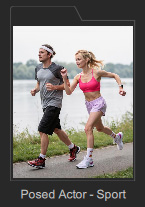 | If no icon appears in the top-right corner, the pack or item is currently not available for download. Double-click the thumbnail to open the purchase page if you do not have a subscription. |
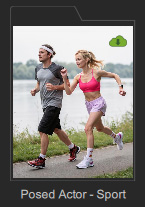 | Packs or items available for download (including free or subscribed assets) are marked with a Cloud |
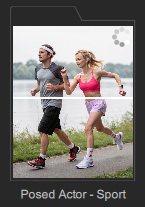 | Installing. You can right-click on the thumbnail to cancel installation using the context menu. |
 | Installed packs or items are marked with a Checkmark
 Applying HDR Content Applying HDR Content
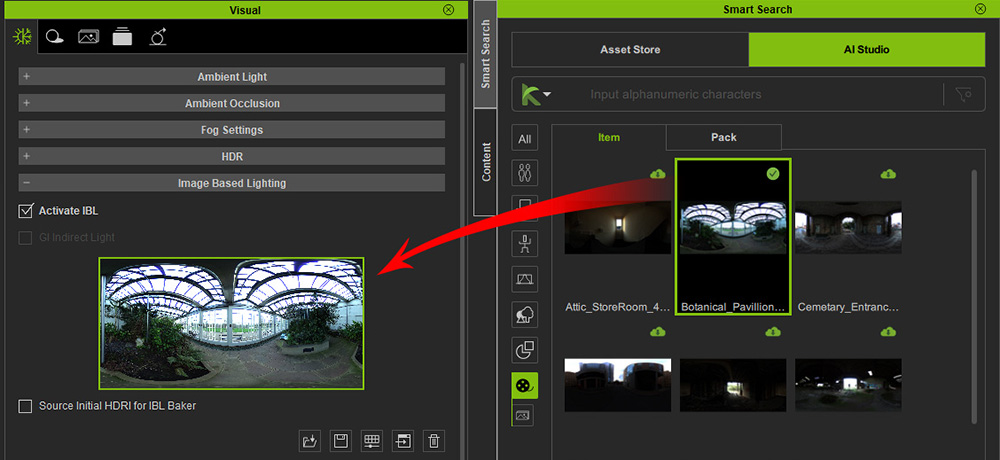
Most objects support standard application, while HDR content must be placed in the IBL slot within the Visual Settings panel (F7).
|
 icon in the top-right corner.
Double-click on the thumbnail to start installing the item.
icon in the top-right corner.
Double-click on the thumbnail to start installing the item. icon in the top-right corner.