Using 3D Assets — Vehicles

With an AI Service subscription, AI Studio provides a wide range of vehicles that can be applied directly. You can place cars and bikes on streets or create dynamic traffic scenes to bring your environment to life.

Accessing Content

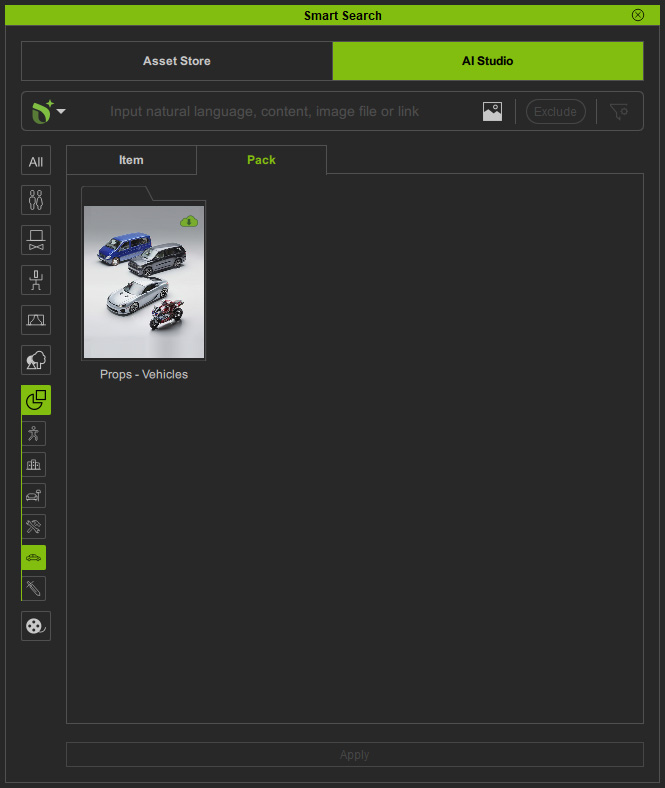
Open the Smart Search panel and select the AI Studio tab. Vehicle content is available under Prop > Vehicles Library, with tabs for switching between Item View and Pack View.
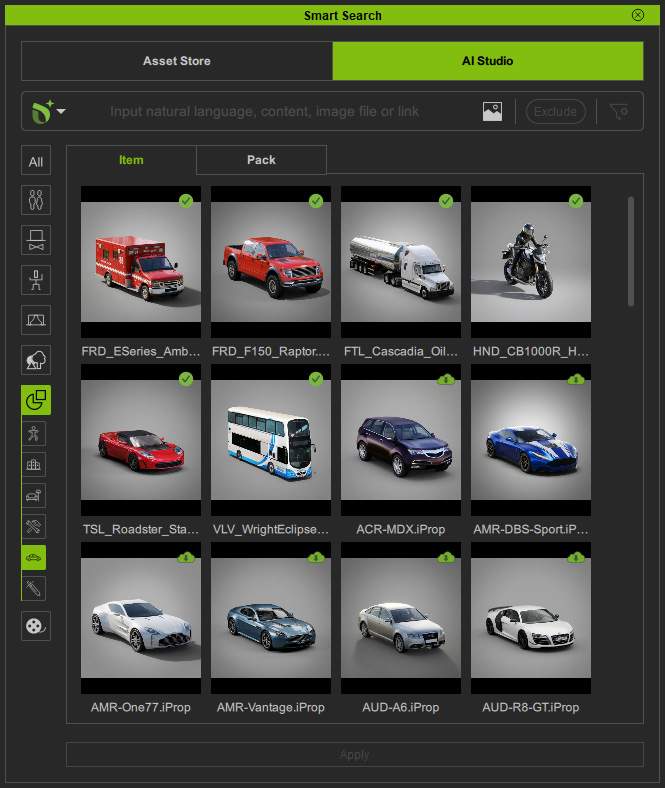
Item ViewPack View

Downloading Content

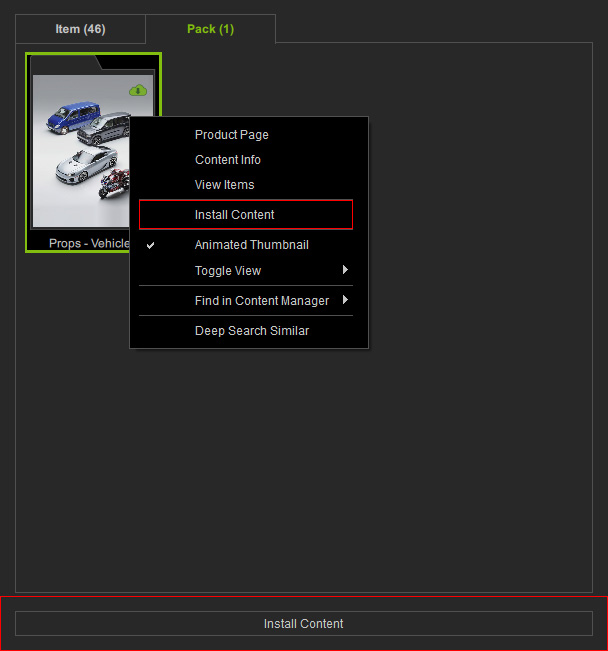
Packs or items available for download are marked with a Cloud icon in the top-right corner. Double-click the content, right-click and select Install Content, or click the Install Content button at the bottom to download and install it.
Searching Content

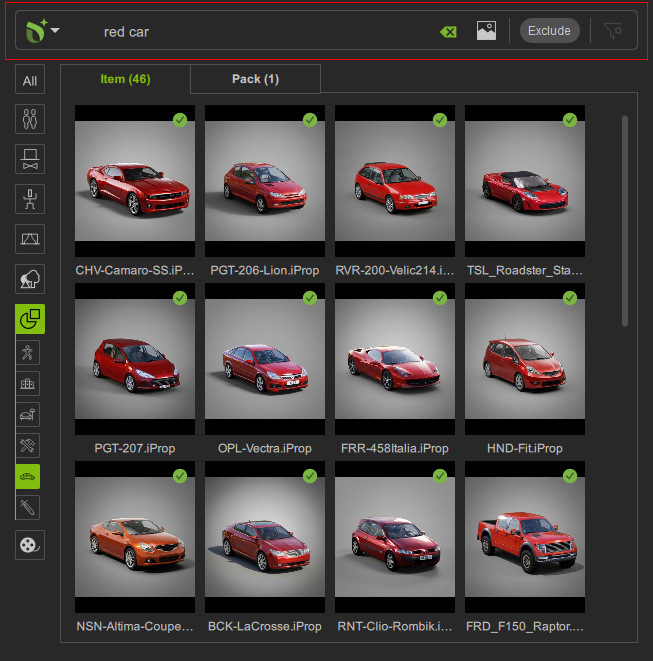
Installed packs or items are marked with a Checkmark icon in the top-right corner. Use Deep Search or Keyword Search to locate the desired vehicles.
Applying Content

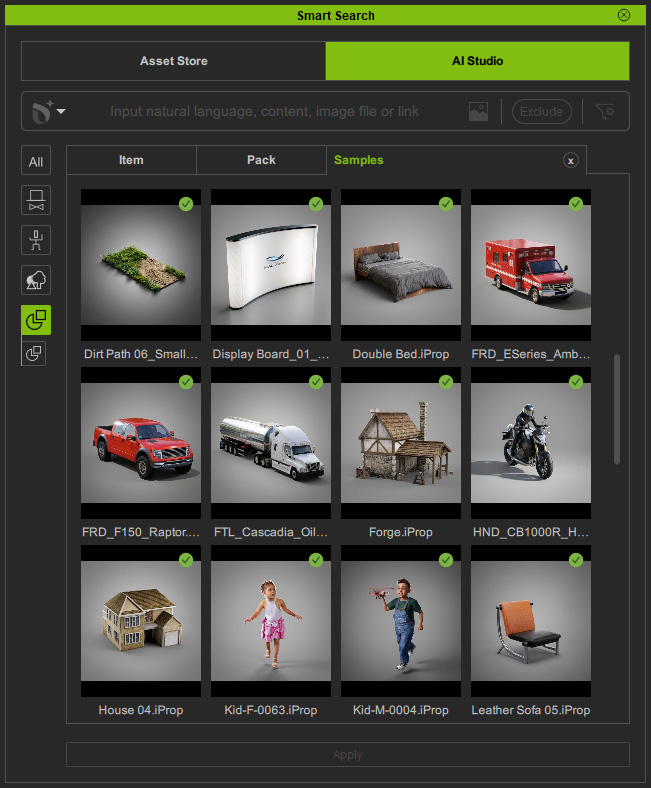
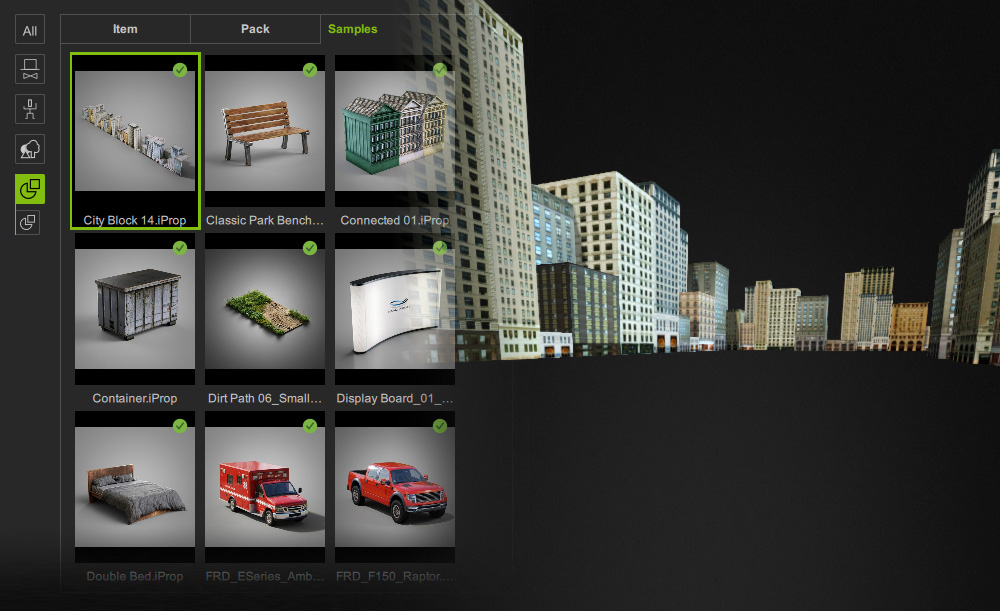
Before applying vehicle content to the scene, you can use city elements from the Prop library in the free Samples content pack to establish a base environment.

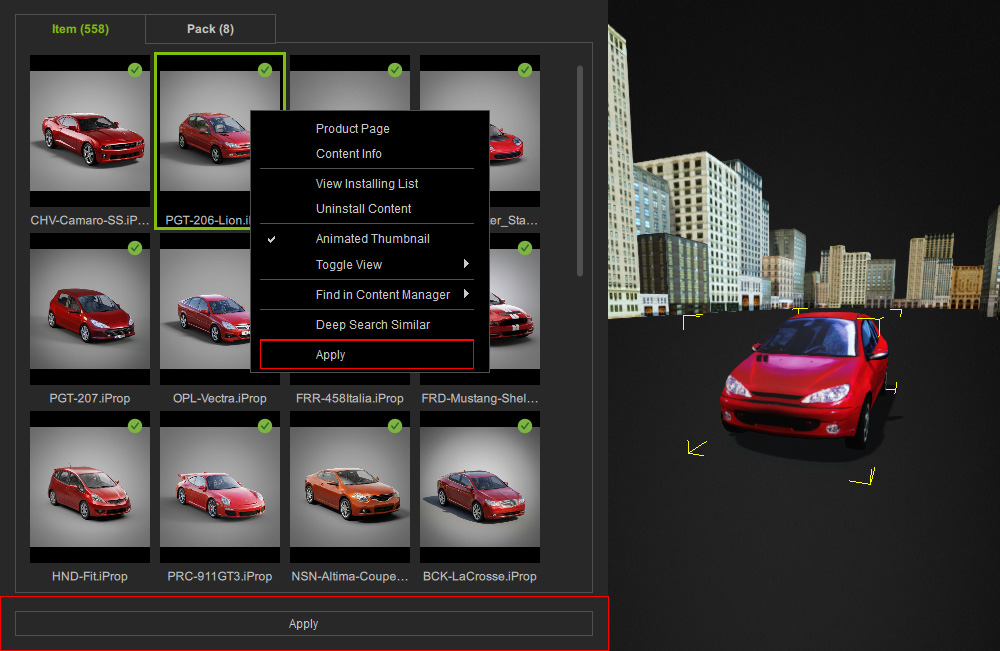
Double-click the content, right-click and select Apply, click the Apply button at the bottom, or drag it directly into the scene to apply it.
Transforming Content

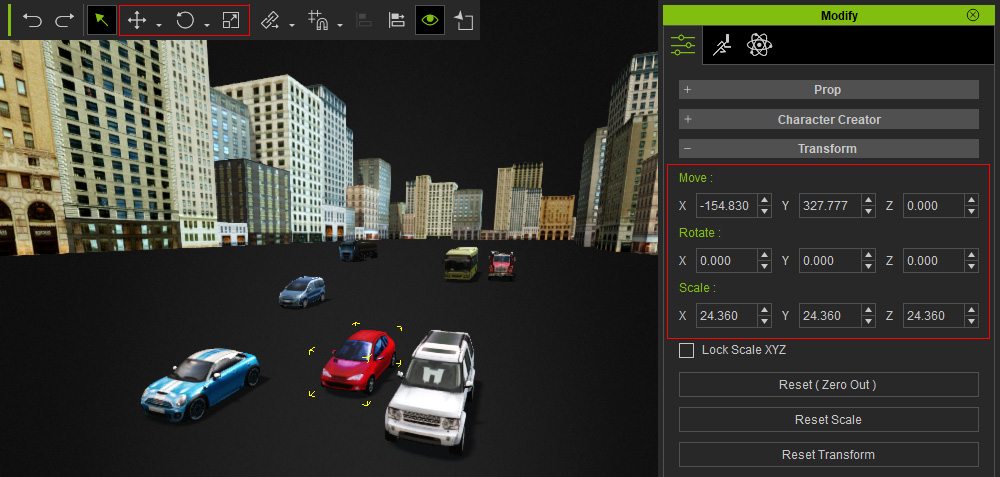
Use the Transform Tools to reposition the vehicle props to the desired locations.
Adjusting Camera Angle

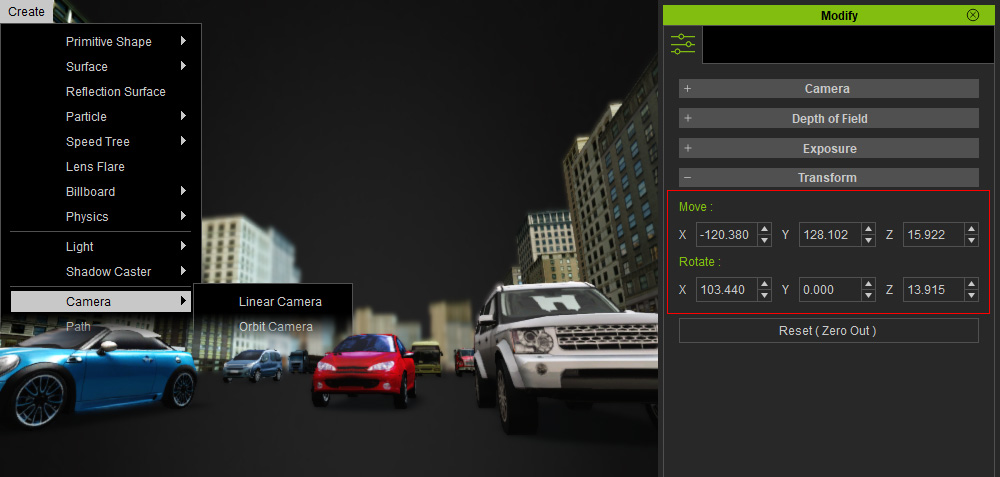
Create a custom camera and adjust the camera angle to capture the vehicles from the desired viewpoint.
Sending to AI Studio

After placing vehicles in the scene, click Capture Image from 3D Viewport in the AI Studio Tools toolbar to capture the current viewport and send it to the 3D to Image tool in AI Studio.

3D Guided Gen

Finish the 3D to Image workflow to generate images in the preferred render style.

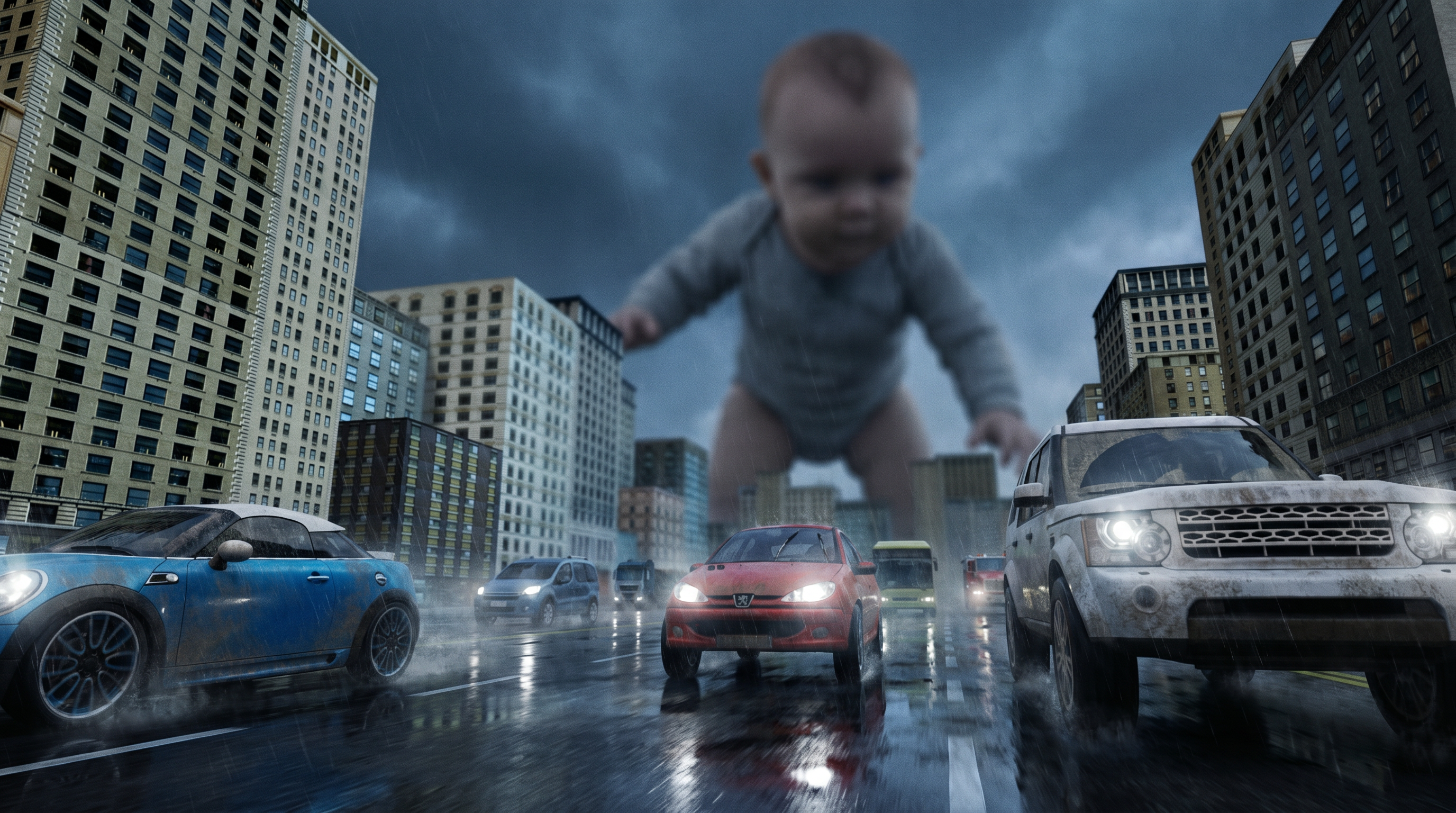
PromptAI Output

Completely maintain the camera angle, composition, and the proportions and appearances of the characters from Reference Image.

[Cinematography]:
An intense, dynamic low-angle tracking shot from ground level, looking up the rain-slicked asphalt road. The wide-angle lens creates exaggerated linear perspective, with the road markings and distant skyscrapers forming strong vanishing lines into the horizon. The focus is razor-sharp on the foreground vehicles, while an extreme shallow depth of field (DOF) heavily blurs the background. Shot on 70mm cinematic cameras, high contrast lighting, with a dramatic, almost ominous twilight sky.

[Subject]:
A fleet of realistic, grimy everyday vehicles—including a teal-blue SUV (foreground left), a red Peugeot 206 (center), and a white Land Rover Defender (foreground right)—are spedding toward the camera in a panicked exodus. Their bodies and panels are structurally intact, but heavily textured with "exquisite surface-level wear": fine parallel micro-scratches, subtle paint swirls, and a fine, thin, realistic layer of fine desert dust coating all three cars. In the far distance, towering and blocking the horizon, is the monumental, indistinct silhouette of a colossal giant infant in a grey onesie.

[Action]:
The cars are speeding desperately on the highway, tyres splashing light spray from the wet asphalt, all moving with intense forward momentum. Their headlights ignite, cutting through the gloom. In the far distance, the colossal infant is in a low, crawling pose, but is heavily blurred by the extreme DOF, appearing as a mysterious, incomprehensible, soft-focus titan, with only a blurred suggestion of skin texture and knit fabric visible.

[Context]:
A gritty, classical metropolitan city street with eroded, classical stone skyscrapers flanking the road, creating a towering canyon effect. The scene is not a toy room but a cold, real-world highway that feels tiny next to the distant giant. Natural lens grain, 8k resolution.

[Style & Ambiance]:
A high-energy, gritty disaster-film action tone. Cinematic lighting is cold and moody twilight, contrasted sharply by the cars' warm headlights and the dynamic forward motion blur of the asphalt. Realistic CGI with textured finishes. The scene feels heavy and oppressive. photorealistic, ultra realistic, motion blur, 8k.

Negative prompt: CGI, 3D render, fake motion, visible creature, plastic skin, smooth textures, repeating patterns, tiled ground, procedural textures, game graphics, unrealistic physics.

[style: Photo Realistic]

Video Gen

Use the images generated by 3D to Image as the Start Frame references, then proceed to the Video Gen workflow to generate a video.

PromptStart Frame

[Cinematography]: Low-angle ground tracking shot, shifting to frantic handheld "survivor" style. Extreme variable DOF: sharp focus on car textures, heavy bokeh blur on distant giant. Digital camera shake and thermal distortion during explosion.

[Subject]: Red car, teal SUV, white Land Rover. Structures intact but with "exquisite surface-level wear": fine micro-scratches and minor scrapes (referencing Start image), thin desert sand coating. Colossal hyper-realistic infant in grey knit onesie; visible soft skin pores and tiny vellus hair (lanugo) textures even through blur.

[Action]: Colossal chubby hand descends, plucking the red car. Car wheels spin in mid-air. Infant inspects car near eyes for 3 seconds, then hurls it down with immense force. It strikes the Land Rover, triggering a violent explosion with a massive orange fireball and billowing black smoke.

[Context]: Gritty city canyon. Towering eroded classical limestone skyscrapers with complex rust streaks, water-stains, and heavy soot on window frames. Asphalt with tire skid marks and burning embers.

[Style & Ambiance]: Hyper-realistic sci-fi disaster. Cold twilight lighting pierced by brilliant orange blast. Realistic CGI textures, cinematic motion blur, 8k resolution.

AI Output