Regenerating Decal Images
Leverage library content or shared custom files within your team to quickly recreate decal images using the same prompts, or customize them to save time on design iterations.
- Ensure that ComfyUI with the required AI models are installed and that FashionGen is successfully connected to ComfyUI to enable AI generation.
- Navigate to the ReGen folder in the resource pack or the Custom folder in the Content Manager.
Right-click the target file, and select Regenerate.
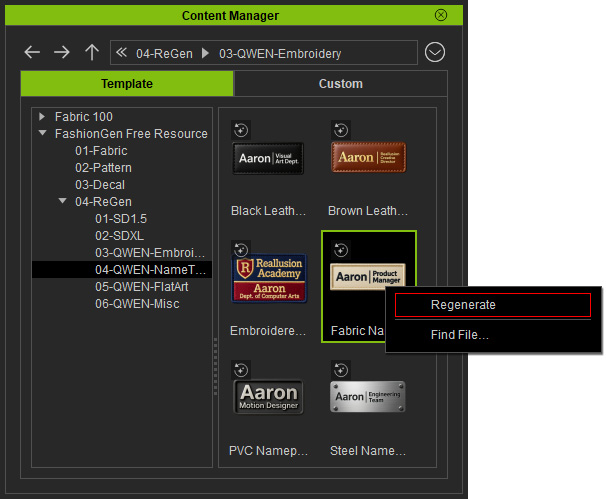
A content thumbnail with an icon in the upper-left corner indicates that the item can be regenerated via AI Generation.
 - The AI Generation panel opens in the Decal tab, displaying the AI model and prompts used to generate the content.
The parameters include the Seed, Steps, and CFG in the Sampler section for reproducing consistent results.
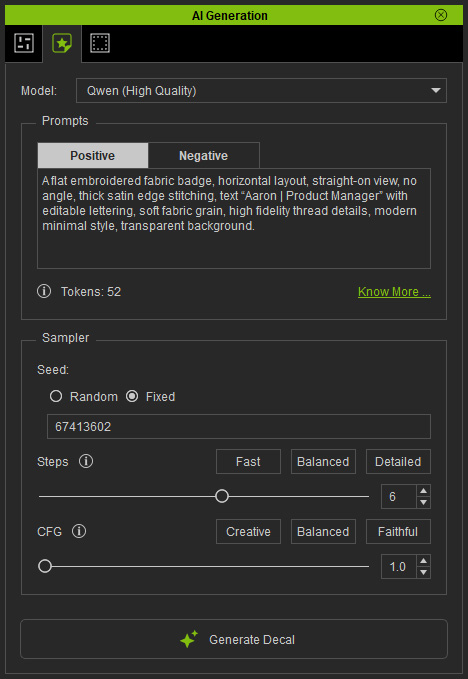
- Modify the prompts to regenerate the decal with AI.
You can adjust elements such as the text, shape, colors, or color combinations to refine the result.
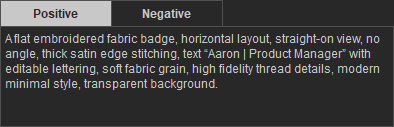
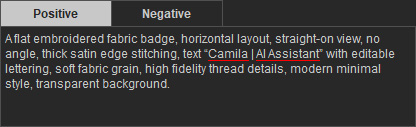
Original prompt: text "Aaron | Product Manager".
Modified prompt: text changed to “Camila | AI Assistant”.
- Click Generate Decal button at the bottom of the panel.
Once generated, the decal is automatically applied to the clothing.
Use the Layer Transform tools in the Texture Editor to adjust the size, position, and orientation as needed.
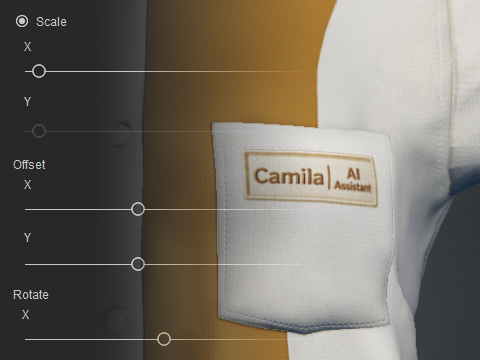
The output image is also saved in the Custom library of the Content Manager for future regeneration.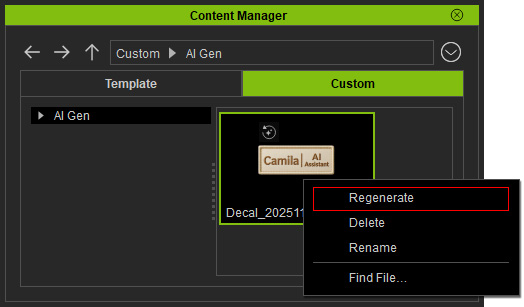
- Repeat steps 1–5 to regenerate custom decal images and create your own design.
The Qwen AI model is recommended for the most freedom with detailed descriptions.
Content
Original Prompt
Modified Prompt
AI Output
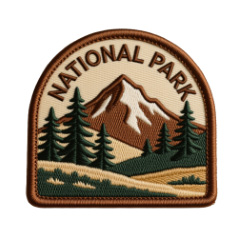
An embroidered patch, rounded-arch badge shape, featuring a landscape with pine trees and a mountain silhouette, Upper arc text: "NATIONAL PARK", color palette: beige, brown, dark green, front view, neutral lighting, vintage outdoor brand style.
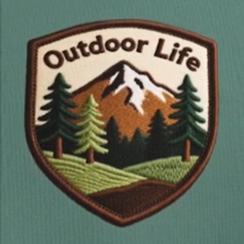
An embroidered patch, Shield Shape, featuring a landscape with pine trees and a mountain silhouette, Upper arc text: "Outdoor Lifer, color palette: beige, brown, green, dark green and dark brown, front view, neutral lighting, vintage outdoor brand style.

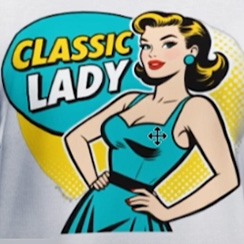
A retro 1950s pin-up style illustration of a confident woman, soft vintage colors, bold outlines, halftone dots, classic American advertisement style, with the text “CLASSIC LADY”, flat illustration, top-down, transparent background.
A retro 1950s pin-up style illustration of a confident woman, overall in bright teal and sunshine yellow tones, bold outlines, halftone dots, classic American advertisement style, with the text "CLASSIC LADY", flat illustration, top-down, transparent background.
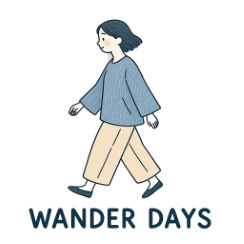
A minimal Japanese hand-drawn illustration of a walking woman in loose clothing, soft pencil texture, muted blue and beige tones, simple contours, gentle atmosphere, with the text “WANDER DAYS”, flat illustration, top-down, transparent background.
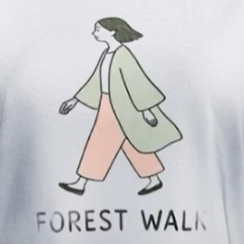
A minimal Japanese hand-drawn illustration of a walking woman in loose clothing, soft pencil texture, Soft Sage and Warm Pink, simple contours, gentle atmosphere, with the text "FOREST WALK", flat illustration, top-down, transparent background.
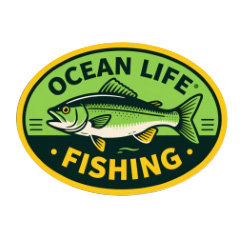
A detailed illustration print, oval badge shape, featuring a large fish graphic and customizable text "OCEAN LIFE FISHING", two colors: lime green and deep yellow, front view, neutral lighting, vintage fishing tackle shop print style.
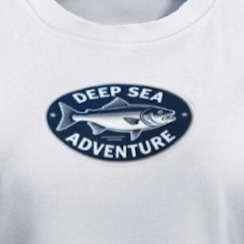
A detailed illustration print, oval badge shape, featuring a large fish graphic and customizable text "DEEP SEA ADVENTURE", two colors: Deep Blue and Silver gray, front view, neutral lighting, vintage fishing tackle shop print style.
- Generate Normal and PBR maps to give the decals a realistic surface appearance and lighting effect.
