Water
iClone introduces the Water Prop. It is not a static prop but actually a floating one. With reflection and refraction characteristics, it presents realistic moving water in your scenes.
- Go to the Set tab >> Water library in the Content Manager. Apply any template to the current project.
- Select the water in the Scene Manager.
- In the Basic Water Parameters section of the Modify panel, adjust the value to see the changes.
-
Press
Play to see the result.
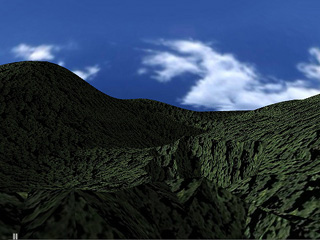
Before Water Applied
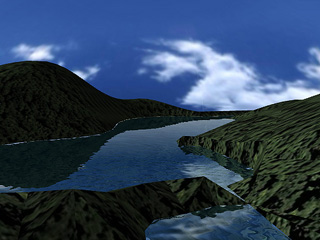
After Water Applied
For more information, please see:
