Combining Nodes
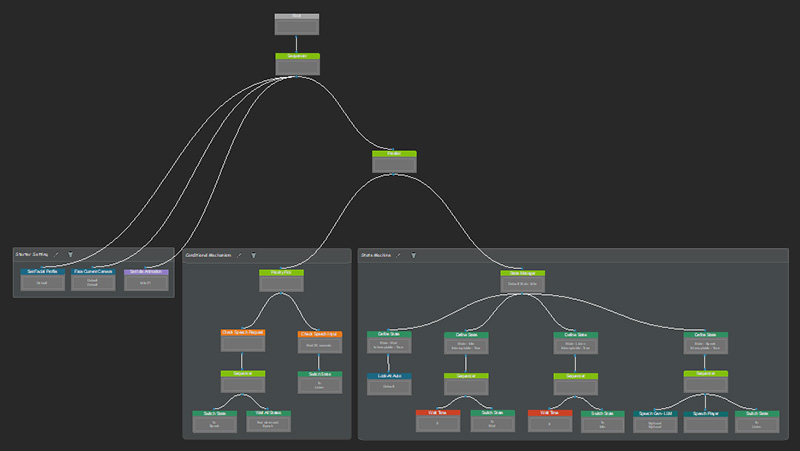
After the State Machine and Conditional Mechanism are created, you can combine them with the Starter Setting in the behavior tree.
- The Starter Setting needs to execute once only, so you can directly connect it to a Sequencer node.
- The State Machine and Conditional Mechanism should remain running all the time for continuous state looping, so you have to collect them with a Parallel node before connecting to the Sequencer node.
Follow the instruction below to organize nodes in the Behavior Tree.
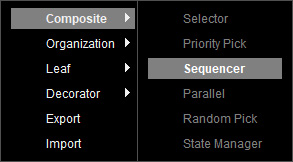
- In the Behavior Tree graph, create a Sequencer node by right-clicking on the empty area and selecting Composite > Sequencer.
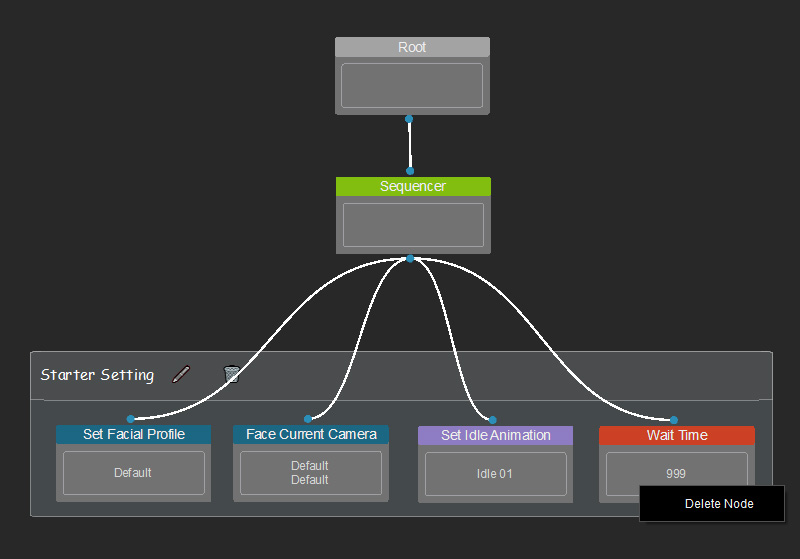
- Connect the nodes of Start Setting to the Sequencer node.
Remove the Wait Time node, because the State Machine and Conditional Mechanism are ready to execute.
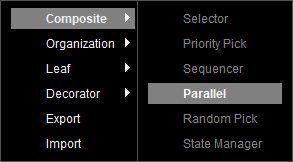
- Create a Parallel node by right-clicking on the empty area and selecting Composite > Parallel.
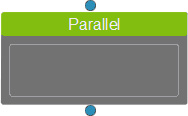
- A Parallel node is created.
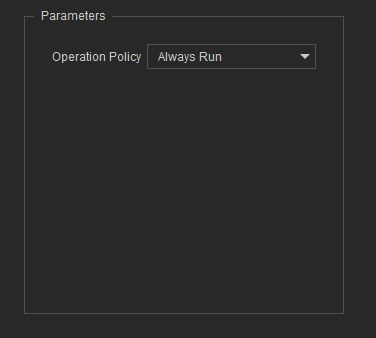
- Select the node, and set the Operation Policy to Always Run (never returning to Starter Setting) in the Parameters section.
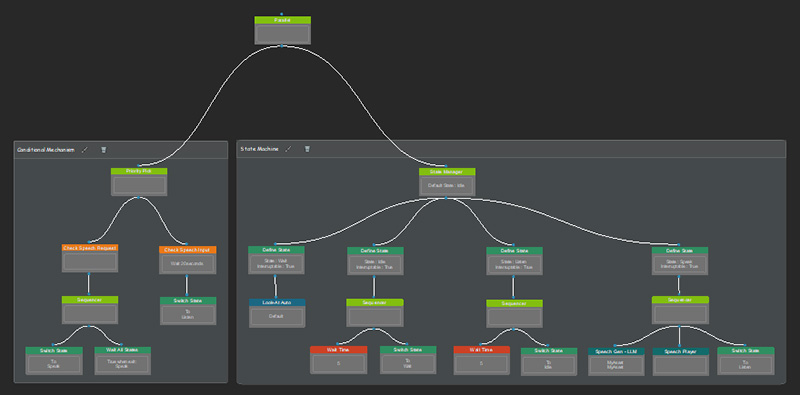
- Connect the State Machine (the Priority Pick node) and Conditional Mechanism (the State Manager node) to the Parallel node.
- Connect the Parallel node to the Sequencer node.
- Now you can use the Chat window to test the basic behavior loop.
- Input some text to ensure the state transition from Wait / Idle to Listen works properly.
- Send out text to test whether the Speak state works normally.
