Installing AccuRIG
To comprehend the download and installation process for AccuRIG, follow the steps outlined below.
Click this Link to access the official ActoreCore website to download the AccuRIG Installer.
-
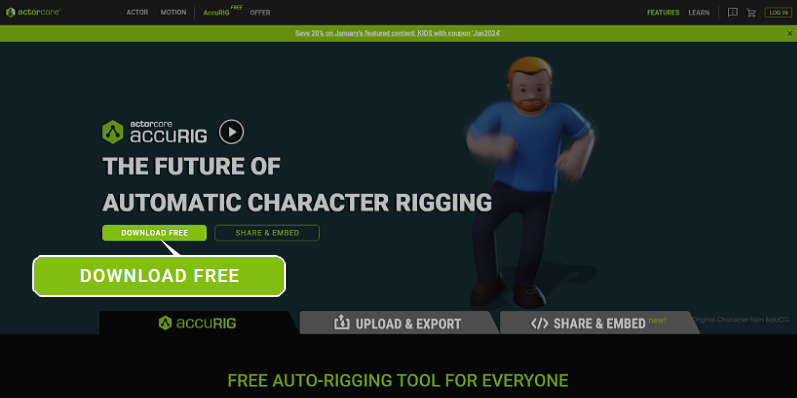
Click the DOWNLOAD FREE button to acquire AccuRIG.
-
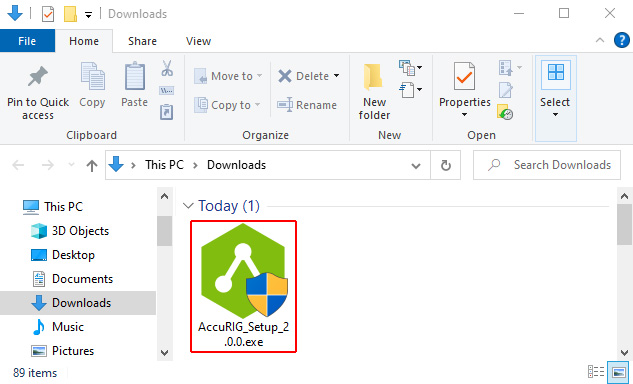
Navigate to your “Downloads” folder and begin the installation process by double-clicking the AccuRIG installer.
-
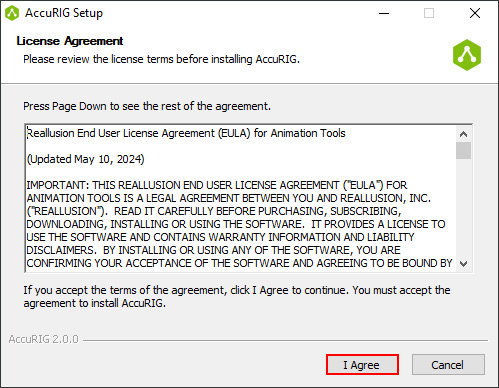
The License Agreement pop-up will appear. Click the I Agree button to proceed with the installation process.
-
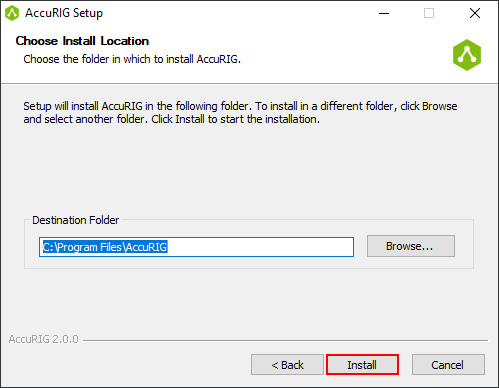
Select your preferred Destination Folder for the AccuRIG installation and click Install.
-
Once the installation is completed, click the Finish button.
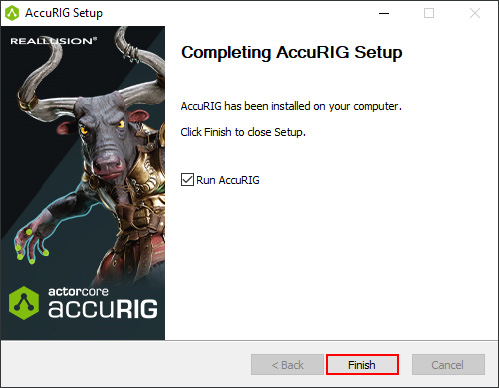
AccuRIG will launch automatically. For initial use, you will need to log in with your Reallusion account.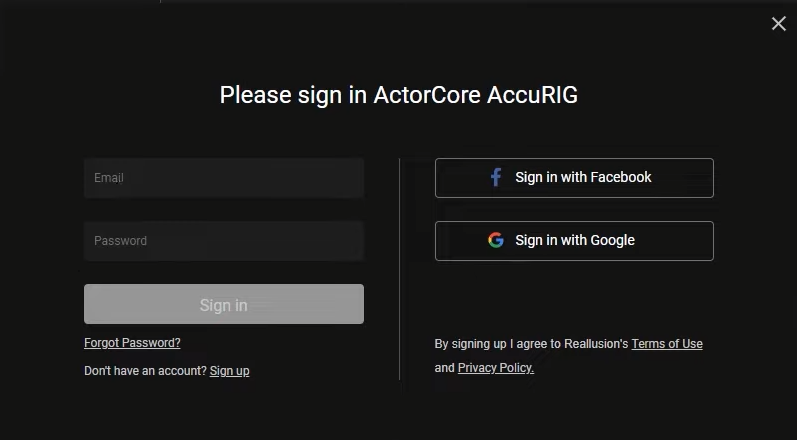
-
To learn more about loading and rigging your character model using AccuRIG, take a look at the Quick Guide, and get familiar with the environment.
- Menu Bar
- AccuRIG Tab
- Add Motions Tab
