Quick Guide for Creating Character Rigs
The following material will cover the process of converting a static biped model into an animatable character.
- Prepare a biped model in FBX or OBJ format.
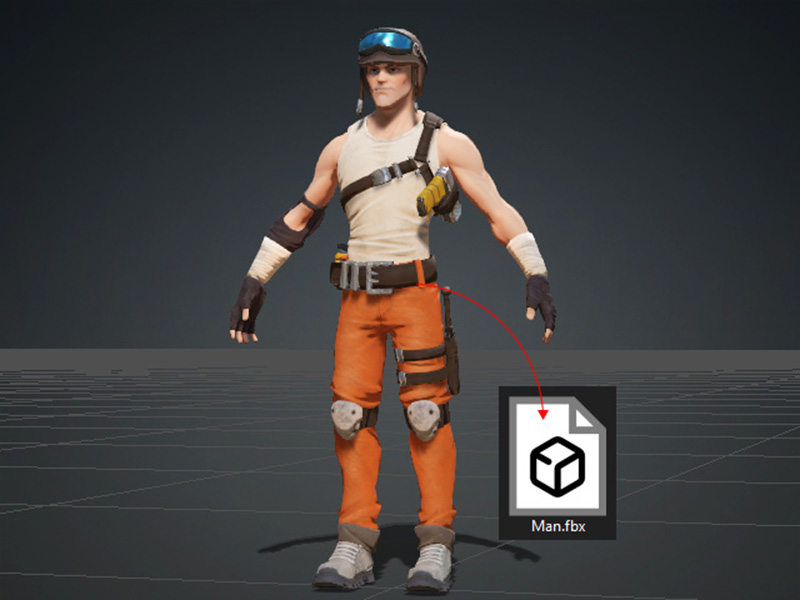
 Note:AccuRig supports models with texture maps in FBX and OBJ formats, provided that the associated files and texture maps are located within the model file’s folder.
 - Launch AccuRIG.
Load the model file to start the procedure.
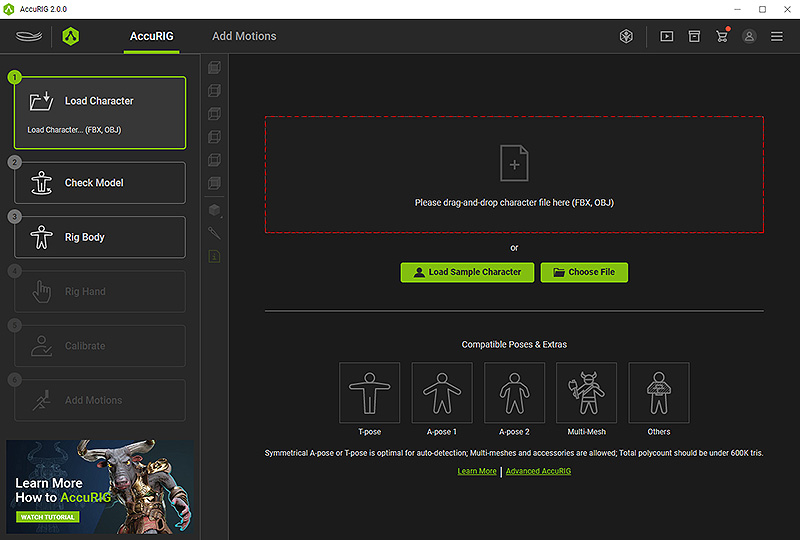
* You can drag and drop the file to the viewport, click the frame area or the Choose File button to load a model file.
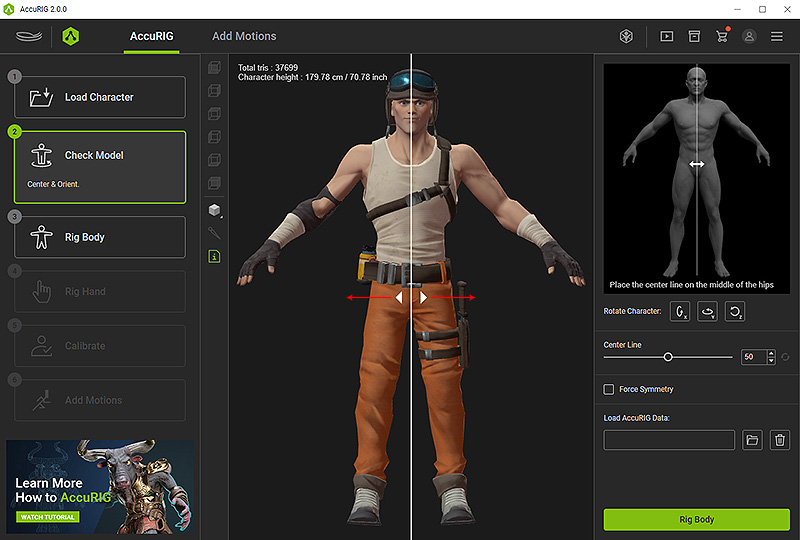
The program automatically proceeds to the second step. Rectify the character to face front if necessary.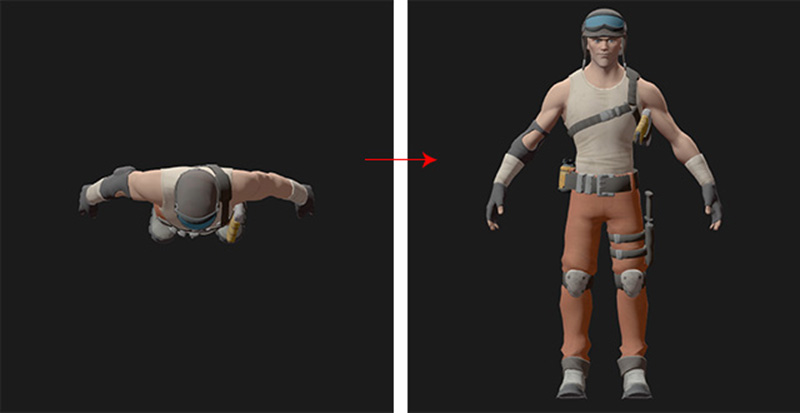
- Also, drag the center line (or the arrows) to align it to the center of the pelvis.
Proceed to the 3rd step by clicking the Rig Body button near the bottom of the right panel.
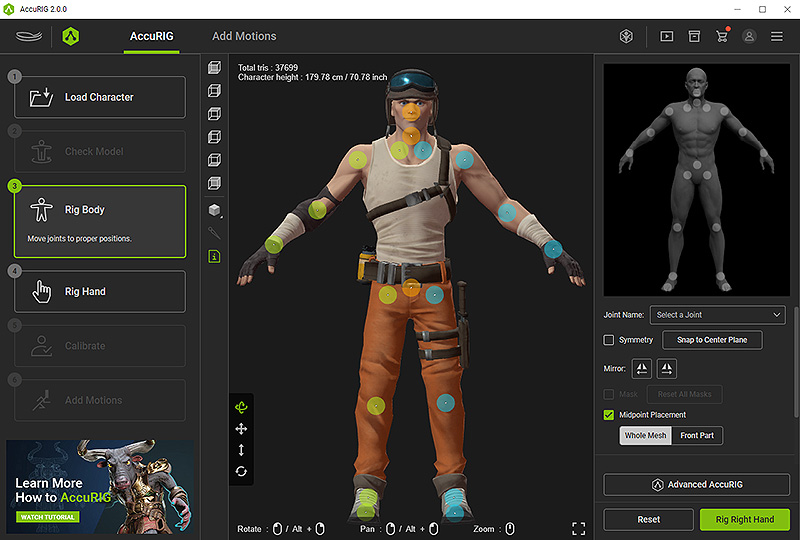
- In step 3, AccuRIG will automatically distribute the skeletal joints.
Adjust them if necessary by dragging on the dot gizmos.
When you are ready, click on Rig Right Hand to proceed to step 4.
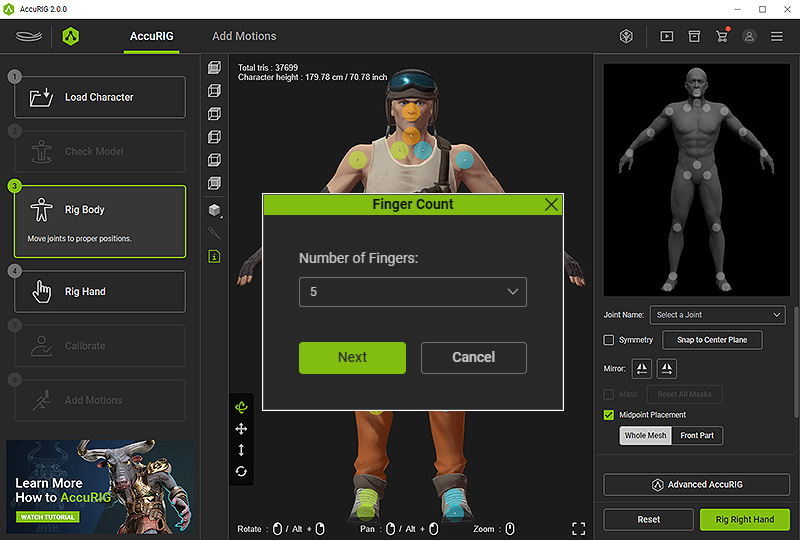
- Before proceeding to step 4, you will be asked to input the number of fingers for the character.
AccuRIG will automatically position the finger joints. You can manually reposition them if needed.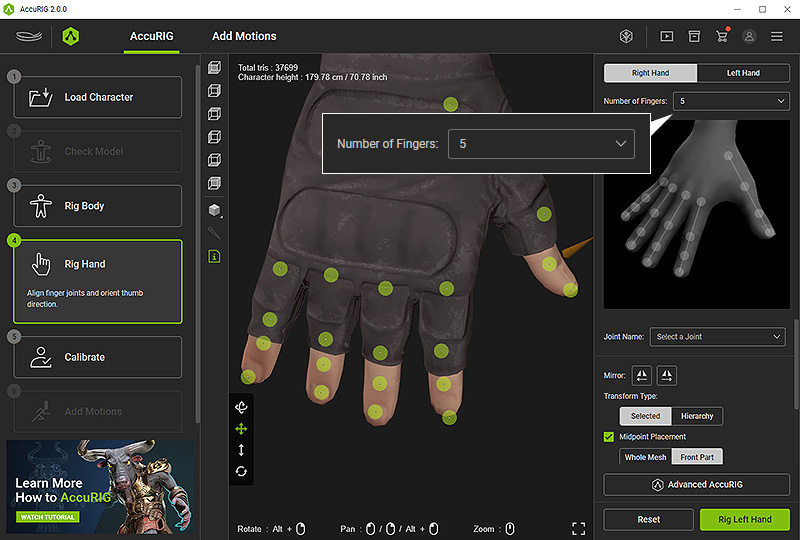
Click the Rig Left Hand button for the same adjustments to the other hand. When you are done, click on Calibrate to proceed to step 5. - Apply various poses or motions to ensure proper placement of the joints.
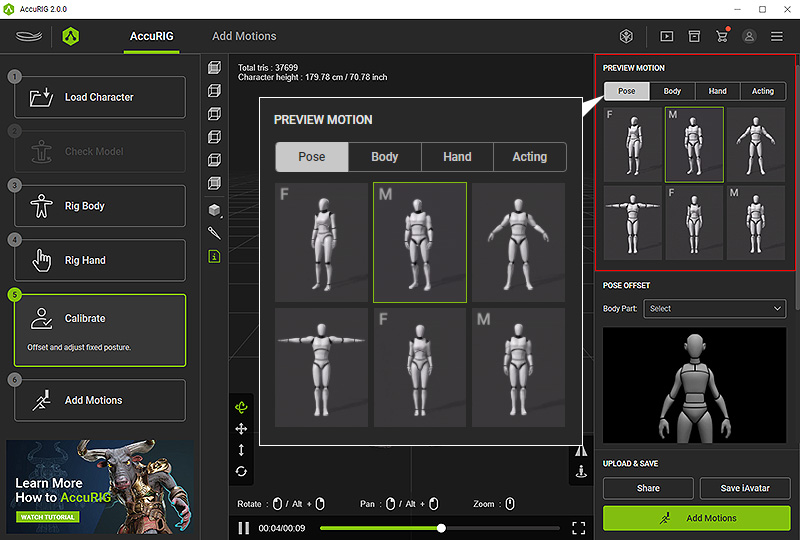
- In this phase, it is crucial to offsetting the bones to address potential problems related to model clipping during posing or animation.
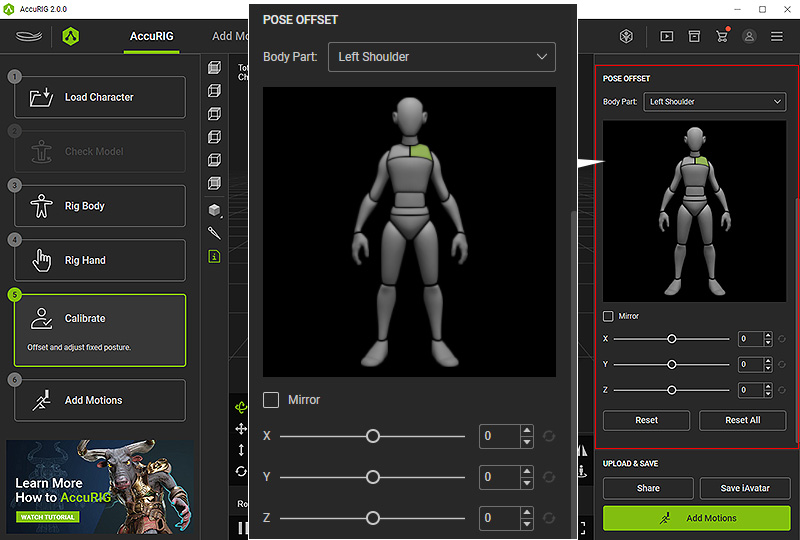
If issues still remain, go back to step 3: Rig Body for further joint adjustments. - Share or save the finished character with buttons near the bottom-right corner.
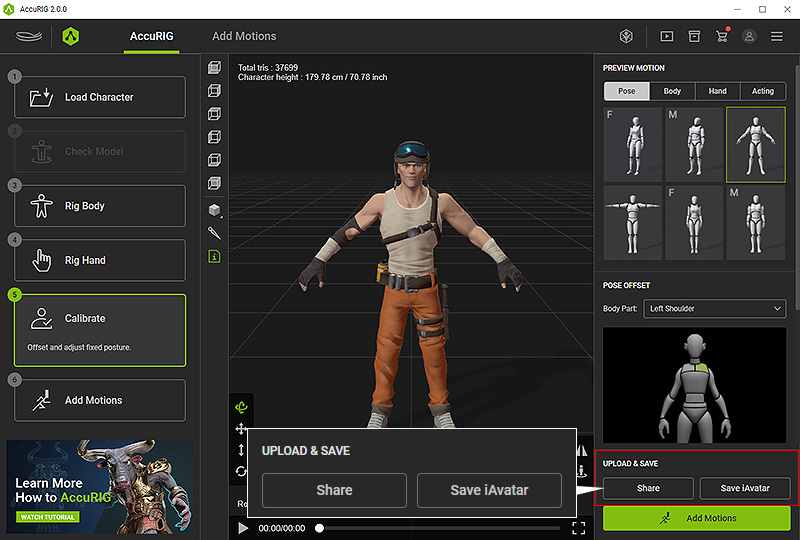
- Click on Share to upload the character to the ActorCore site and then share on social medias.
- Click the Save iAvatar button to save the character in iAvatar format for use in Character Creator and iClone.
- In the final step, explore and apply motions fitted your character and export the animated character to third-party platforms.
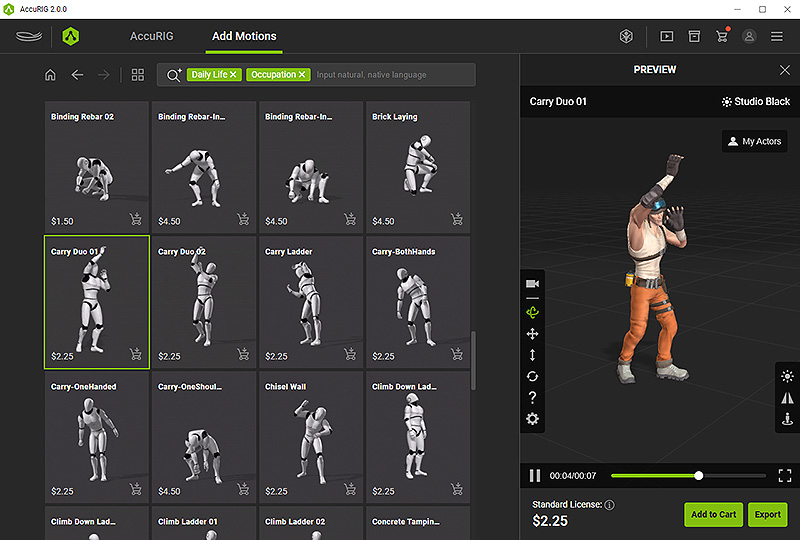
- Click on Add to Cart to purchase additional motions before exporting the animations.
- Click the Export button to export the character in FBX or USD format for direct use.
