User Interface for Brush Tool
Mask Mode
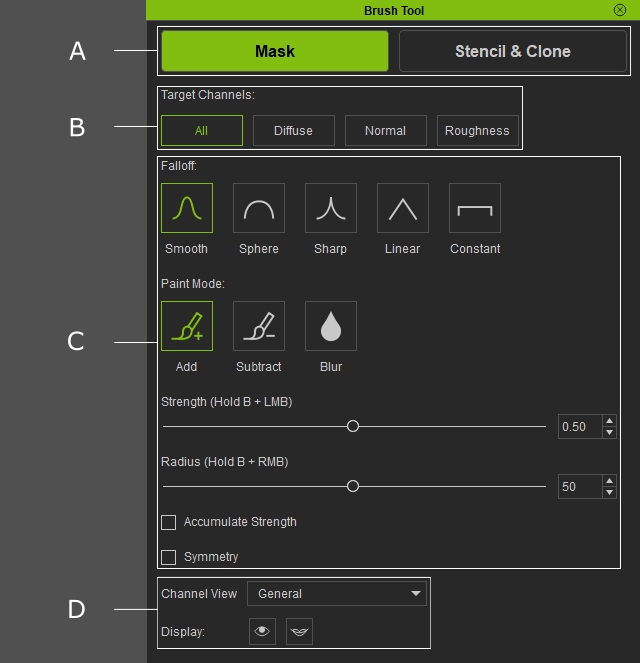
|
A |
Toggle between Mask / Stencil & Clone brush mode. |
|
|
B |
Switch between different mask channels to define which channel you are painting on. |
|
|
C |
A range of brush settings is available for customization. |
|
|
D |
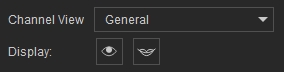
Display Settings |
|
Stencil & Clone
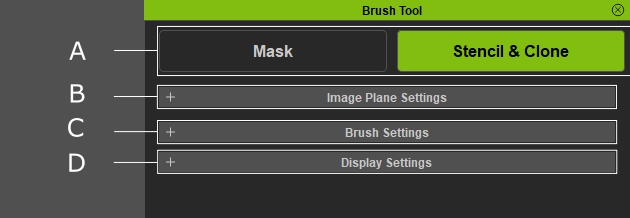
|
A |
Toggle between Mask / Stencil & Clone brush mode. |
|
|
B |
Adjust the display and transformation settings of the overlay image plane. For more details, please refer to the Image Settings page. |
|
|
C |
A range of brush settings is available for customization. |
|
|
D |
Display Settings |
|
