Saving and Loading Character Settings
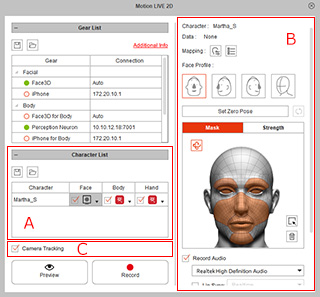
Since the Motion LIVE 2D allows you to capture real human's facial expression, body movements and hand gestures at the same time, you can save these Character settings rather than tuning mocap settings for specific characters each time this panel is launched.
The Character settings data includes the following:
 |
|
 Saving Character Settings
-
Launch the Motion LIVE 2D panel and load the desired gear settings.
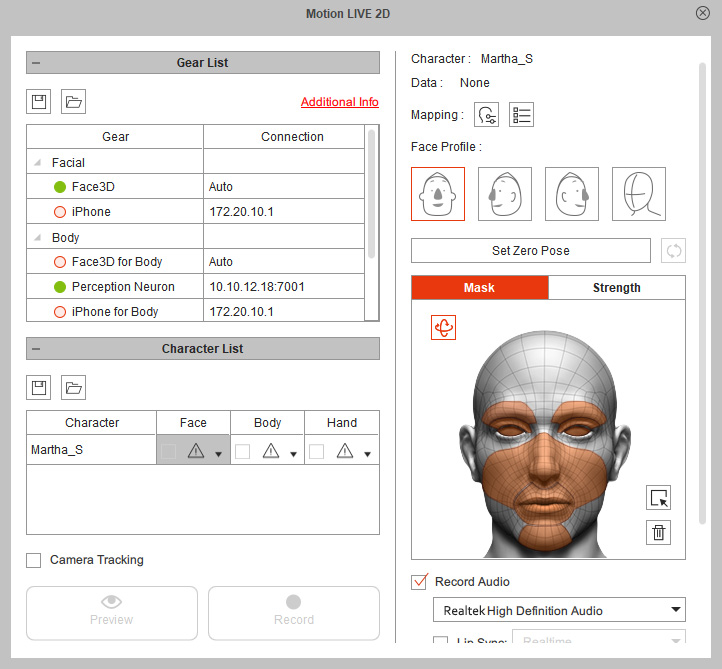
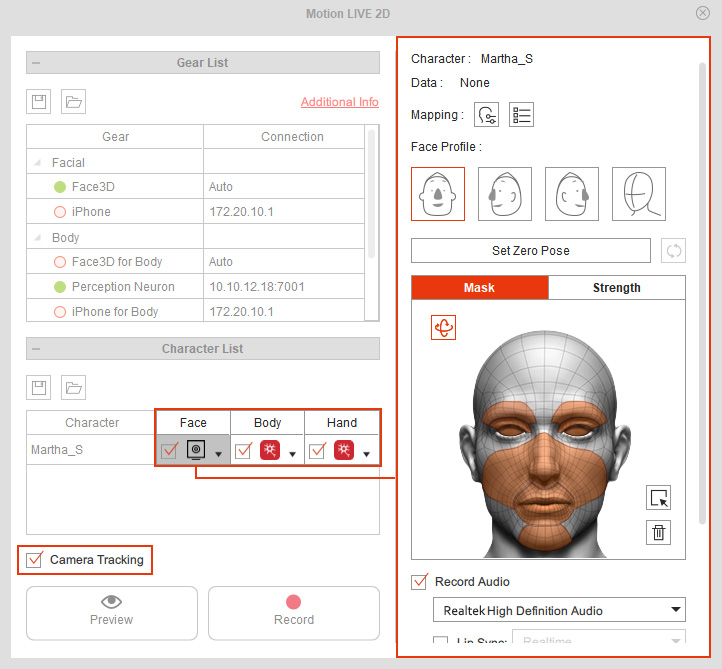
- In the Character List section, assign gears to start the mocap workflow and optimize the Character settings separately in
Face Mode,
Head Driven Body Mode,
Body Mode or
Hand Mode.
-
Click the Save Character Setting button.
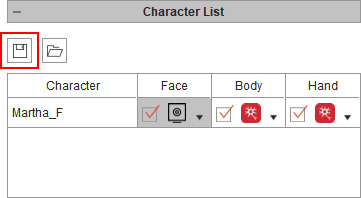
- Browse to a target directory to save the Character settings in a file (in *.json format).
Loading Character Settings
-
Launch the Motion LIVE 2D panel and load the desired gear settings.
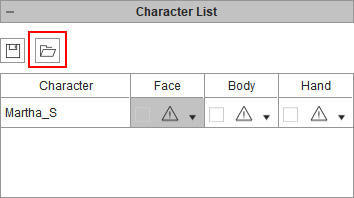
- Click the Load Character Setting button in the Character List section.
Load a json file (*.json) saved by the method in previous section.
- You will see the Character settings are now all optimized in each mode,
which saves time from adjusting them one after one.
