User Interface Introduction for ActorMIXER Pro
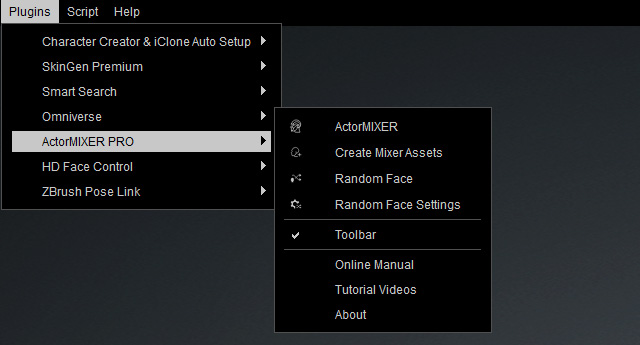
Plugins Menu
|
ActorMIXER |
Launches the ActorMIXER panel. |
|
Create Mixer Assets |
Opens the Create Mixer Assets for creating custom Mixer Presets. |
|
Random Face |
Creates random faces in accordance with the specified Mixer Assets directories. |
|
Random Face Settings |
Open the Random Face Settings panel for specifying Mixer Assets directories. |
|
Toolbar |
Shows / Hides the ActorMIXER toolbar. |
|
Online Manual |
Displays the ActorMIXER Online Manual. |
|
Tutorial Videos |
Redirect to the online Tutorial Video web site for ActorMIXER. |
|
About |
Displays the Splash about the version information. |

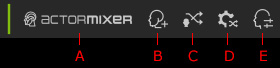
Toolbar
|
A |
ActorMIXER |
Launches the ActorMIXER panel. |
|
B |
Create Mixer Assets |
Opens the Create Mixer Assets for creating custom Mixer Presets. |
|
C |
Random Face |
Creates random faces in accordance with the specified Mixer Assets directories. |
|
D |
Random Face Settings |
Open the Random Face Settings panel for specifying Mixer Assets directories. |
|
E |
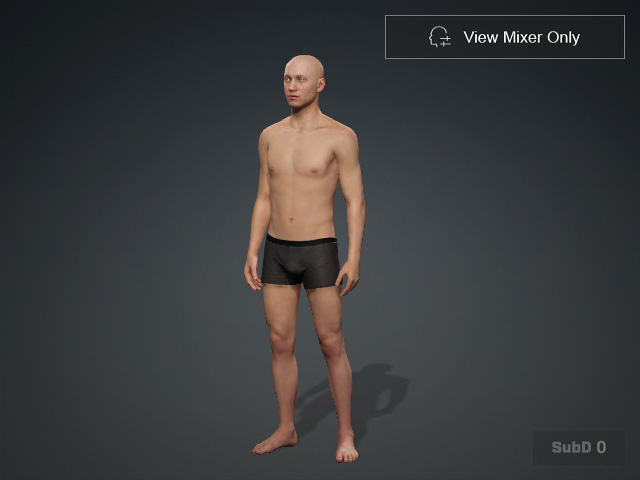
View Mixer Only |
|
ActorMIXER Panel
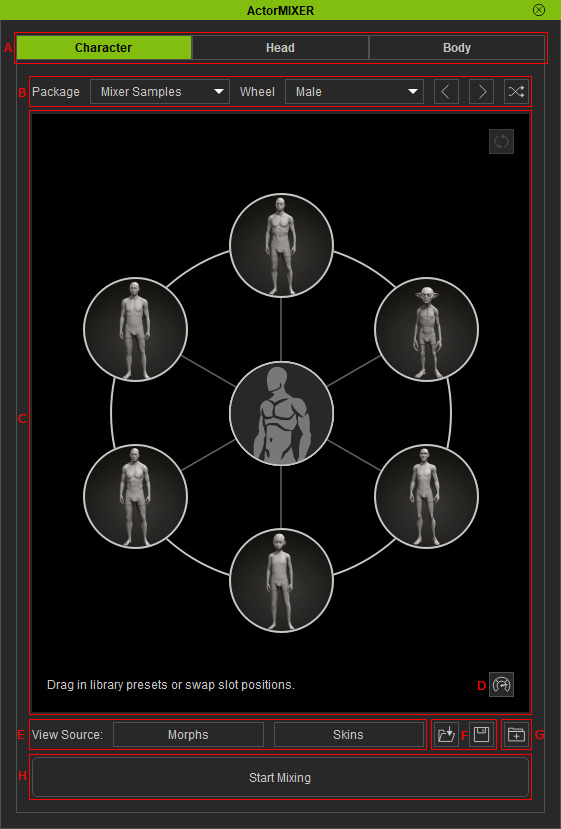
|
A |
You can choose the desired category for blending target morph shapes to the character. |
|
|
B |
|
|
|
C |
Wheel with Presets |
|
|
D |
Performance Checkbox |
|
|
E |
Switches to current mixer target gallery or skin gallery. |
|
|
F |
|
|
|
G |
Save Package |
Packs saved wheel layouts as a package (*.ccMixerPackage). |
|
H |
Start Mixing |
Switch between Editing mode and Mixing modes. |
 : Fills up the targets randomly from all target presets in the same package.
 : Snaps the green blend point to the center of the wheel to initialize the appearance of the character.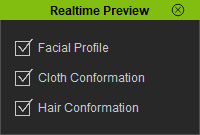
 : Loads the wheel set (*.ccMixerLayout) previously saved.
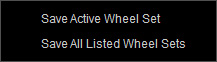
 : Saves active wheel set or all wheel sets (*.ccMixerLayout).