Animation Triggers - Pitch Trigger
The Pitch Trigger node is triggered when there is a significant change in the pitch intensity detected from the .wav file generated by the TTS (Text-to-Speech) system.
Create the node by right-clicking on the empty area of the Speech Graph, and selecting Driver > Driver Node > Pitch > Pitch Trigger.
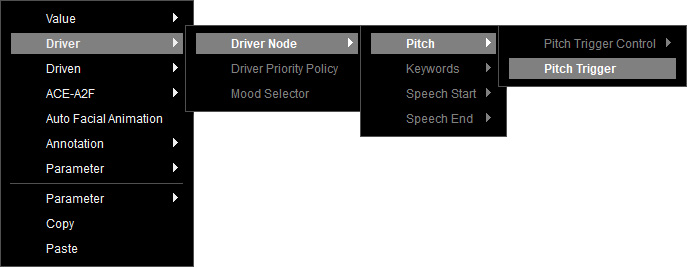
The Pitch Trigger node is created.
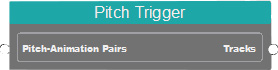
Before connecting it to the Speech Root, the following sub-nodes are necessary for the node to function properly.
- Pitch-Animation Pairs node to map pitch variations to specific animations.
- Pitch Trigger Filter node to control the frequency of animation trigger points.
Pitch-Animation Pairs
Right-click on the empty area of the Speech Graph, and select Driver > Driver Node > Pitch > Pitch Trigger Control > Pitch-Animation Pairs to show the available driven animations in the node.
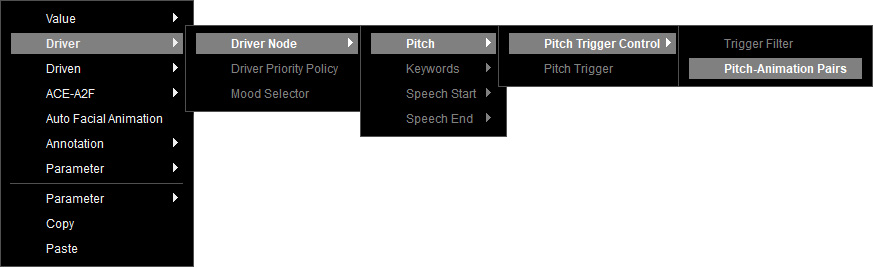
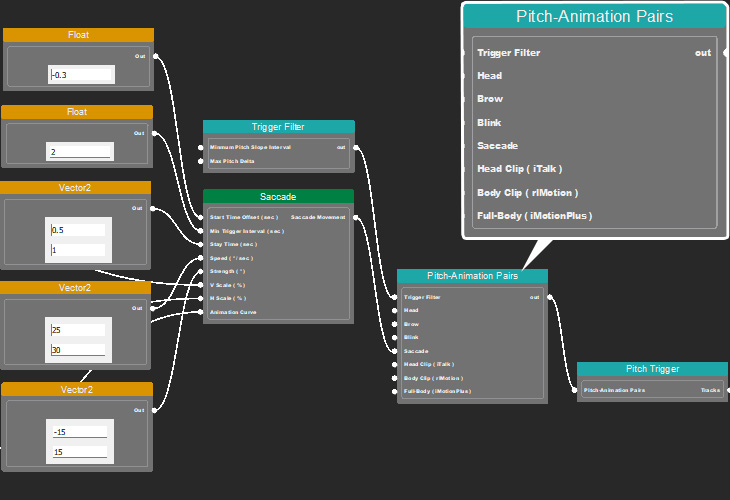
The Pitch-Animation Pairs node is created to serve as a bridge between Pitch Triggers and animation outputs.
- Using a Trigger Filter to control the timing of trigger point.
- Connection with driven animation sources, including the head, brow, blink, saccade, and clip animations.
Trigger Filter
Right-click on the empty area of the graph, and select Driver > Driver Node > Pitch > Pitch Trigger Control > Trigger Filter.
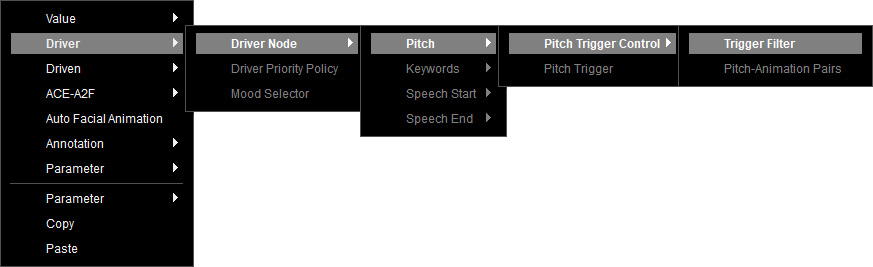
A Trigger Filter node is created.
You can control the minimum time interval between each pitch-triggered animation with the following settings:
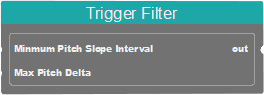
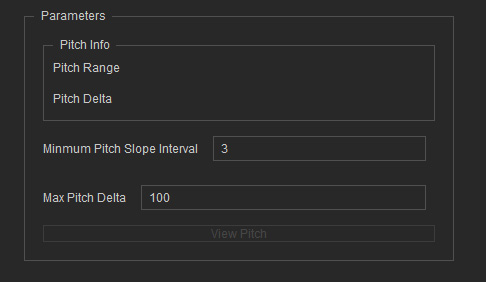
- Minimum Pitch Slope Interval: Defines the minimum time gap (in seconds) between two pitch-driven animations with values input from a Float or Int node. Alternatively, select the node and adjust its parameters in the Parameters section.
- Max Pitch Delta: Defines the maximum of Pitch, the value exceeds over than maximum will all consider as maximum value.
It accepts values input from a Float node.
Alternatively, select the node and adjust its parameters in the Parameters section.
Driven Animation
Refer to the following sections for more information on each driven animation node.
- Saccade: Contains parameters to control Saccade animation.
- Blink: Contains parameters to control Blink animation.
- Brow: Contains parameters to control Brow animation.
- Head: Contains parameters to control Head animation.
- Clip Animation:
- Head Clip: Contains facial animation clips (.iTalk).
- Body Clip: Contains body animation clips (.rlMotion).
- Full-Body: Contains combined face & body animation clips (.iMotionPlus).
Make sure the data is properly set for the driven nodes and insert additional nodes for the following situations (before linking the Pitch Trigger node to the Speech Root).
- When multiple drivers exist, link all the drivers to a Driver Priority Policy node for priority setting.
- If the character responses require mood analysis based on text content for mood-driven animation, use a Mood Selector to connect between the driver node and Speech Root.
