MP Node Graph Panel
Before purchasing the Motion Planning Plugin, the MP Node Graph can only be used to view nodes hierarchy. After purchasing, the full features of the MP Node Graph panel become available.
|
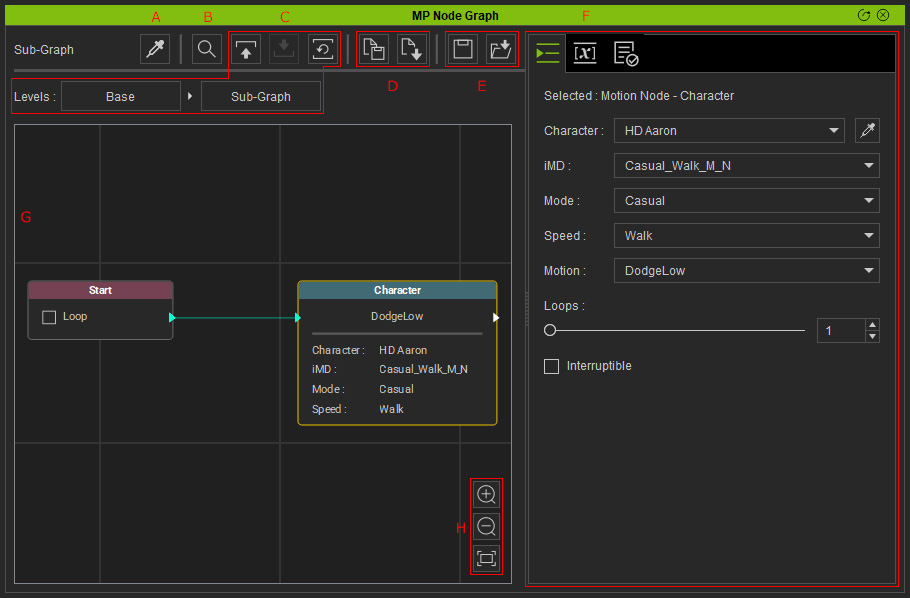
A |
Select an object (prop, MD Prop, or character) and automatically associate it with its corresponding MP node |
|
|
B |
Searches graph nodes that are associated with or missing a specific object (characters or MD props). |
|
|
C |
Switches the viewport to parent level, child level or base level. |
|
|
D |
Saves selected nodes as a template and loads the template nodes from a (.Json) file for reuse. |
|
|
E |
Saves and loads associated characters, MD props, and graph nodes via a (.iPlanningSet) file. |
|
|
F |
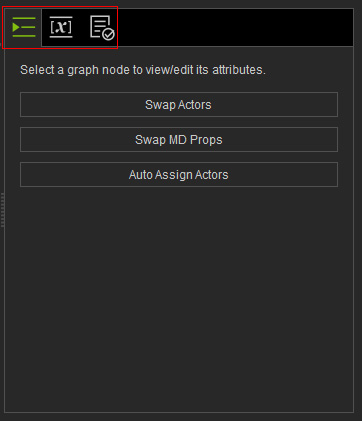
Contains three tab pages, including Attributes, Variables and Log. |
|
|
G |
Graph Editing Viewport |
You can preview and edit the graph nodes in the viewport. |
|
H |
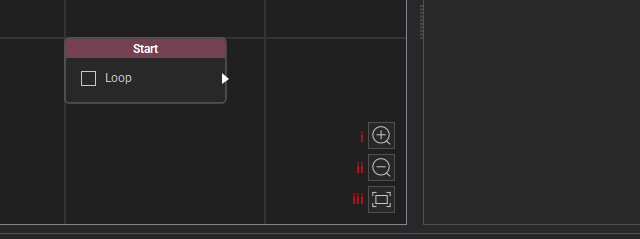
Zooms in / out and displays all nodes with the three tools.
Please refer to the Viewport Manipulation section for more information. |