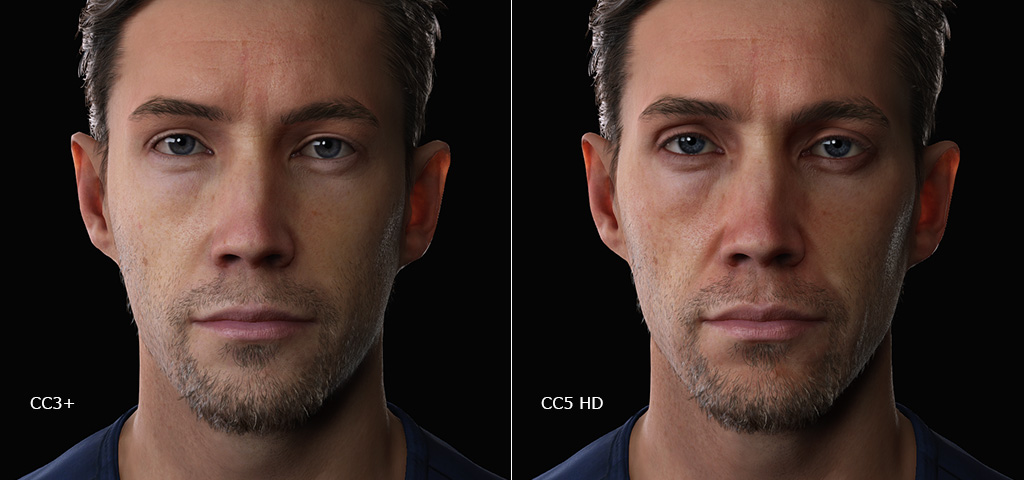
Upgrading CC3+ to CC5 Characters
To upgrade an existing CC3+ character to an HD character, simply follow the steps on this page:
- Apply a CC3+ character, Kevin, for example.
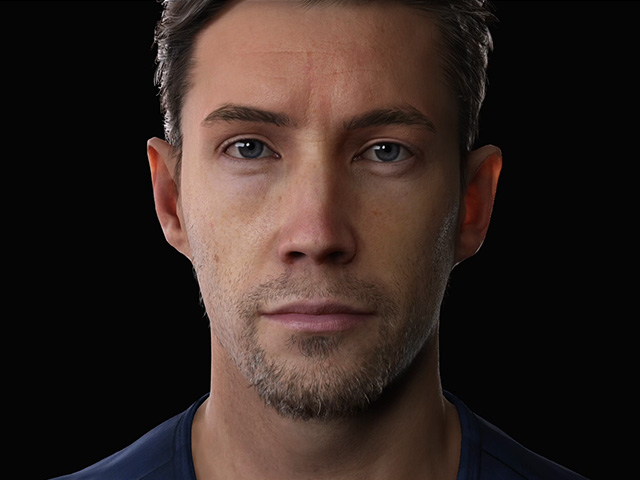
- Upgrading the shape by increasing the mesh level (maximum: 2).
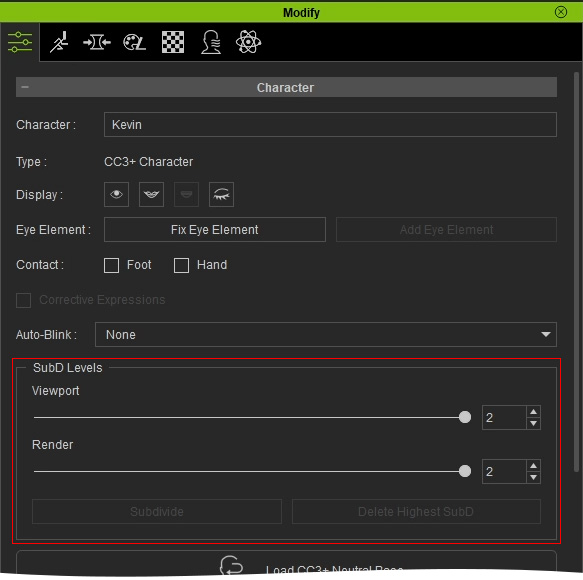
You can switch to the wireframe mode for viewing the subdivision result.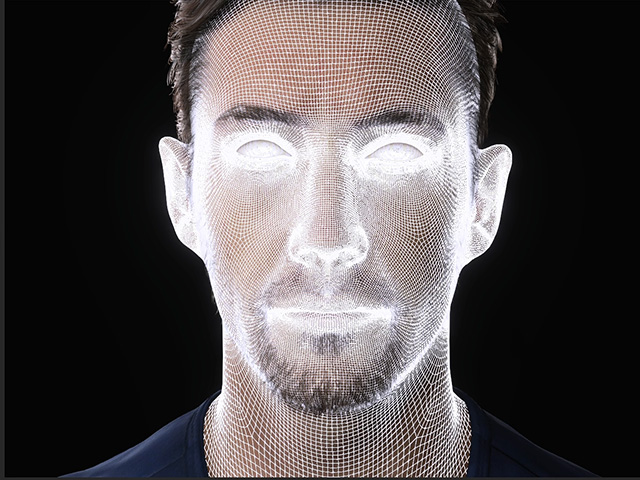
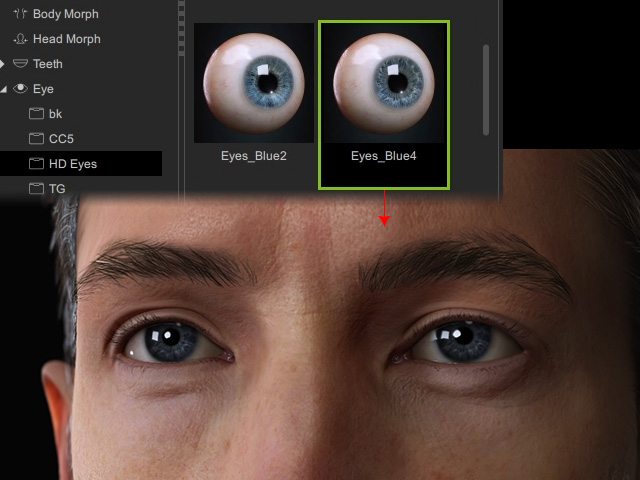
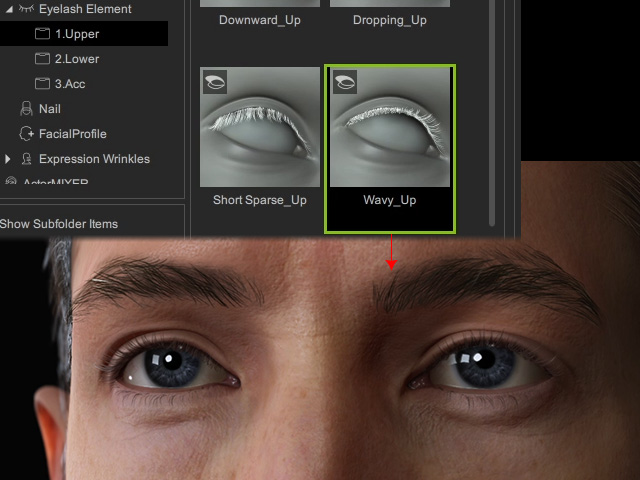
- Adding details with HD morphs and updating HD eyes and HD eyelashes.
- HD Eyes:
- HD Eyelashes:
- HD Eyes:
- Create details of the character with HD Morph Sliders.
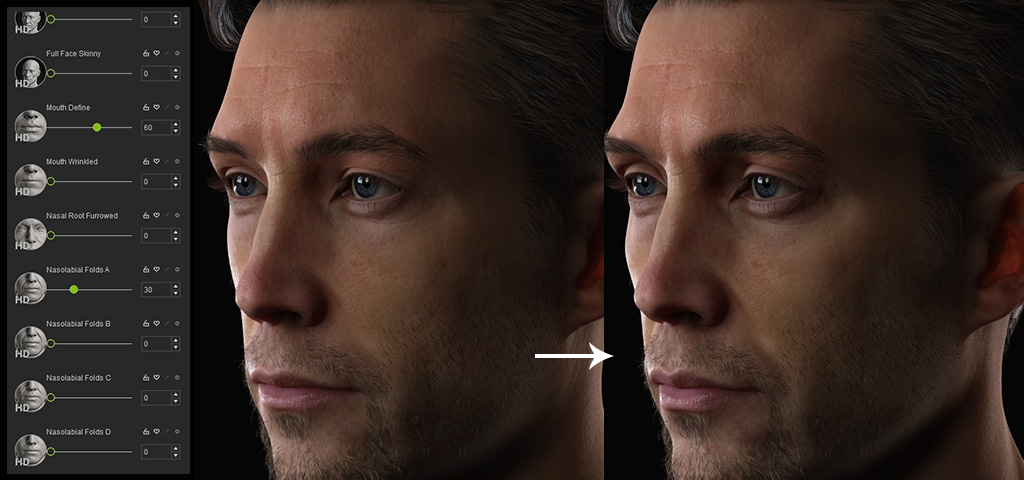
- Optionally use external editor, such as ZBrush or Blender to further modify the mesh.
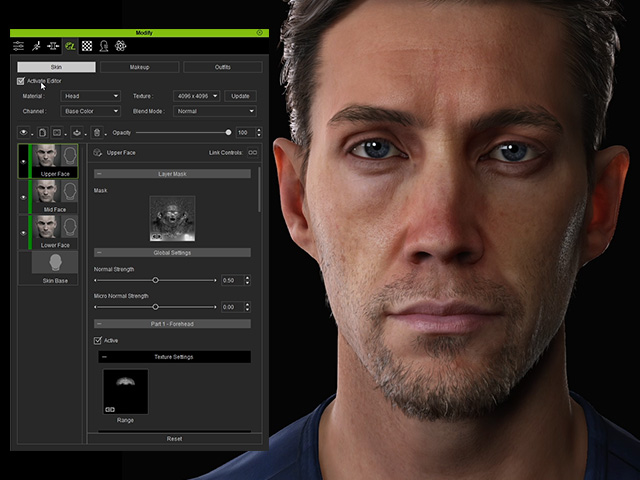
- Upgrade materials by using HD Skin, blend Redness Map, add Displacement texture, bake normal and baking wrinkles textures.
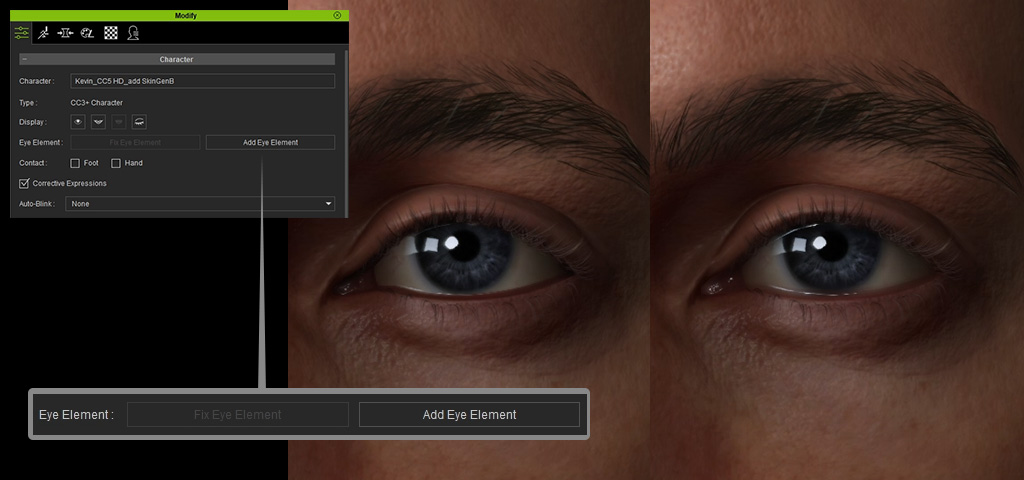
- Upgrade the eye elements (tearline and eye occlusion).
- Optionally generate displacement or cavity textures with GoZ feature.
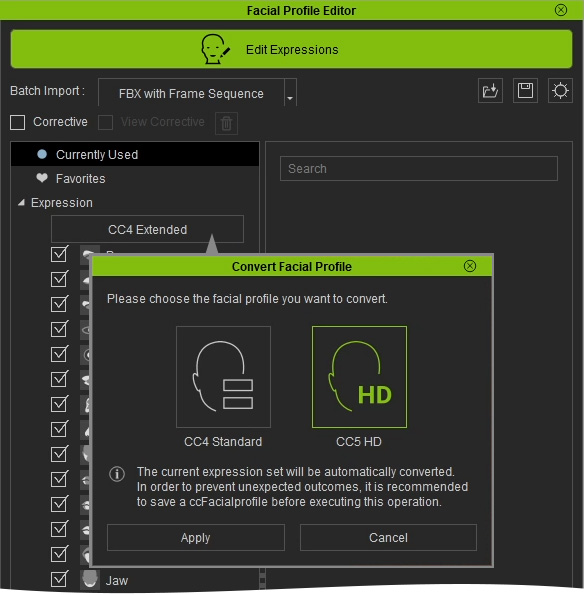
- Apply CC5 HD facial profile, set nonlinear morphing result.
- Optionally edit facial corrective expression morph result with CC, GoZ or Blender.
- The character has been converted from CC3+ to CC5 HD character.