Starting Your First Project
Follow the instruction below to create your first project.
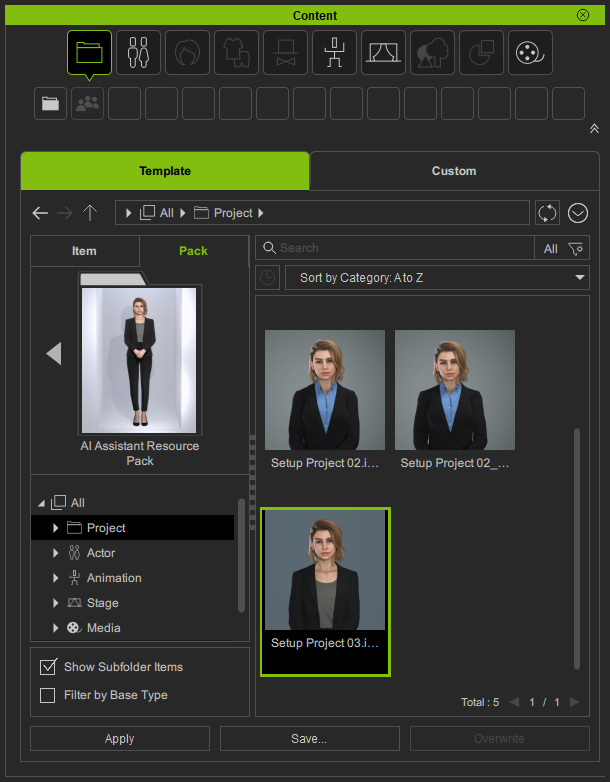
- Apply a Setup Project from the AI Assistant Resource Pack in Content Manager.
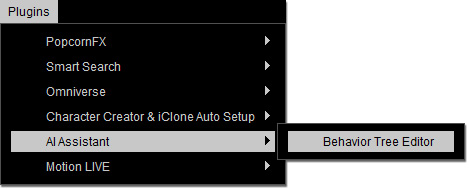
- Launch the AI Assistant Plug-in from the main menu.
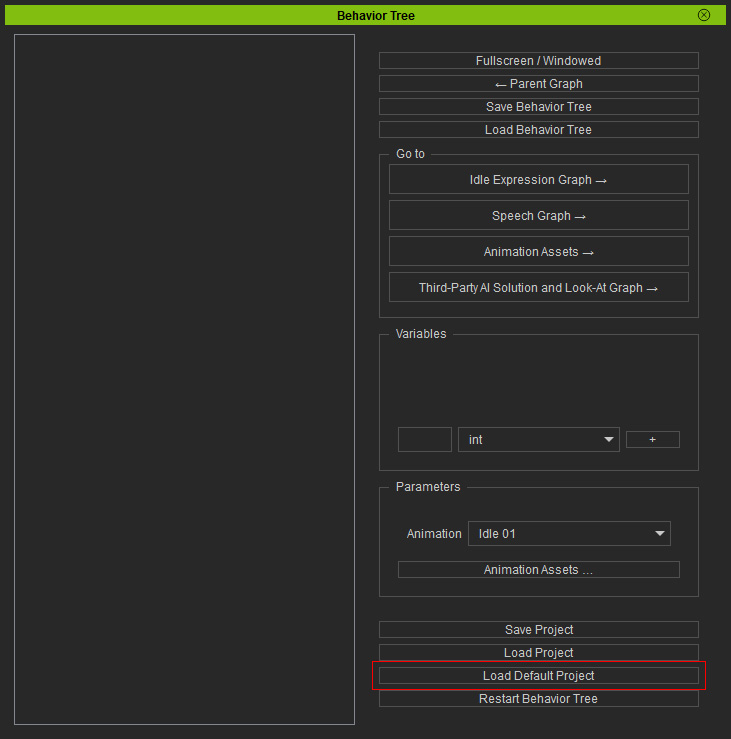
- Click the Load Default Project button to load the embed resources in the Behavior Tree panel.
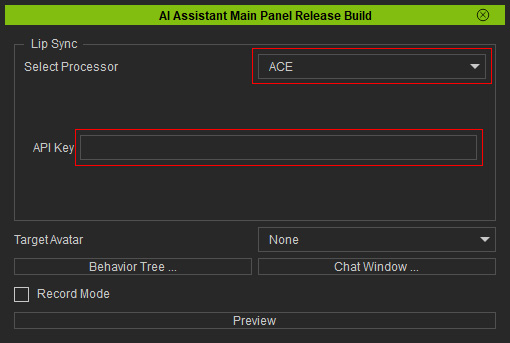
- Input the API Key to enable the ACE A2F lip-sync feature in the main panel.
- Create your TTS asset in the Third-Party Assets panel.
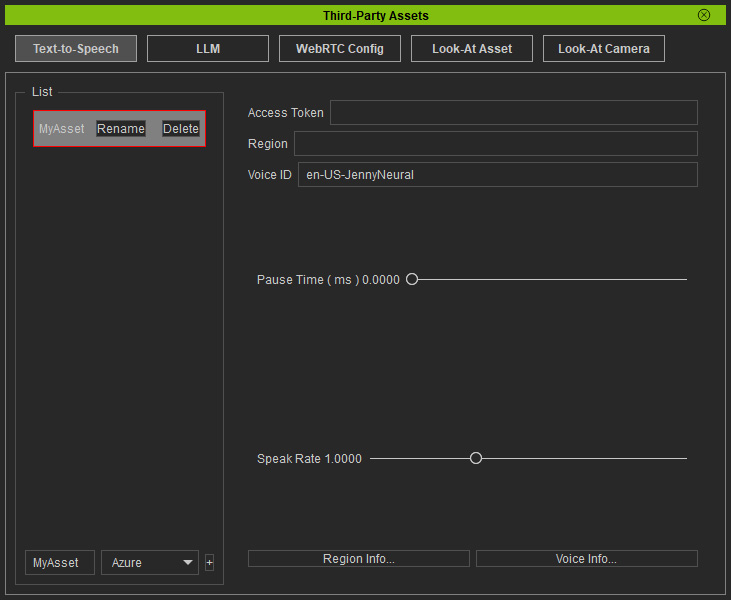
- Create your LLM asset in the Third-Party Assets panel.
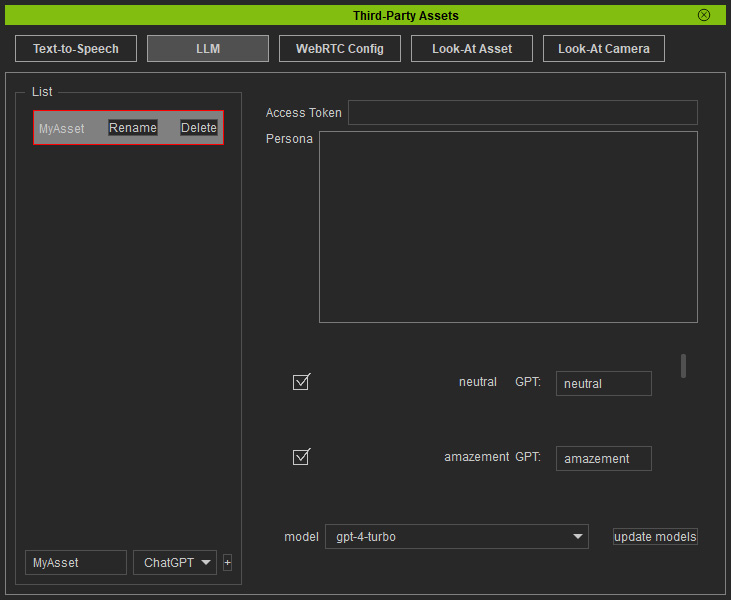
- Click the Save Project button near the bottom-right corner of the Behavior Tree panel.
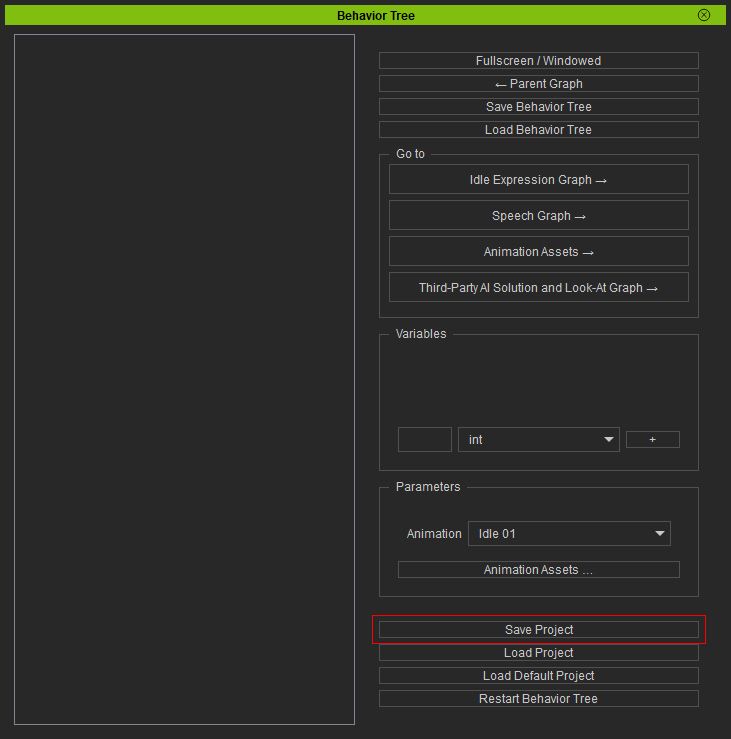
- Create an idle animation and design a state machine to develop a loop for the character's behavior.
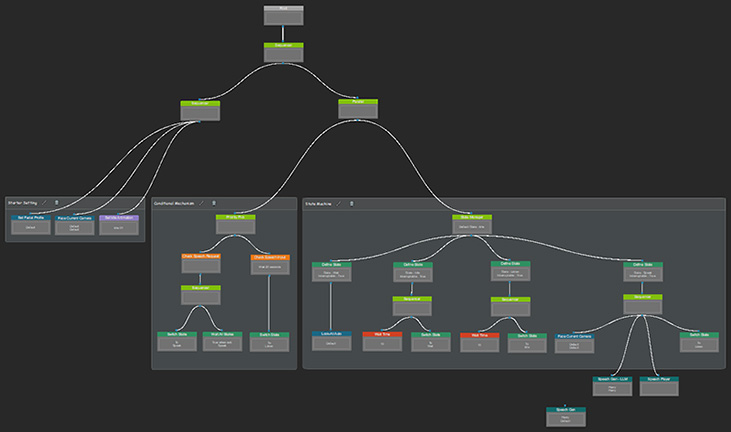
- Load the embedded and third-party resources to execute the required events.
- Click on Preview in the main panel, and then use the Chat window to test out state machine.
